NANOLEAF Desktop Pegboard Organizer - NL7602K0001A023
Warranty
Maintenance Terms and Conditions / Warranty Information
DIGIBAL Official Warranty Coverage
This product is Authentic Hong Kong goods, enjoy Original factory one-year warranty (Unless otherwise specified on the product page). Customers must keep this information safe. Purchase receipts and products Hong Kong distributor of skin care stickers (It is recommended to take photos for record-keeping). If the product malfunctions during the warranty period, the customer must...Contact the Hong Kong general agent directly. Arrange for testing and repair.
🌏 Overseas (US / CA / UK / SG / AU)
All products are Hong Kong official versions supplied with a UK-style 3-pin plug. Travel adapters are not included. Warranty coverage ranges from 1 to 2 years, with all servicing performed in Hong Kong. Local return warehouses available in Australia, UK and USA.
Contact CSProvide photos/videos
Submit photos/videos
Local ReturnShipping costs are paid by the customer first.
Customer pays upfront
Ship to HK Maintenance arranged by the company
Warranty processed
Reimbursement Full refund upon presentation of receipt
Full refund of postage
Overseas customers may choose between the following two options:
For other countries, please contact customer service for a return address.
Nanoleaf Pegboard Desk Dock
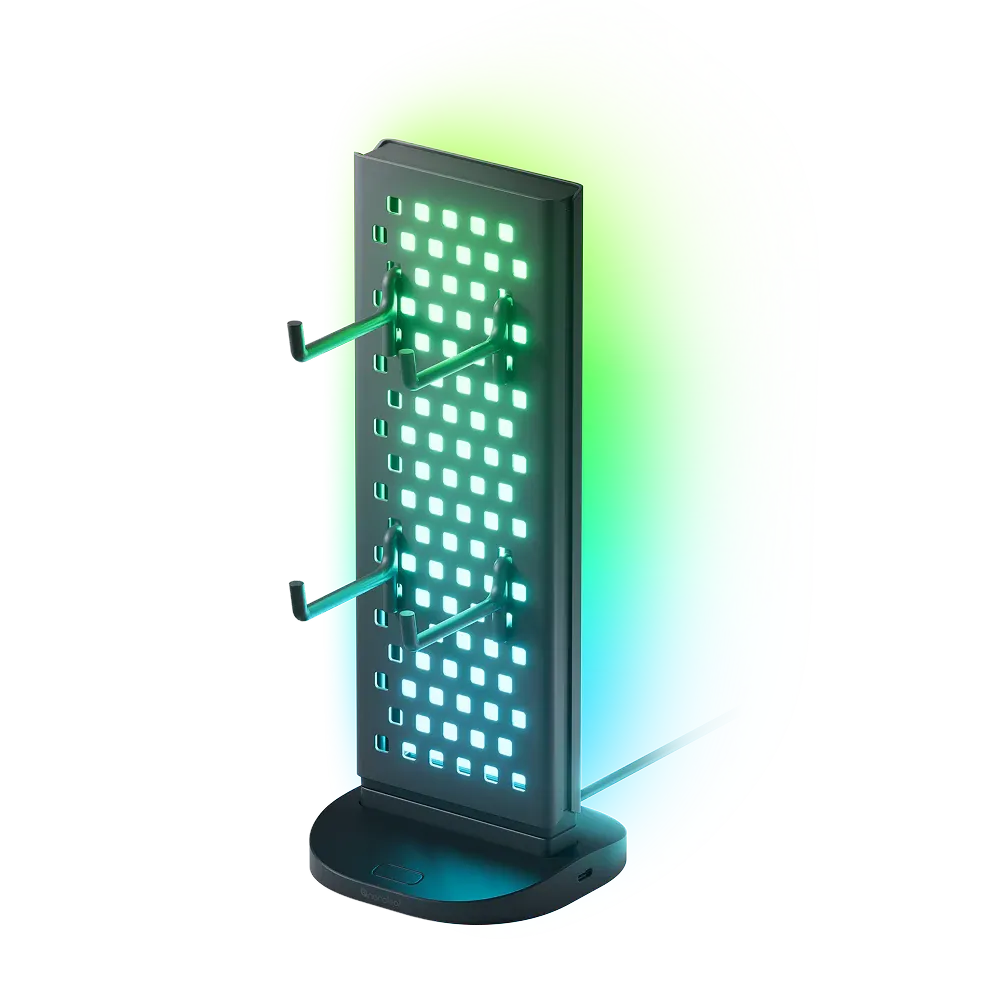
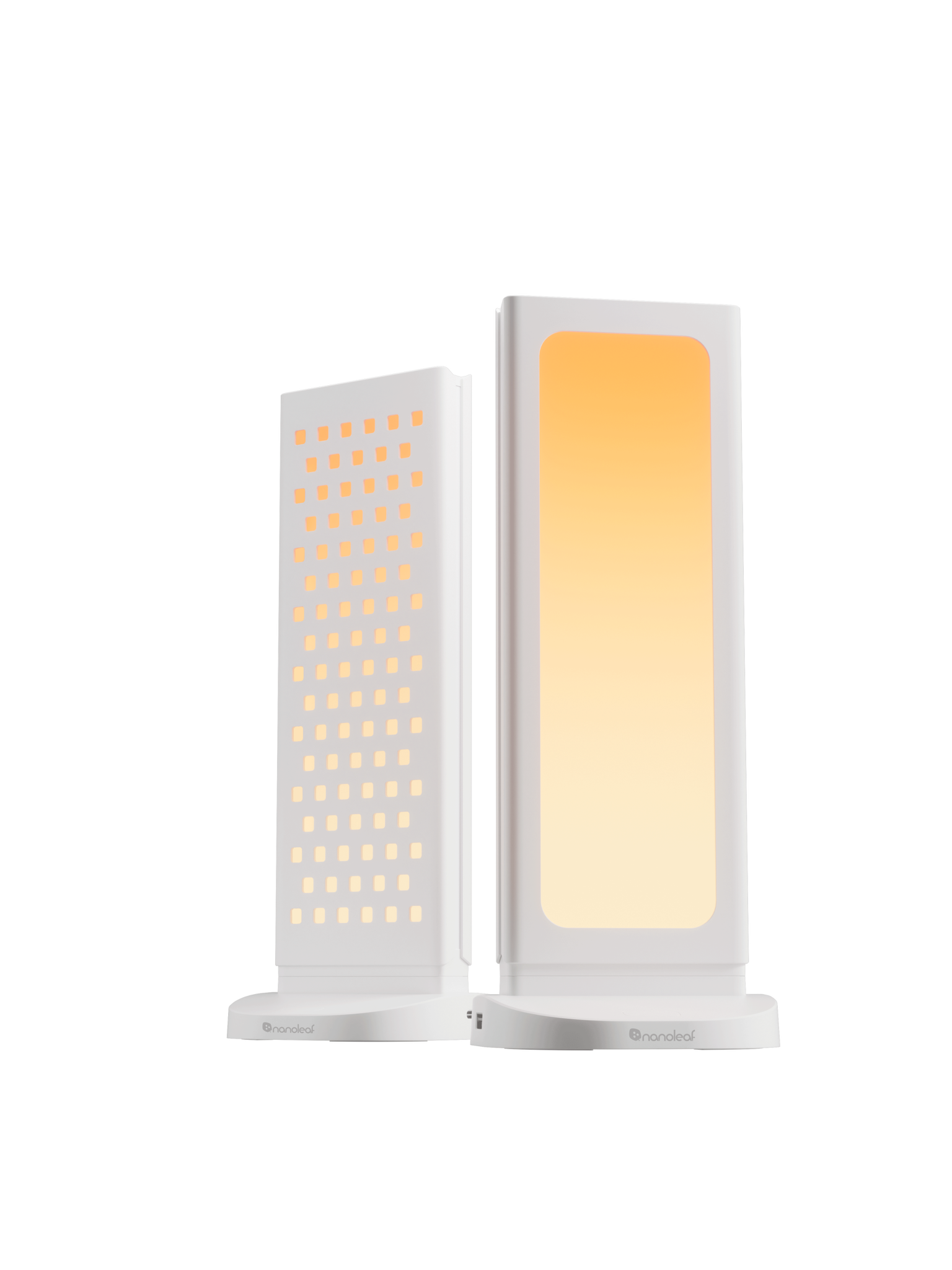
Dual-sided 3-in-1 desktop dock: RGB lighting on one side, pegboard storage on the other, with a base that doubles as a USB hub (2×USB-C, 1×USB-A); the panel flips 180°.
Product Overview
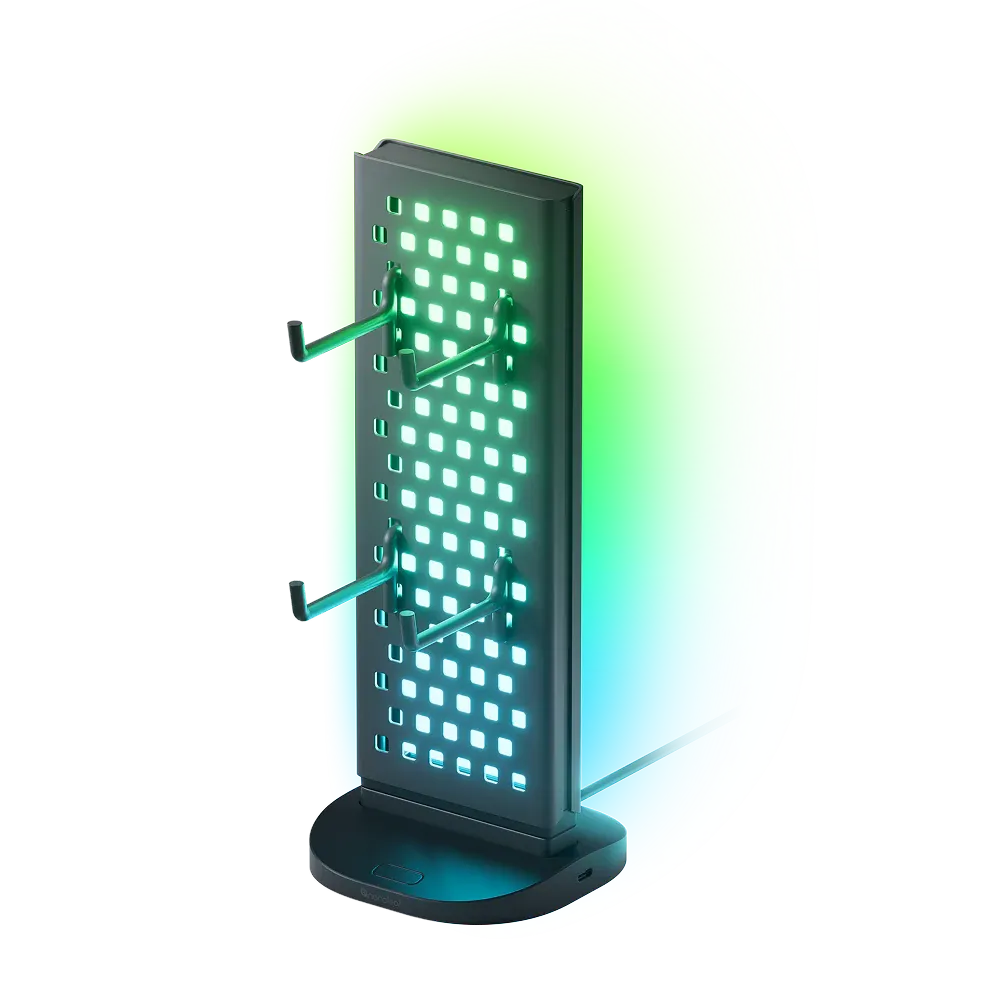
A dual-sided 3-in-1 desktop pegboard dock, with an RGB light panel on one side and a storage pegboard on the other. The panel flips 180°. The base doubles as a USB hub, providing 2 USB-C ports, 1 USB-A port, and 1 USB-C power input, plus 4 hooks.
What usually takes up the most space on a desktop isn’t the computer, but headphones, controllers, cables, and a pile of small accessories. This dock combines lighting, storage, and USB expansion in one unit.
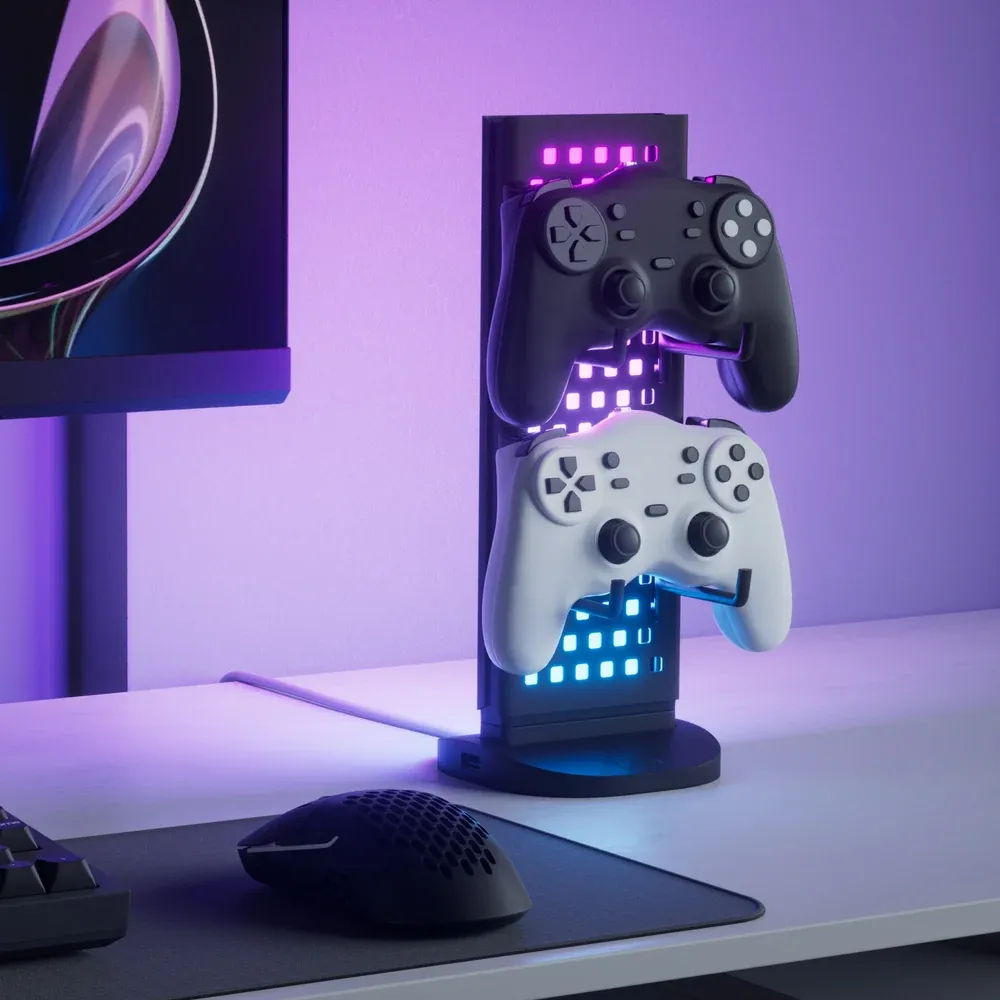
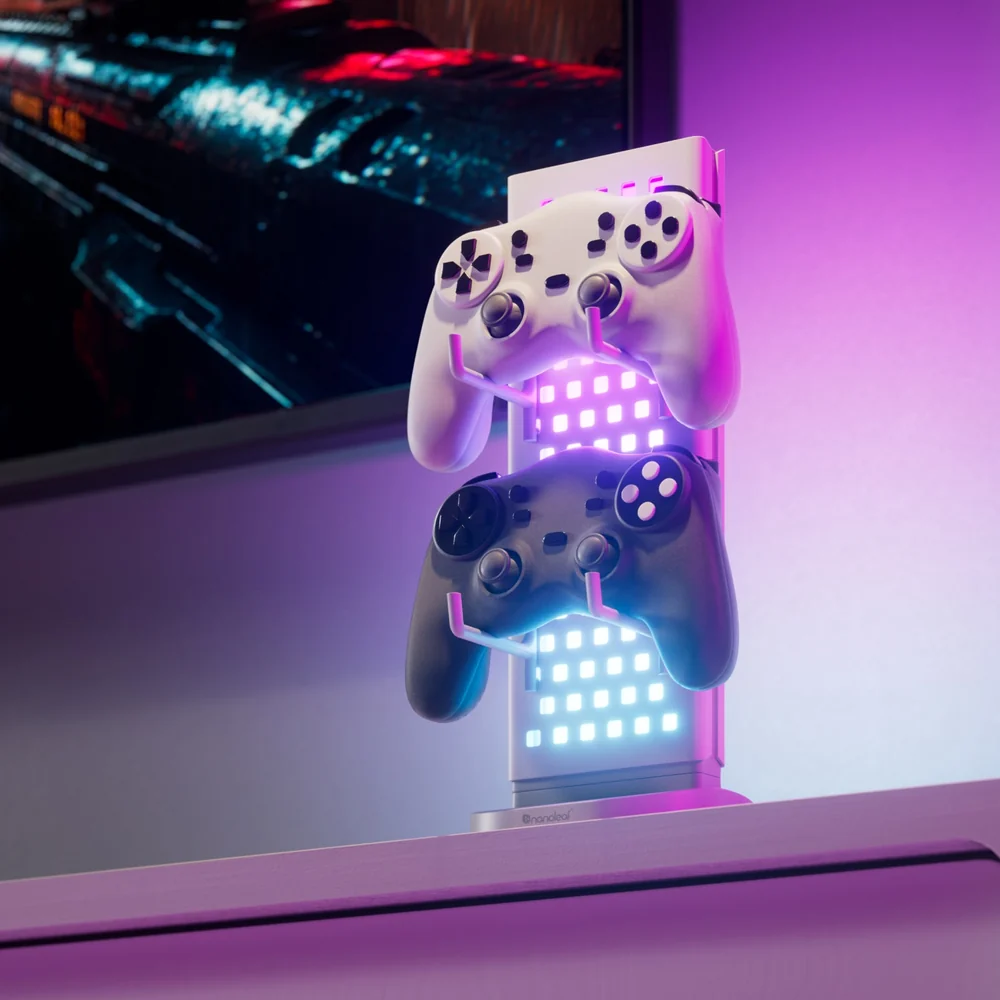
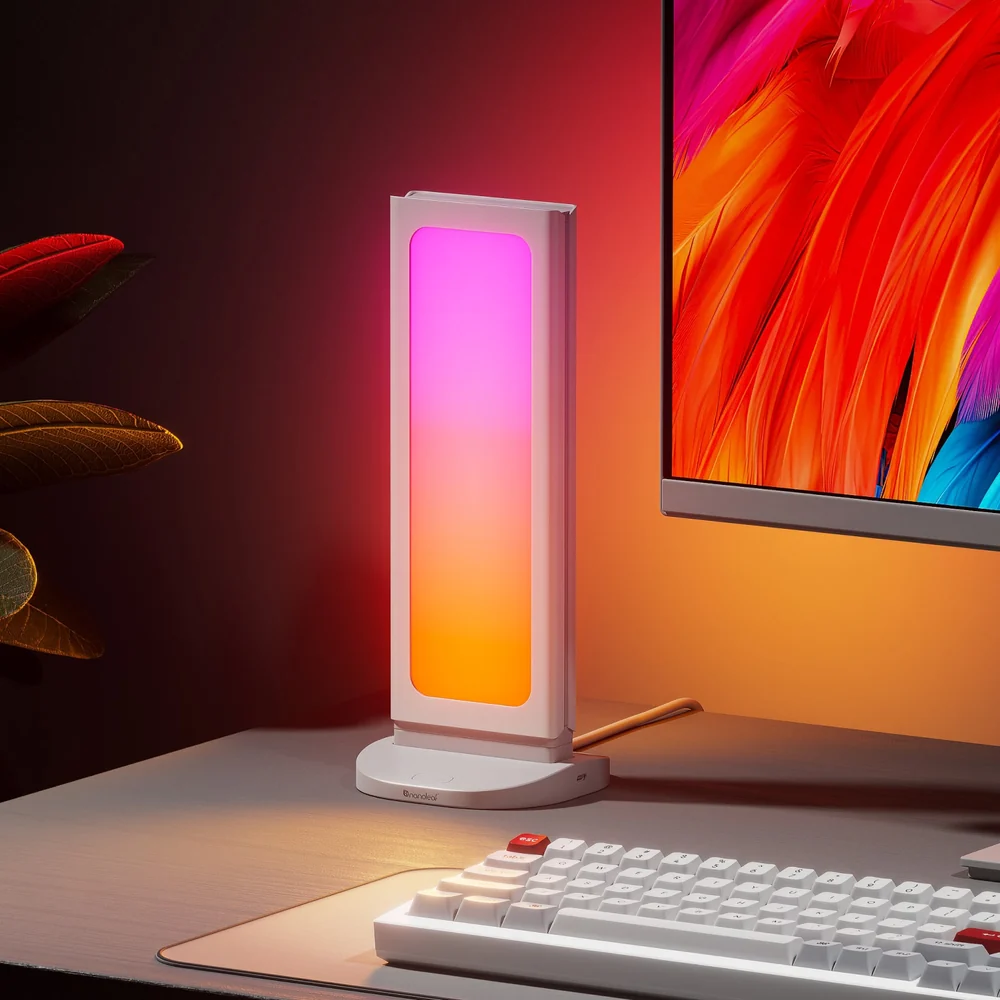
The panel flips 180°: one side is an RGB light panel for backlighting, while the other is a pegboard with 4 hooks for storage. Use the storage side while working and flip to the light side when gaming.
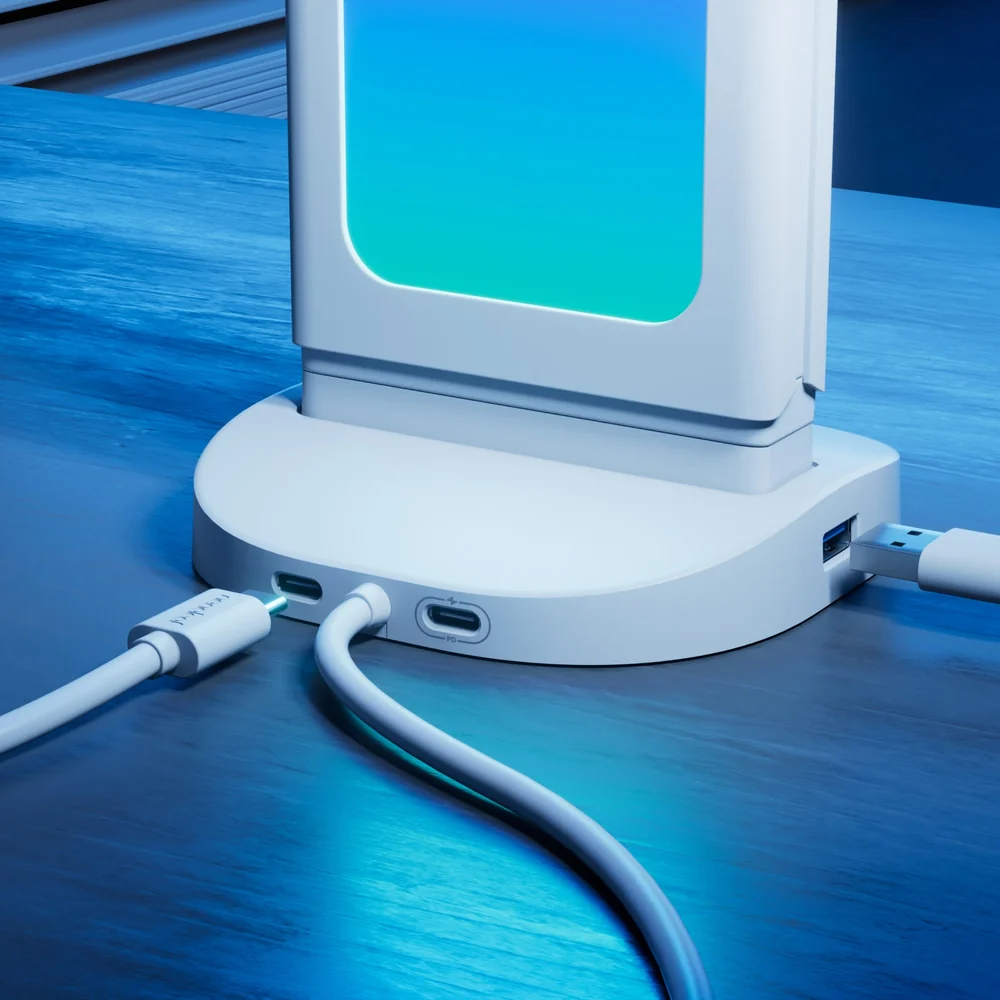
The base itself is a USB hub, providing 2 USB-C ports and 1 USB-A port, along with a USB-C power input. It can also connect to a computer via USB-C for real-time screen mirroring. Note that it only supports the Nanoleaf desktop app; the mobile app is not supported.

Six Key Highlights
Dual-sided 180° flip
An RGB light panel on one side and pegboard storage on the other—flip it to switch functions without needing two accessories to occupy two spaces.
- Panel flips 180°
- Lighting on one side, storage on the other
- Two functions in one
Base doubles as a USB hub
The base provides 2 USB-C ports and 1 USB-A port, along with 1 USB-C power input, so you don’t need another hub on your desktop.
- 2 × USB-C
- 1 × USB-A
- 1 × USB-C power input
4 hooks for storage
Includes 4 round-hole pegboard hooks for hanging headphones, controllers, cables, and everyday small items.
- 4 Hooks
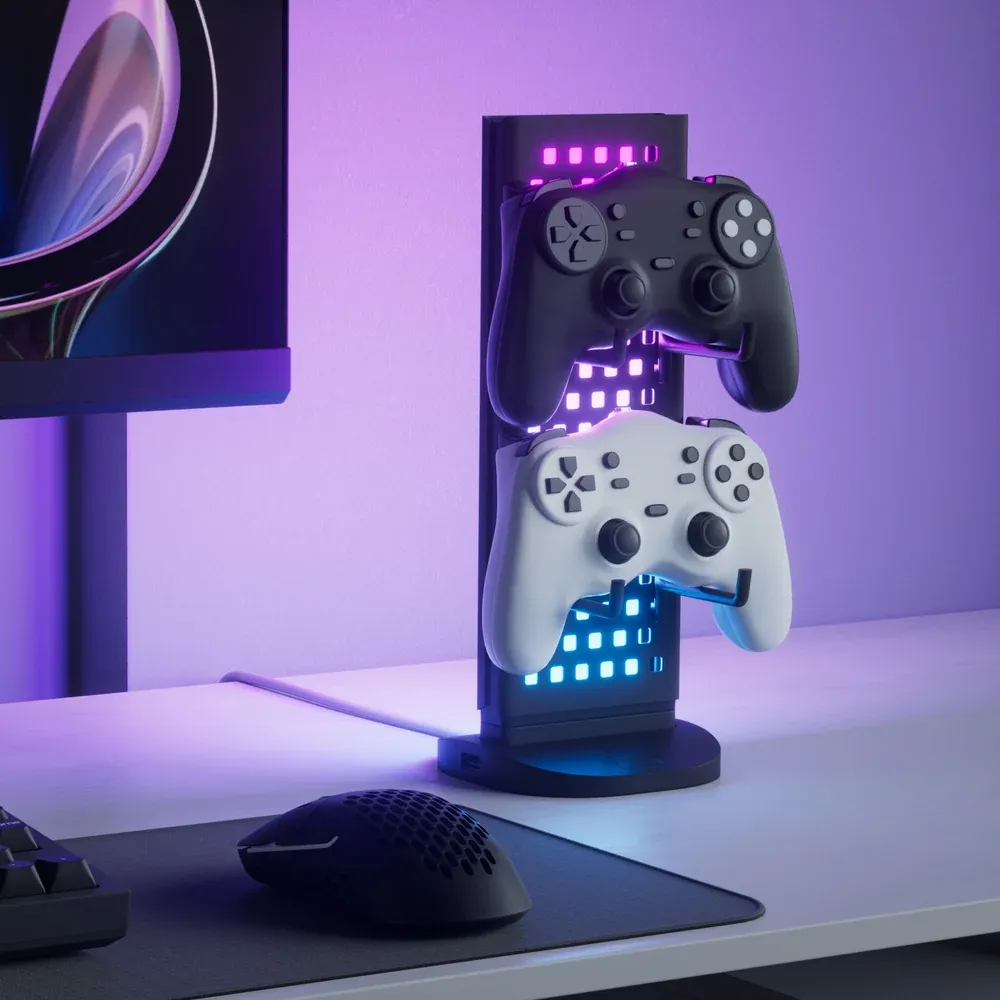
- Can hold headphones and controllers
- Keep your desk tidy
Screen Mirroring & Music Visualization
Connect to your computer via USB-C for real-time screen mirroring, or sync visual effects to the beat of your music. Colors and effects can also be customized.
- Real-time Screen Mirroring
- Music Visualization
- Customizable Colors and Effects
Desktop App Only
As officially stated, the Nanoleaf desktop application is required to use the full functionality. **Mobile App not supported**.
- Desktop App (Windows/Mac)
- Mobile App Not Supported
- Basic Controls on the Base
Product Details
Desktop Application Only
The manufacturer clearly states that the Nanoleaf desktop application (Windows/Mac) is required to access the full functionality of this product. The mobile app is not supported.
USB Ports and Power
The base provides 2 USB-C ports, 1 USB-A port, and 1 USB-C power input. The power wattage and USB specifications have not been listed officially, so no assumptions are made on this page.
Details Not Listed by Official Sources
The official website does not list the number of LEDs, brightness, panel dimensions, or USB power wattage. No assumptions are made on this page. For precise specifications, contact customer service to request the official specification sheet.
Use Cases
Gaming Setup
Flip to the light side for backlighting and pair it with screen mirroring to extend game colors onto your desk. Hang your headphones on the side hooks.
Work and Working from Home
Flip to the pegboard side to hang cables, controllers, and stationery, leaving only your keyboard and mouse on the desk. Use the USB ports to connect your keyboard and phone.
Streaming and Content Creation
Use screen mirroring as background lighting to match the colors of your desk and screen for a more cohesive setup.
In the Box
- Pegboard Desk Dock × 1
- Round-Hole Pegboard Hooks × 4
- USB Cable
- Quick Start Guide
Hong Kong packaging contents are subject to the actual product. Accessories that have not been verified are not guaranteed.
Why Choose This Model
One device replaces a light, organizer, and hub.
RGB lighting syncs with your screen and music.
The base already has 2 USB-C ports and 1 USB-A port.
Available in two colors.
Compare Models in the Same Series
| Model | Store Positioning | Link |
|---|---|---|
| Desktop Pegboard Organizer (This Page) | Two-Sided Storage with Lighting | Shop Now |
| Pegboard Desk Dock (Another Page) | Desktop Lamp Base from the Same Series | Shop Now |
| Sense+ Wireless Switch | Physical Button Control for Lighting | Shop Now |
The comparison only lists models sold in our store; prices are subject to the current prices displayed on the product pages.
Full Specifications
| Product Type | Desktop Pegboard Organizer (3-in-1) |
|---|---|
| Features | RGB lighting, pegboard storage, USB hub |
| Panel Rotation | 180° |
| Number of Hooks | 4 |
| USB Ports | 2 × USB-C, 1 × USB-A |
| Power Input | 1 × USB-C |
| Computer Connection | USB-C, supports real-time screen mirroring |
| Control Method | Nanoleaf Desktop App (Windows/Mac) |
| Mobile App Support | Not supported |
| Lighting Functions | Screen mirroring, music visualization, custom colors and effects |
| Color Options | Black/White |
| Usage Environment | Indoor |
Specifications source: Nanoleaf official product page; values and units are reproduced as stated in the original text and have not been converted.
Frequently Asked Questions
Q: Can it be controlled using the mobile app?
A: No. The manufacturer clearly states that only the desktop app (Windows/Mac) is supported; the mobile app is not supported.
Q: What is the difference between black and white?
A: The features are exactly the same; the only difference is the body color. This page offers BLACK and WHITE options. Simply select the color when placing your order.
Q: Can the USB ports be used for charging?
A: They can connect to and power peripheral devices, but the official power output in watts has not been specified, so no assumptions are made on this page. For high-power charging, we recommend using a dedicated charger.
Q: How much weight can the hooks hold?
A: The official information on this page does not specify the weight capacity, so no assumptions are made. We recommend hanging lightweight items such as headphones, game controllers, and cables.
Q: Does it need to be connected to a separate power source?
A: Yes. The base has 1 USB-C power input and must be connected to a power source for use.
Q: Which systems are supported for screen mirroring?
A: Windows and Mac are supported via a USB-C connection to the computer.
Q: Does the Hong Kong official version come with a warranty?
A: Comes with a one-year warranty and after-sales support provided by the local agent.
Q: Can overseas customers purchase it?
A: Overseas customers can arrange after-sales service through DIGIBAL ONLINE. We have overseas warehouses in Australia, the UK, Germany, Singapore, Canada, the US, Malaysia, France, and Dubai, where items can be received locally and sent for inspection. For details, please contact customer service (cs@digibalonline.com). Overseas warehouse arrangements for after-sales service are subject to change.
Warranty
One-year warranty
The warranty period is subject to the statutory requirements of the local country.
One unit replaces a lamp, storage, and hub
Official Hong Kong stock|One-year warranty|Local after-sales support