
How to Choose a Mini PC? 2026 Hong Kong Mini PC Buying Guide
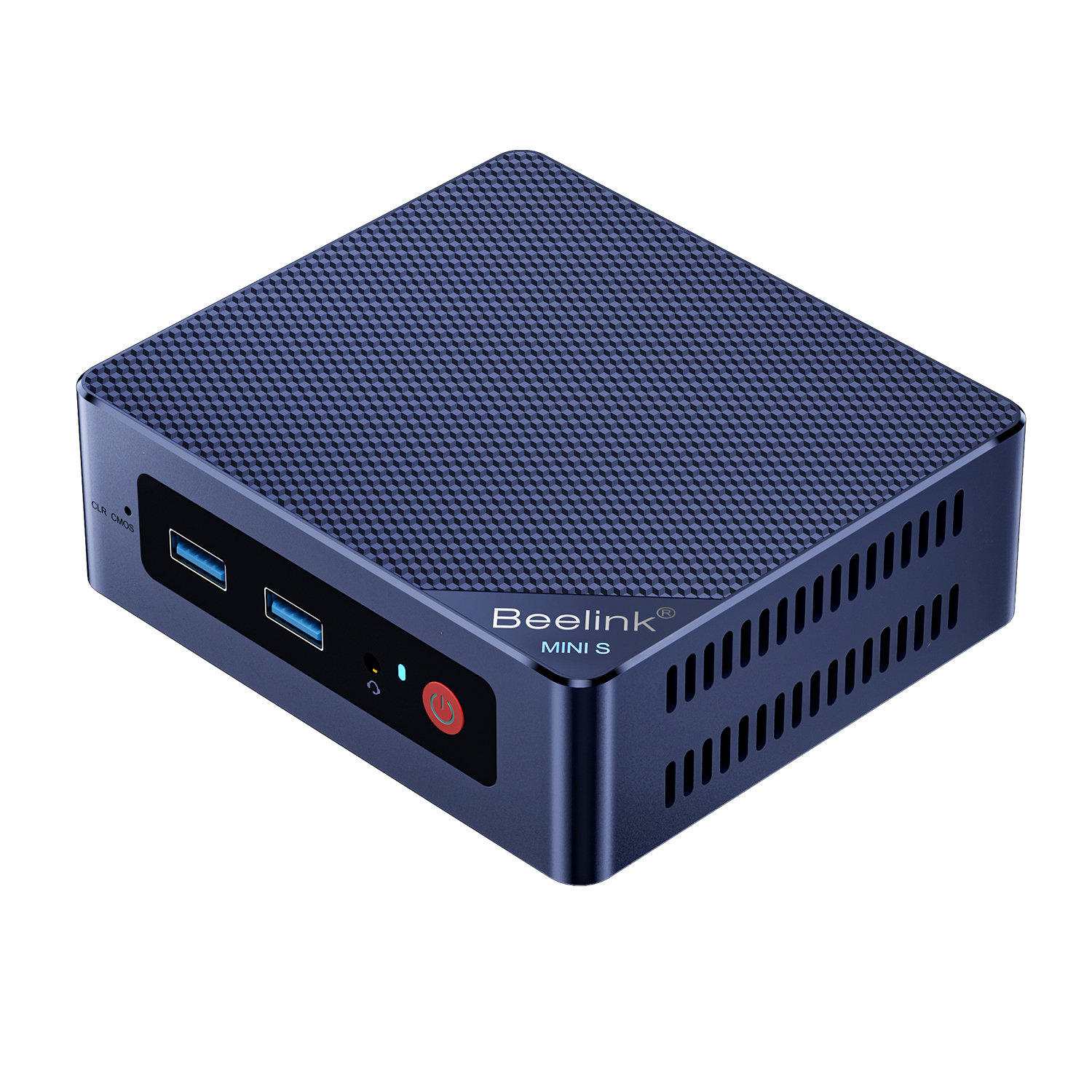
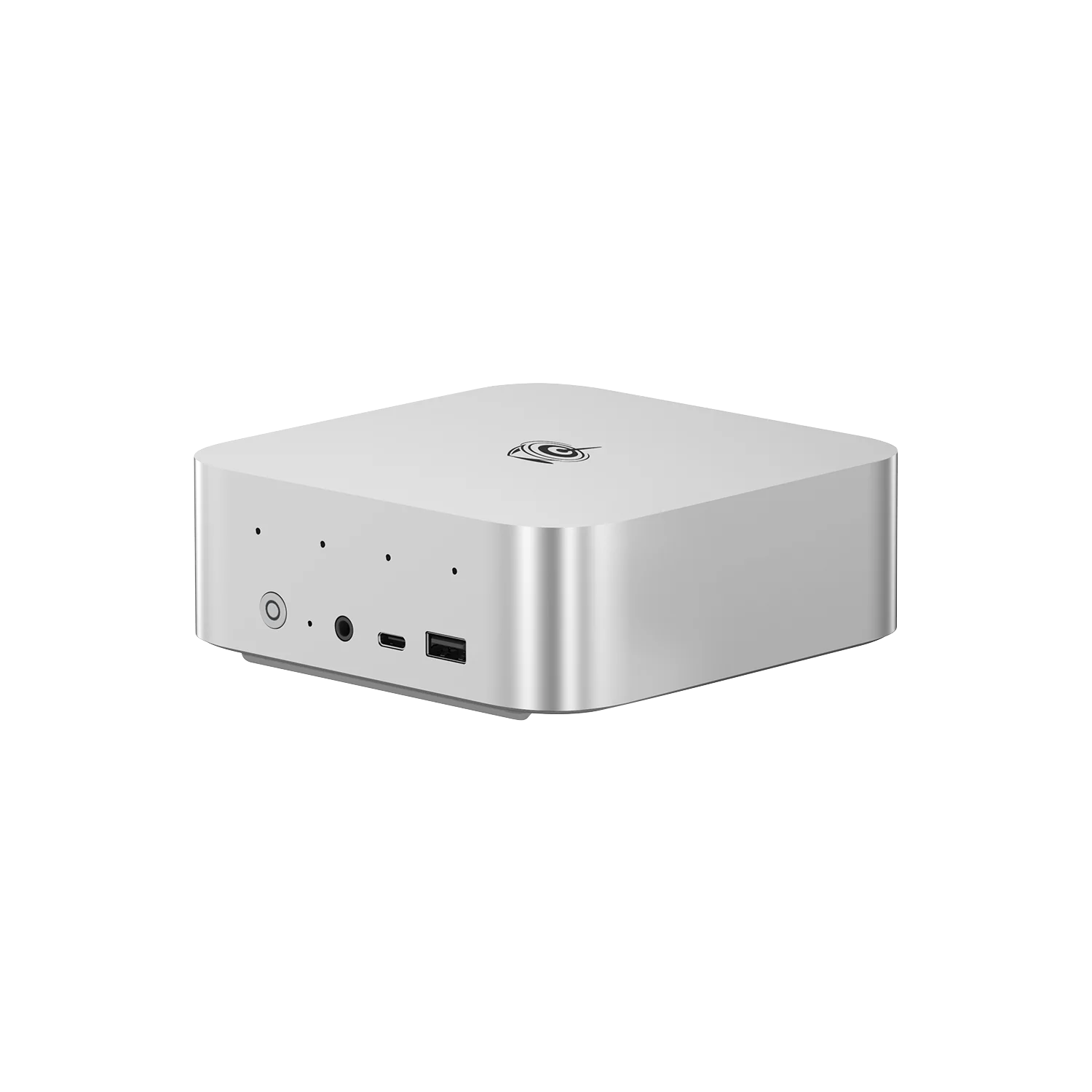
- Our store stocks over 100 mini PCs, with prices ranging from HK$2,299(SER3 8GB) to HK$32,999(MS-S1 MAX 128GB)
- The same model commonly comes in 16 / 32 / 64GB versions, with the price difference mainly due to the memory and SSD
- Models marked Barebone do not include RAM, an SSD or an operating system. They are the cheapest option but cannot be compared directly
- All prices were retrieved from the SHOPLINE product API on 2026-10-28
| 1 HK$ = | S$ SGD | A$ AUD | £ GBP | US$ USD |
|---|---|---|---|---|
| Reference exchange rates | S$0.16332 | A$0.18128 | £0.09565 | US$0.12748 |
Four tiers, with a 14x price difference
Our mini PCs range from HK$2,299 to HK$32,999, and it’s not a matter of “the more expensive, the better”—these are four completely different use cases. Identify your needs first, then compare specifications.
Note:HK$2,299 vs HK$32,999 difference is mainly what you’re paying for: CPU tier and memory capacity, not the brand. Within the same price range, compare RAM/SSD and cooling first, then compare model names.
RAM and SSD: The 2026 minimum standard
Practical recommendation:16GB RAM + 512GB SSD is the minimum standard for 2026, while 8GB/256GB is only suitable for single-purpose use (POS, digital signage, media players).
- Windows 11 already uses 4–6GB at startup; on an 8GB machine, opening a few Chrome tabs will already start causing paging.
- After subtracting the system, a 512GB SSD has only about 400GB remaining; 1TB is the basic choice for photos, videos, and games.
- Most mini PCs use SO-DIMM or LPDDR;LPDDR is soldered, so you need to buy enough from the start, while SO-DIMM can be upgraded later.
That’s why the same model in our store commonly comes in 16GB/32GB/64GB versions, with the price difference usually concentrated in the memory and SSD, not the CPU.
How to distinguish processor suffixes: N / H / V / AI Max
Model names can be confusing; in fact, just look at the suffix:
How to choose:Don't want to hear fan noise and need it running 24/7 → N or V; need performance → H/HX; need to run local AI → AI Max。Using an N series for video editing or a 9955HX as a digital signage machine is simply wasteful.
Why large memory is the threshold for local AI
Local AI models must first be loaded into memory before they can run. The larger the model, the more memory it requires.A machine with 128GB of unified memory(such as MS-S1 MAX)can load models at a scale that a 16GB machine simply cannot handle——this is the main reason for the 14× price difference, not gaming.
If you only use cloud AI(ChatGPT、Claude), an entry-level mini PC is already sufficient because the computing takes place in the cloud; only local AI requires hardware at this level. Before buying, ask yourself:Do I really need to run models locally?
Ports and peripherals: Check each model against the official website before buying
The number of ports varies greatly between mini PCs, and directly determines how many monitors you can connect and whether you need a docking station. Before placing your order, confirm the following:
- Number and specifications of video outputs(HDMI/DisplayPort/USB-C video)
- Whether USB-C supports power delivery, video, Thunderbolt/USB4
- Wired network speed(1G or 2.5G; pay attention if using it for NAS/software routing)
- Whether it supports OCuLink/an external graphics card(such as the Minisforum DEG1 docking station)
- Number of 2.5-inch SATA bays and M.2 slots(for models that need multiple hard drives, such as the MS series)
The ports of each model in our store are based on the official specifications. Before placing your order, you can ask us to check them with you once more to avoid discovering after purchase that one HDMI port is missing.
Cooling and 7×24 use
Mini PCs are compact, so cooling space is limited. The fans on high-power H/HX models will become noticeably audible during extended periods of full load. This is a physical limitation, not a defective unit. If you plan to place it in a bedroom, recording studio, or cabinet,choose an N or V series,or leave adequate ventilation space and avoid stacking devices.
For 7×24 use(POS、digital signage、NAS), pay special attention to leaving 5–10cm of space around the chassis, cleaning out dust regularly, and avoiding placement on carpets or in enclosed cabinets. This affects service life more than the specifications do.
Barebone systems, pre-built models, and warranty service
Models whose product names include Barebone/barebone system(such as Minisforum MS01 Barebone HK$3,399),are shippedwithout memory, storage, or an operating system,which must be purchased separately; pre-built models in the same series already include RAM, an SSD, and Windows.
The mini PCs in our store are divided into Hong Kong official stock and selected parallel imports, with different warranty periods and service procedures. Please confirm the label for the specific model before placing your order.The lowest-priced option is often a barebone system——make sure the configurations are equivalent before comparing prices.
8 checks before placing your order
- Is it for basic office work only, or for multitasking/creative work/AI?
- Is the RAM 16GB or more? Is it soldered or upgradeable?
- Is the SSD 512GB or more? How many M.2 slots are there?
- How many monitors do you need? Are there enough ports?
- Do you need 2.5G networking or OCuLink?
- Will it be left running 7×24? Is there enough space for cooling?
- Is it a barebone system or does it come with Windows installed?
- Official stock or parallel import? How is the warranty handled?
What other common questions are there?
Can a mini PC replace a desktop computer?
Is 8GB of RAM enough?
What is a Barebone system?
Can a mini PC run 24 hours a day?
Can it run local AI models?
Sources and verification methods
Prices were retrieved on 2026-10-28 from the DIGIBAL ONLINE SHOPLINE product API. They represent the lowest configuration prices for each model and exclude shipping fees and promotions; specifications are based on the brands’ official pages. This article was compiled by the DIGIBAL ONLINE editorial team. If there is any discrepancy with the product page, the product page and official specifications shall prevail.