



DIGIBAL ONLINE Editorial|Last updated 2026-10-27|Singapore
- 3 items|purpose, organisation identity, privacy contact — the minimum a notice must carry
- 2 regimes|publicly accessible premises vs restricted premises (card-access office, staff-only rooms)
- 30 days|a workable default retention for a small shop; write it into policy and enforce it
- 0 cameras|in toilets and changing rooms — ever
- 1 masking step|the practical answer to "footage shows my staff and a customer"
| 1 HK$ = | S$ SGD | A$ AUD | £ GBP | US$ USD |
|---|---|---|---|---|
| Reference rate | S$0.16332 | A$0.18128 | £0.09565 | US$0.12748 |
Does PDPA apply to my shop's cameras?
Yes, whenever footage can identify an individual and the cameras are operated by an organisation — which a shop is. The Act governs collection, use and disclosure of personal data, and CCTV footage of identifiable people is personal data.
The point most shops miss: the stricter regime is not the shop floor, it is the back room. A stockroom camera pointed at staff lockers, or a camera in a staff rest area, is where complaints originate — and that is exactly the camera nobody thought to write a notice for.
What must the notice actually say?
Three things, in plain language: what it is for, who is operating it, and who to contact. Everything else is optional.
- Purpose. "For security and loss prevention" is acceptable. "CCTV in operation" on its own is not — it states the fact but not why.
- Identity of the organisation operating the cameras. The shop's registered entity name, not just the trading name on the signboard.
- Privacy contact. An email or phone number a person can write to. A generic "ask our staff" is not a contact point.
Bilingual notice you can print
This is the wording we hand to clients. It is deliberately short — a notice nobody reads satisfies no one. Replace the bracketed fields.
Footage is recorded and retained for up to 30 days, then erased.
Operator: [Registered company name]
Privacy enquiries: [privacy@yourcompany.com] / [phone]
30 ,。
Operator: [registered company name]
:[privacy@yourcompany.com] /
How long can I keep the footage?
No longer than the purpose requires — and you must be able to show that the period is deliberate. The PDPA does not fix a number; the regulator's position is that footage should not be retained when the purpose has expired, and that organisations should review retention rather than keep everything forever.
Whatever you choose, three things must be true: the period is written in your privacy policy, the recorder is actually configured to overwrite on that schedule, and the notice states the period. A policy that says 30 days next to a recorder holding 90 days is worse than no policy — it is a documented inconsistency.
Retention drives hardware sizing. A 2TB disk holds about 3.9 days with 8 cameras at 6 Mbps — far short of 30 days. The arithmetic is in CCTV cost for a small shop in Singapore.
What happens when someone asks for the footage?
Individuals can make access requests, and your obligation is to respond — with masking where the footage shows other people. This is the operational gap in most shops: the request arrives at the counter, staff do not know who handles it, and the shop either refuses flatly (a breach) or hands over a raw file containing other customers' faces (also a problem).
A workable process, small enough to actually be followed:
- One named person receives requests — usually the manager, not the counter staff.
- Log it: date, time window requested, requester, ID sighted, decision.
- Export only the relevant window, then mask other individuals' faces before release where feasible.
- Do not release footage of a third party's incident to an unrelated requester — that is disclosure, not access.
- Keep the log — it is your evidence that you handled the request reasonably.
Staff monitoring: the camera people forget to document
Monitoring employees is lawful but must be disclosed and proportionate. Three practical rules:
- No cameras in rest areas, locker rooms or toilets. If a camera incidentally covers a staff break corner, re-aim it.
- Say it in the employment terms, not only on the wall sign — staff should know before they start, not discover it.
- Do not use shop-floor cameras for performance surveillance unless that purpose is stated and proportionate. Using security footage to build a case about someone's till speed, when the notice says loss prevention, is a purpose mismatch.
What the hardware costs, with live prices
Doing PDPA properly is mostly process, not spend. The hardware side is straightforward - these are the three configurations small shops in Singapore most often end up with, plus every PoE camera we stock.
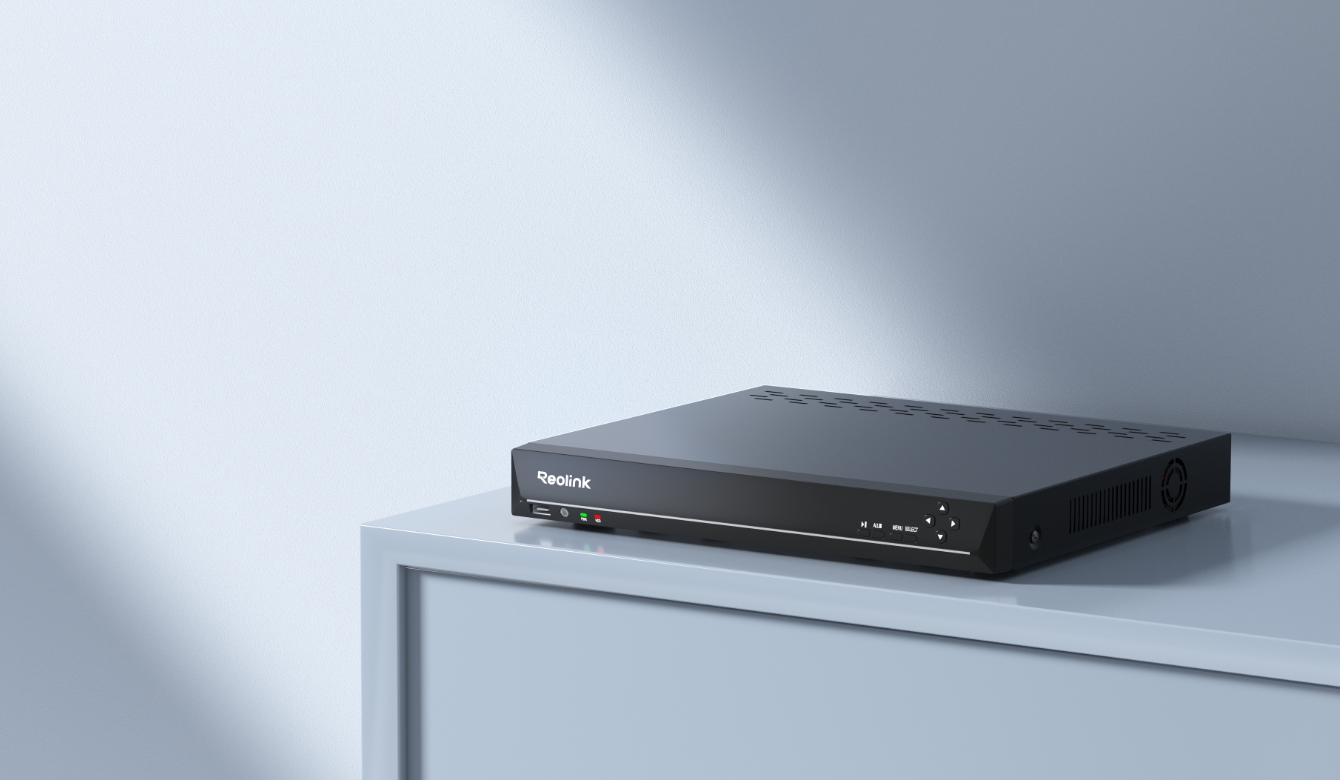
- Reolink NVS8-NHD 8 PoE Network Video Recorder 1,178
- (each, x4) Reolink P330 800 PoE Network Camera 749
Every PoE camera we stock
- Reolink P324 PoE Network Camera|HK Official 429
- Reolink P320 PoE Network Camera|HK Official 569
- Reolink P330 800 PoE Network Camera 749
- Reolink P334 800 PoE Network Camera 729
- Reolink P337 PoE Network Camera|HK Official 850
- Reolink P340 PoE Network Camera|HK Official 980
- Reolink CX410 PoE Network Camera|HK Official 799
- Reolink CX810 PoE Network Camera|HK Official 1,099
- Reolink Duo 2V PoE 800 PoE Network Camera 1,299
- Reolink Duo 3 PoE Network Camera|HK Official 1,799
- Reolink TrackMix PoE Network Camera|HK Official 1,499
- Reolink E1 Outdoor SE PoE Network Camera|HK Official 899
- EZVIZ H4 POE 3MP Smart Camera 399
- EZVIZ H5 POE 3MP Smart Camera 399
- EZVIZ H8C POE 3MP Smart Camera 399
NVRs
- Reolink NVS4-4-Channel PoE NVR PoENetwork Video Recorder 830
- Reolink NVS8-NHD 8 PoE Network Video Recorder 1,178
- EZVIZ X5S-R100-8W NVR Smart 499
Prices are read live from our product database and charged in HKD; your card issuer converts. Surveillance-grade hard drive not included. A model with no price shown is currently off the shelf. For retention and access rules, see this PDPA guide, and for cost comparisons across SG, the UK and Australia, see CCTV cost for a small shop.
What does doing this properly actually cost?
| Item | Qty | Price (HKD) |
|---|---|---|
| Reolink NVS4 4-channel PoE NVR (built-in PoE ports) | 1 | 830 |
| Reolink P320 5MP PoE camera | 4 | 569 each |
| Surveillance HDD, 2-4TB | 1 | not included |
| Kit total | 3,106 |
The compliance work itself costs nothing; the hardware to support a 30-day retention does. This is where policy meets the purchase order: a 2TB disk holds 3.9 days with 8 cameras at 6 Mbps, so a stated 30-day retention requires roughly 16TB — or fewer cameras, or a lower bitrate on the 4 aisle cameras while the cashier and entrance stay high.
Arithmetic: 1 GB = 8,000 Mbit, H.265 at 6 Mbps. Real figures vary ±30% with motion and smart codec. A 2TB basket with 8 cameras costs about S$1,498 — sized for days, not weeks; see the itemised basket.
Where does this connect to the Town Council approval?
They are separate gates, and passing one does not satisfy the other. Town Council authorisation is about the physical fixture on common property; PDPA is about what you do with the footage afterwards. A camera can be perfectly authorised and still be non-compliant because there is no notice and no retention policy.
The sequence that works: get the location approved first (see HDB shop CCTV approval), then set notice and retention before the system goes live — not after. And confirm the installer holds a licence; that check is in how to check an installer's licence.
Frequently asked questions
Is a "CCTV in operation" sign enough?
Do I need consent from every customer?
Can I keep footage indefinitely "just in case"?
What if a customer asks for footage of an incident involving them?
Does this apply if I only have a doorbell camera?
Related guides
- HDB shop CCTV approval — Town Council steps, timelines and a letter template
- CCTV cost for a small shop in Singapore — hardware basket and storage math
- How to check your CCTV installer's licence — before you pay a deposit
- Hong Kong version — PDPO notice duties and Hong Kong building rules
Sources and method
- Obligations, premises categories, notice content and access-request handling: SingaporeLegalAdvice summary of PDPA requirements for CCTV.
- Statute: Personal Data Protection Act 2012. Regulator: Personal Data Protection Commission — check the current advisory guidelines before finalising your policy.
- Retention figures are our operational recommendations for shop scale, not regulatory limits; the PDPA sets no fixed number.
- Not legal advice. Have your policy reviewed if you handle large volumes of footage or monitor staff.