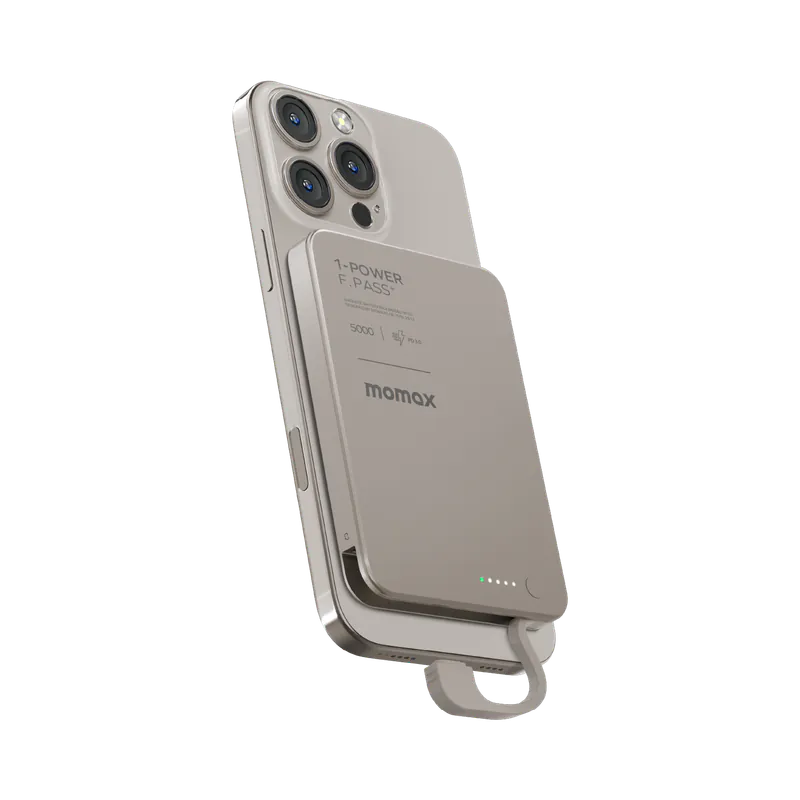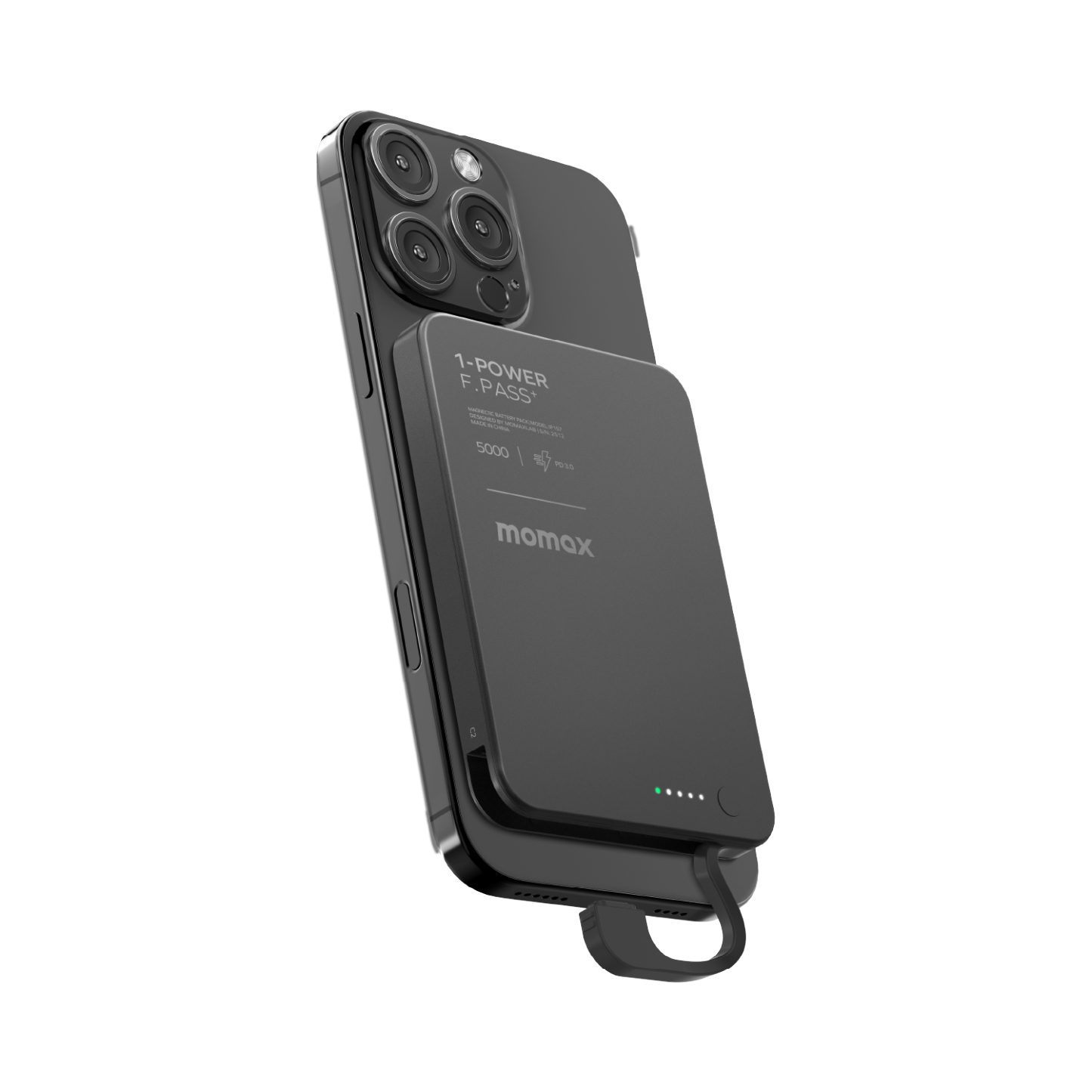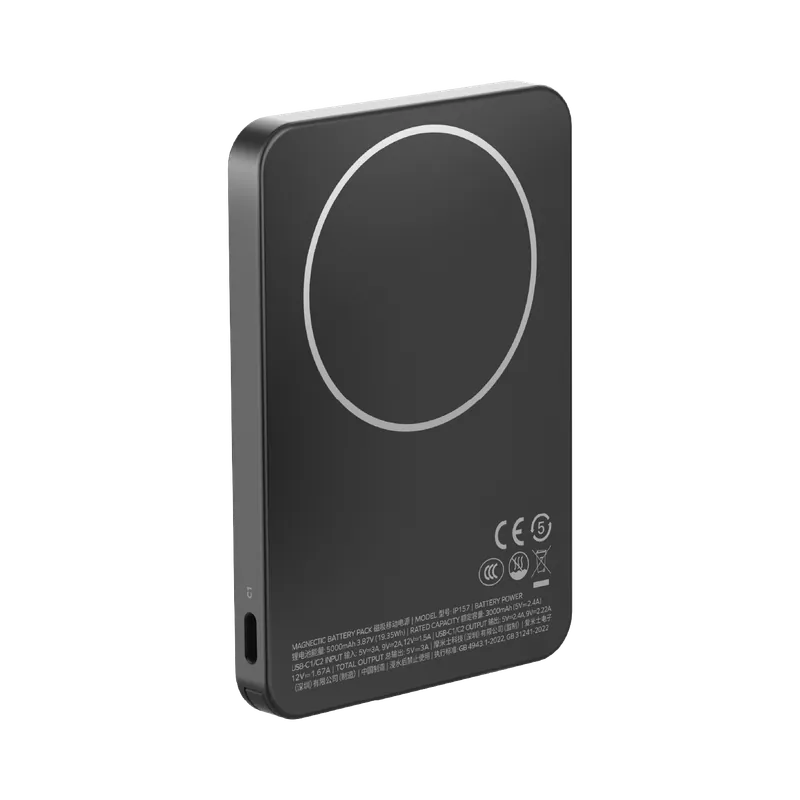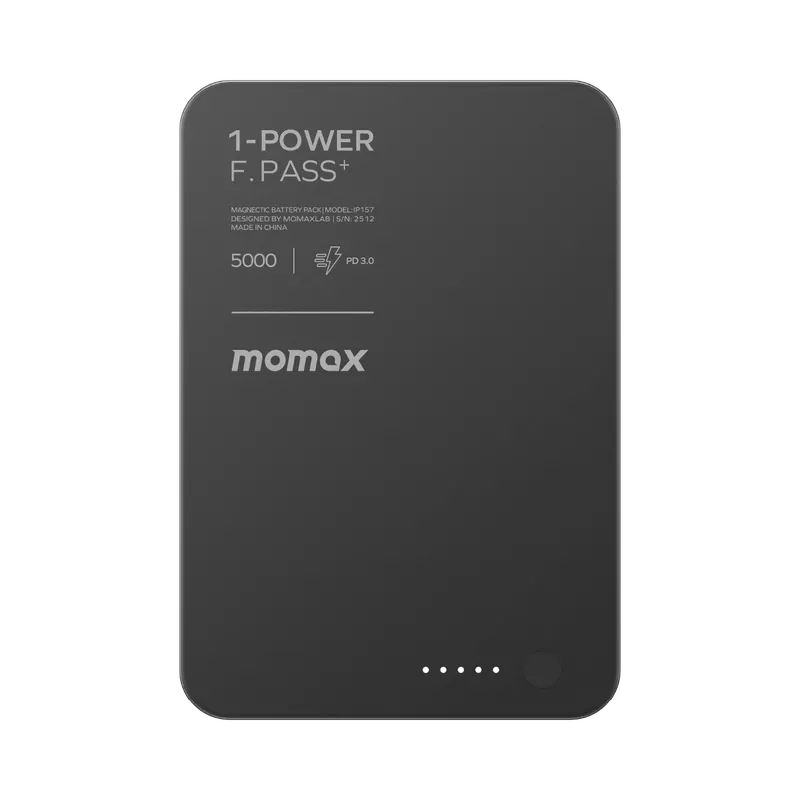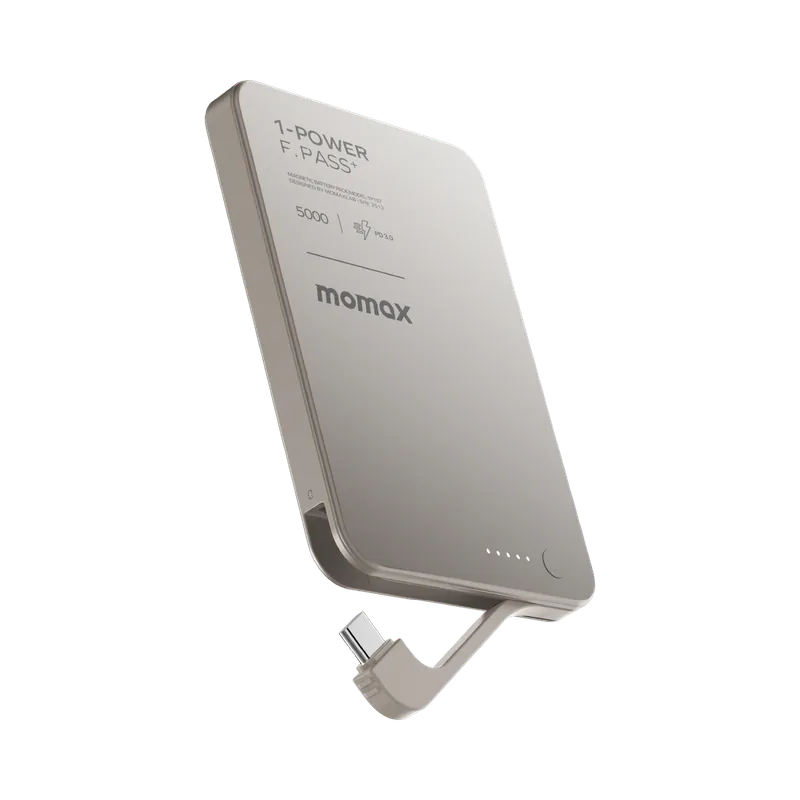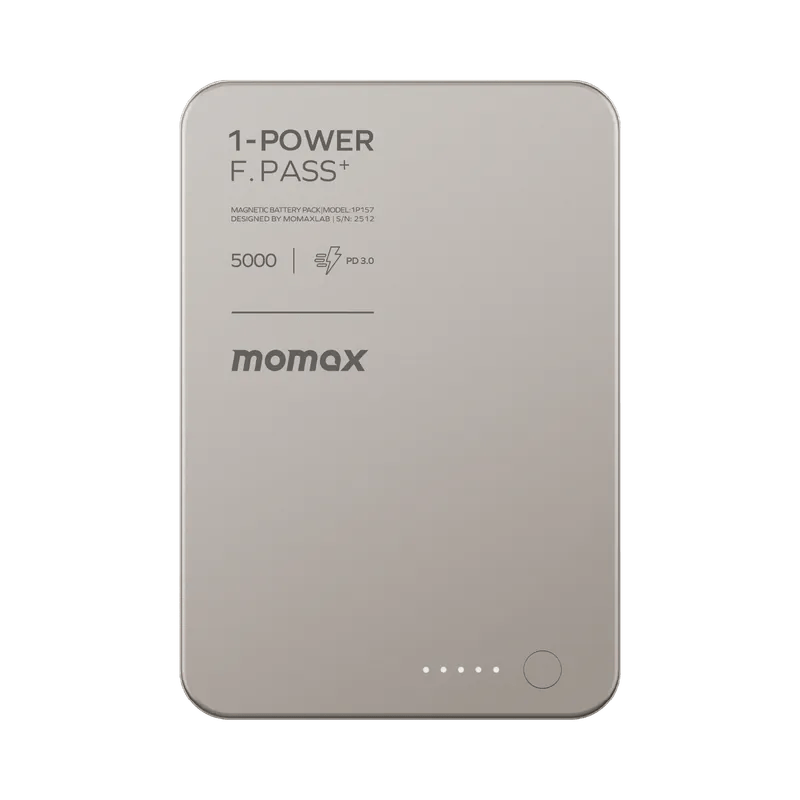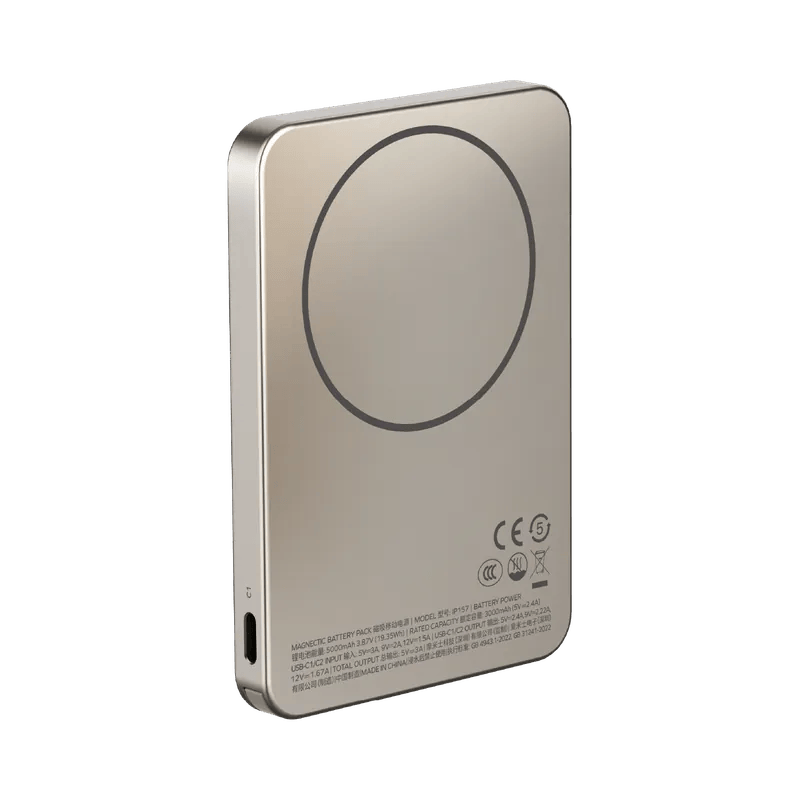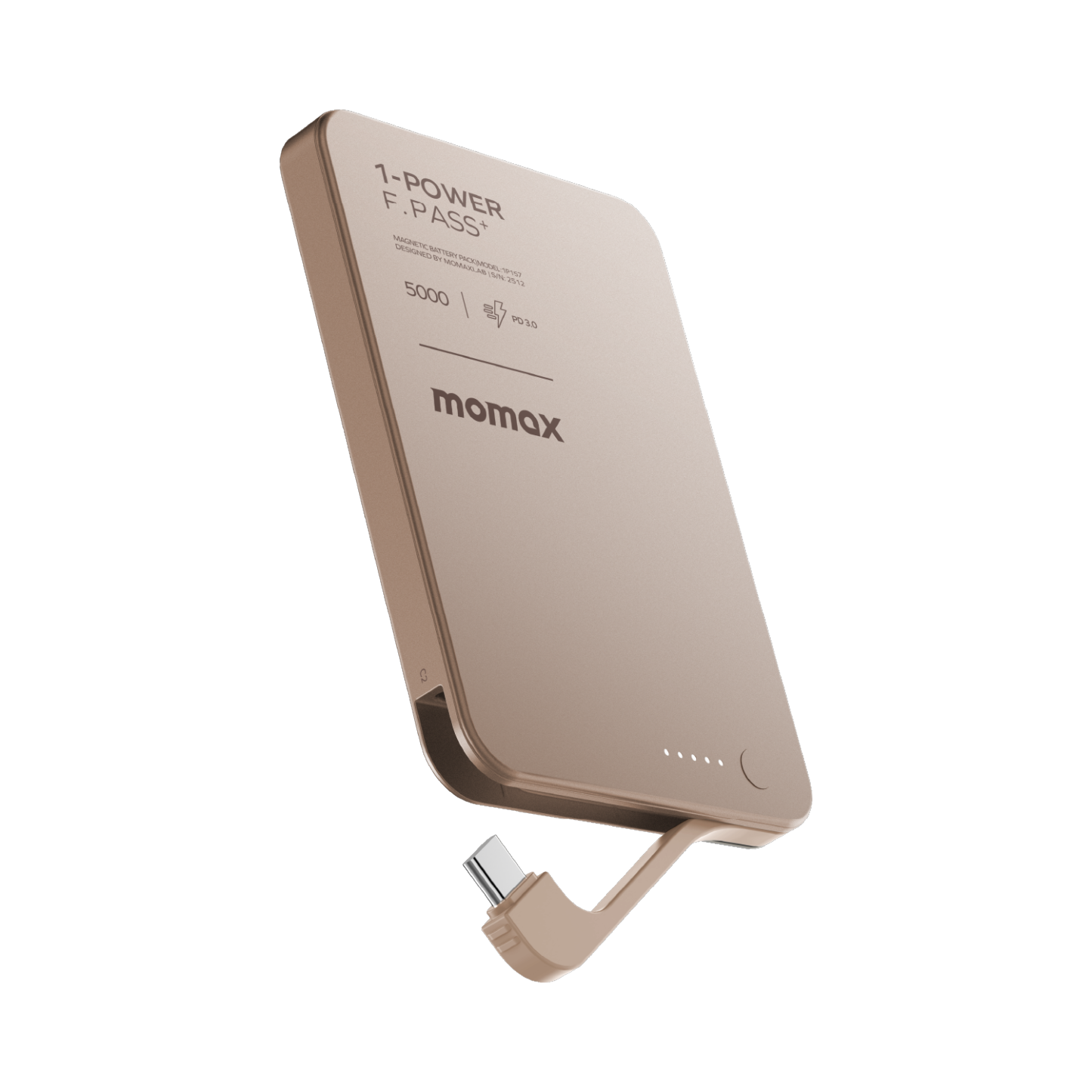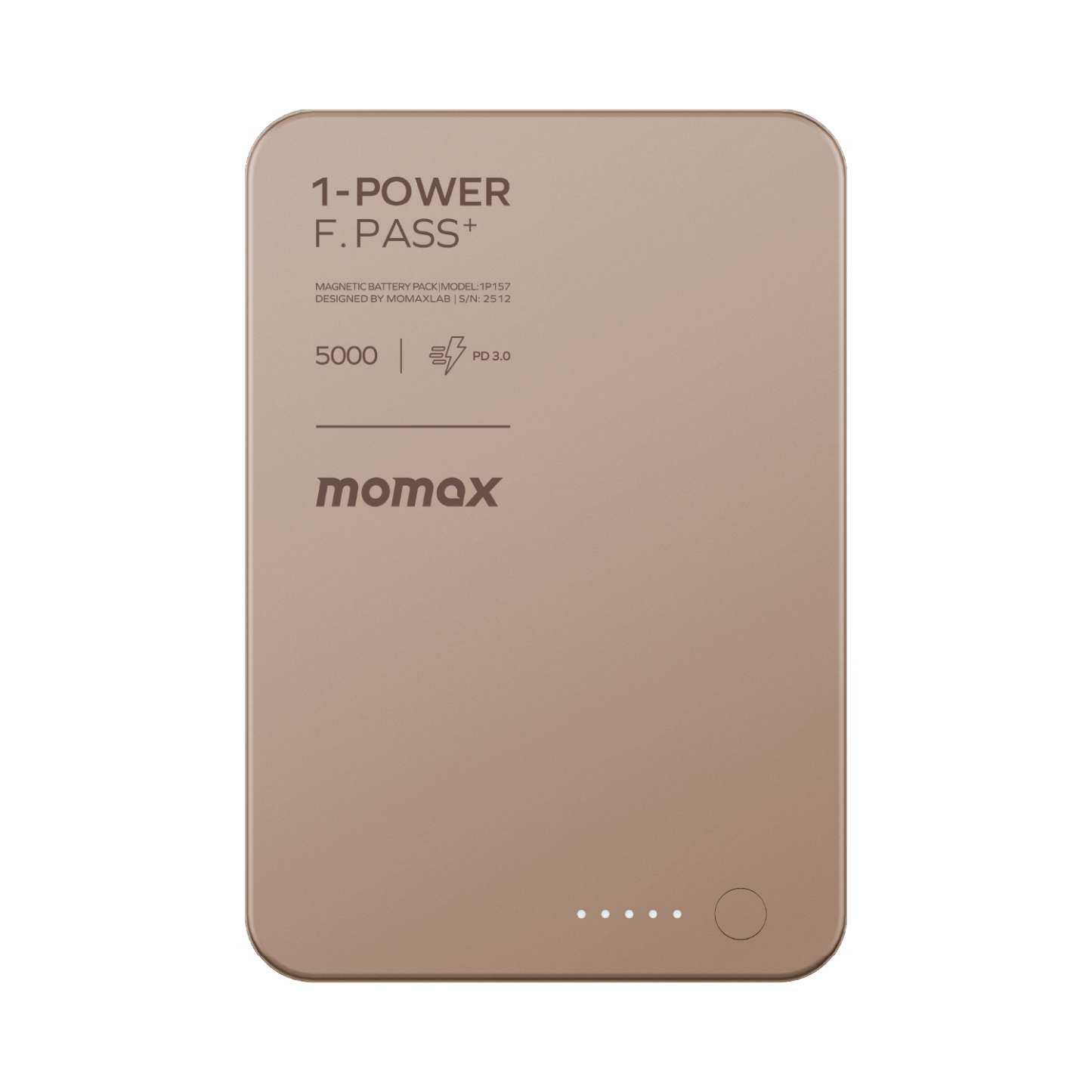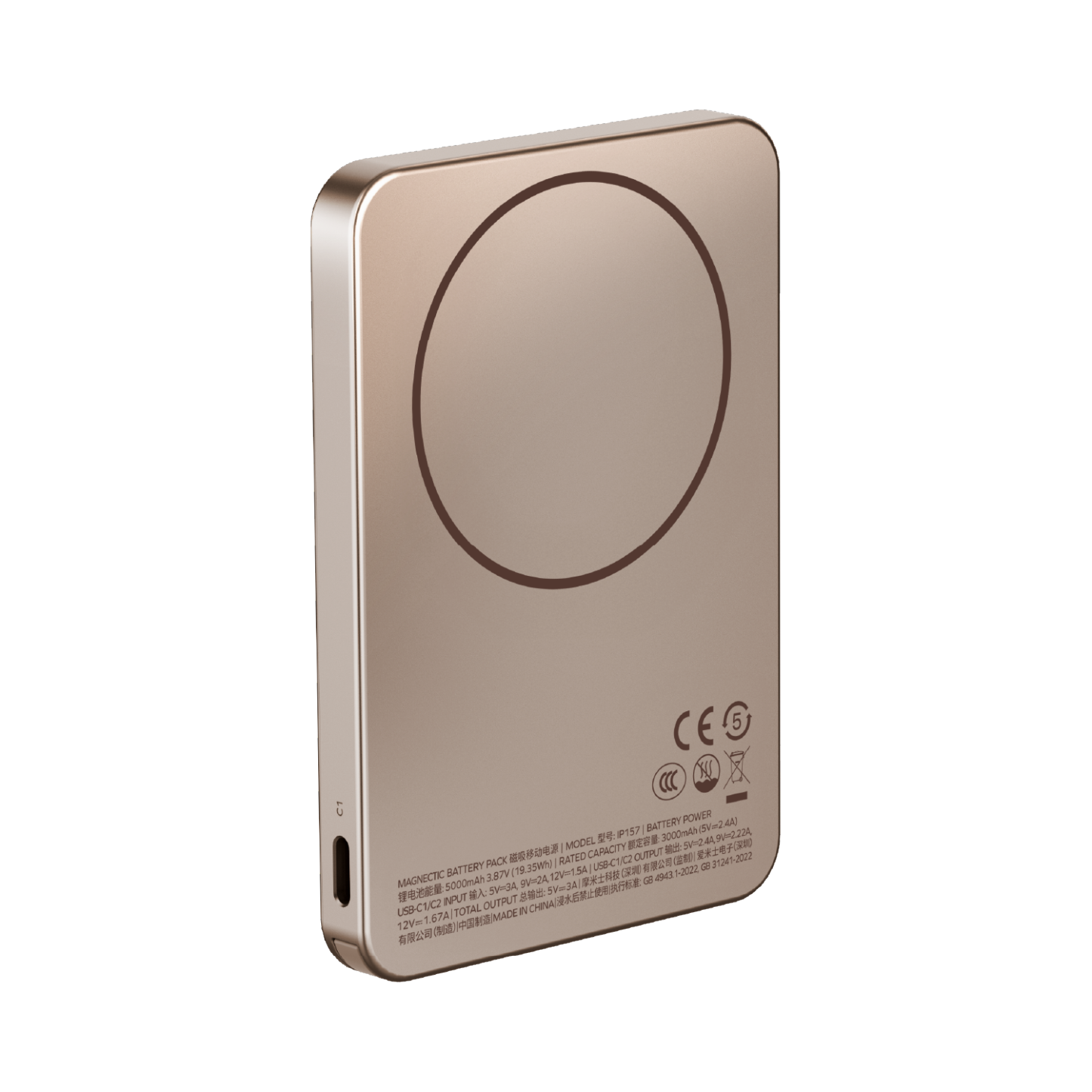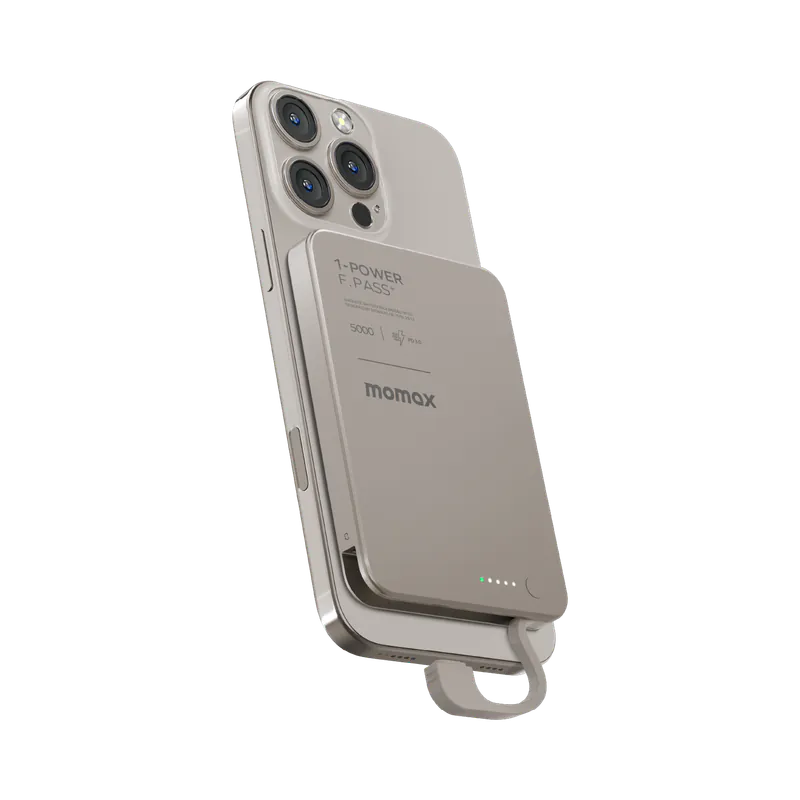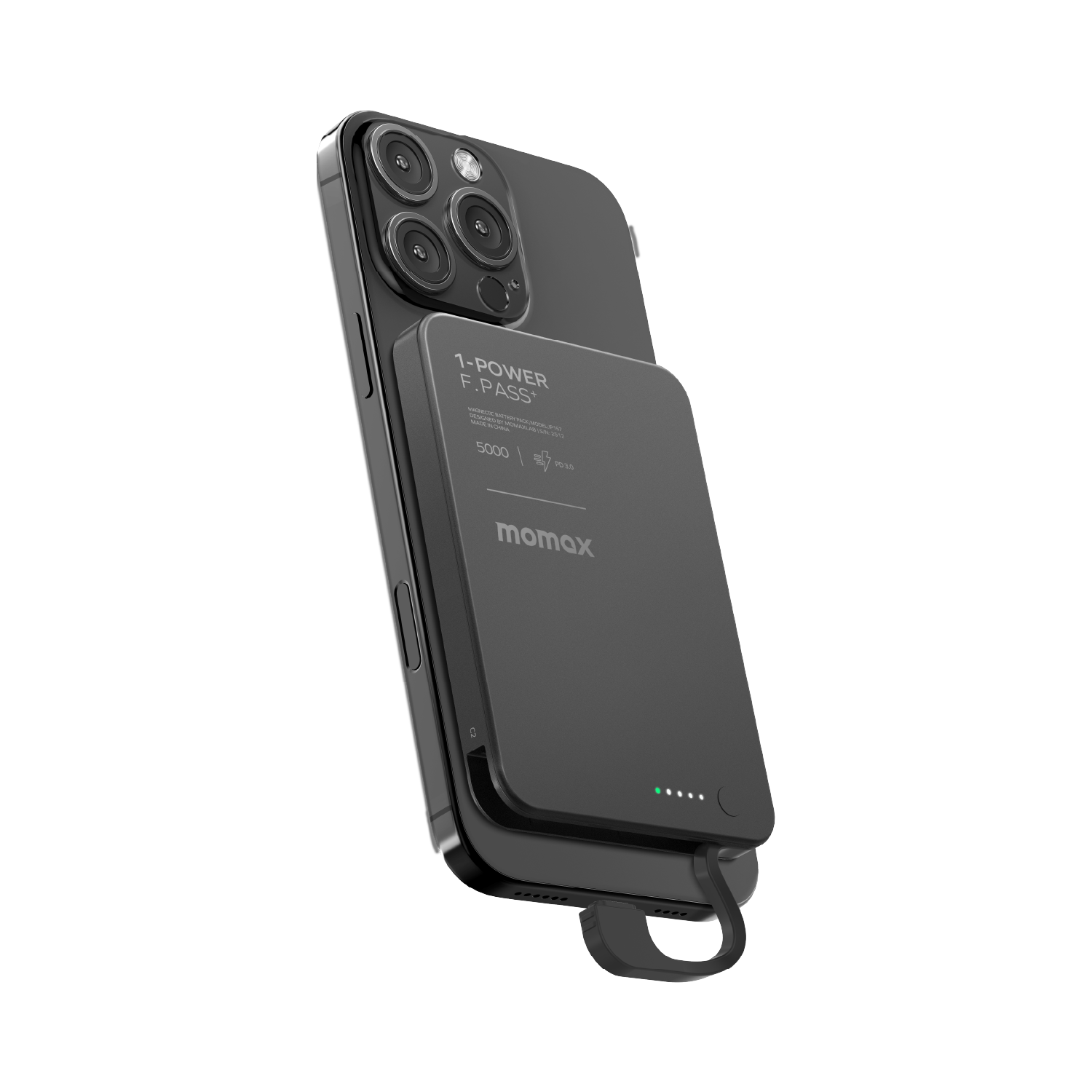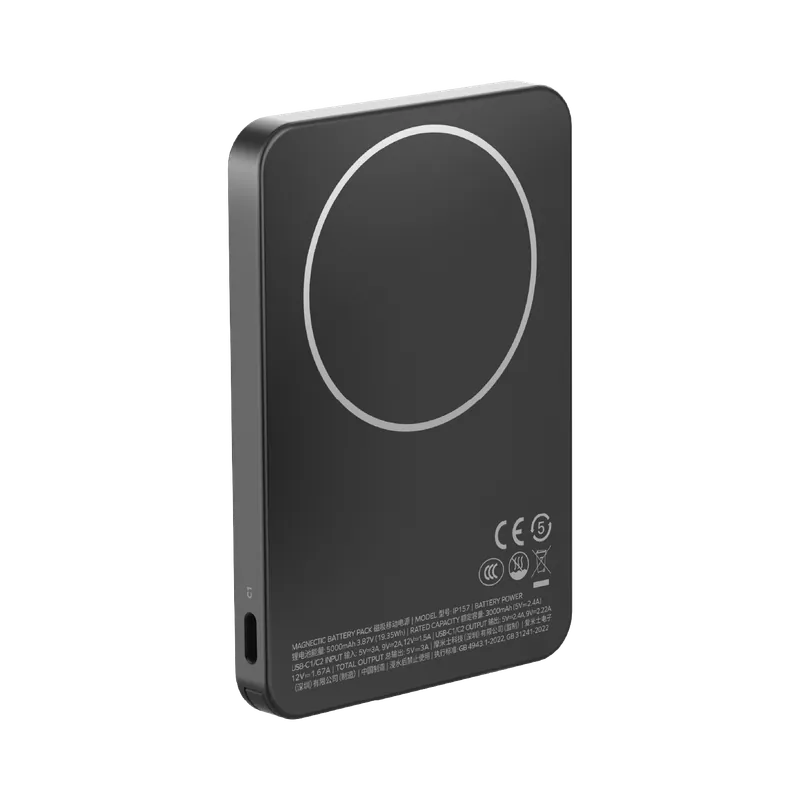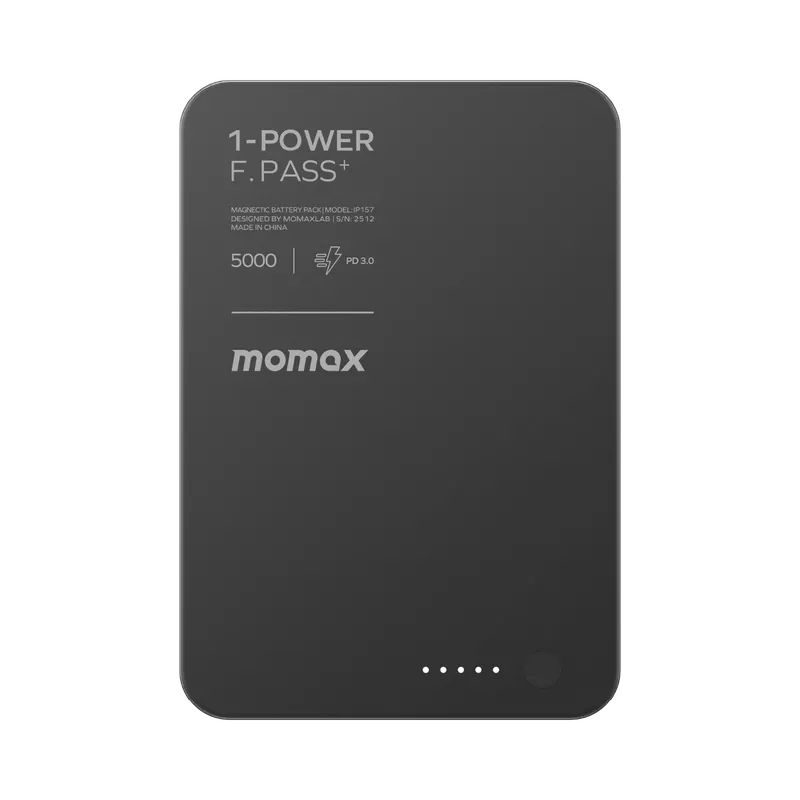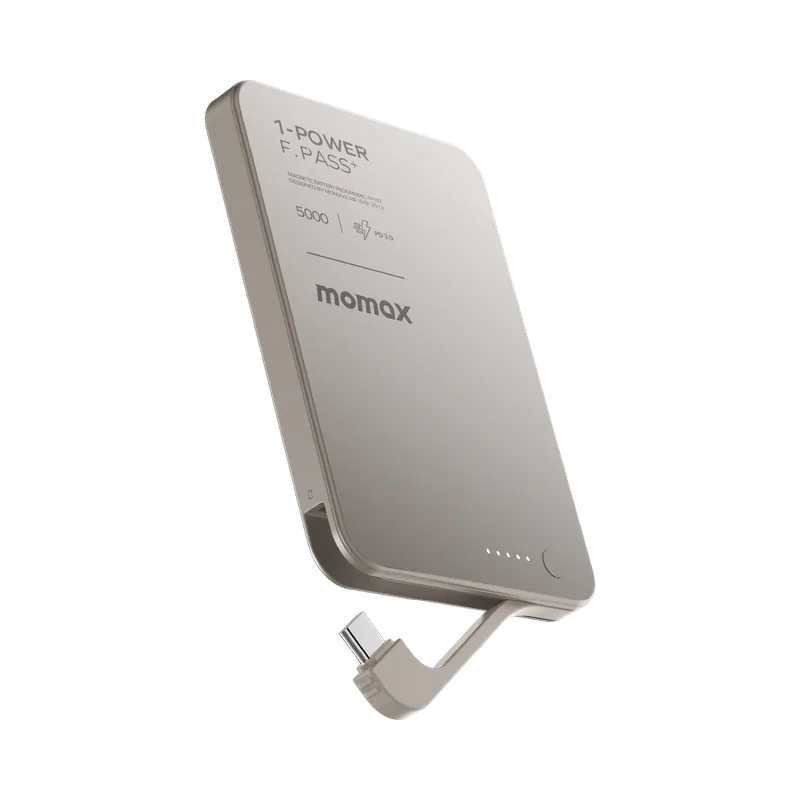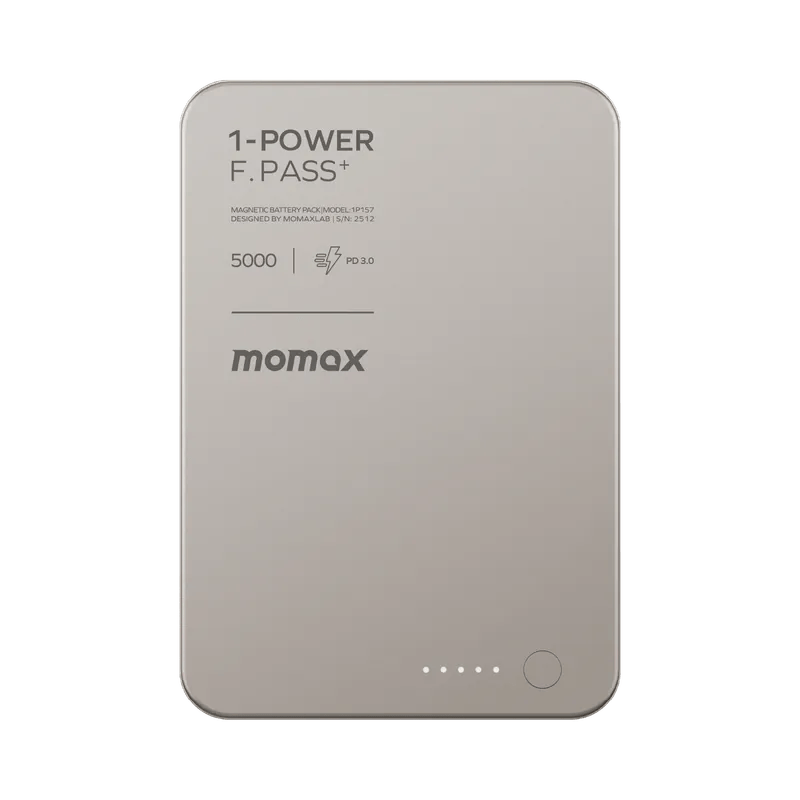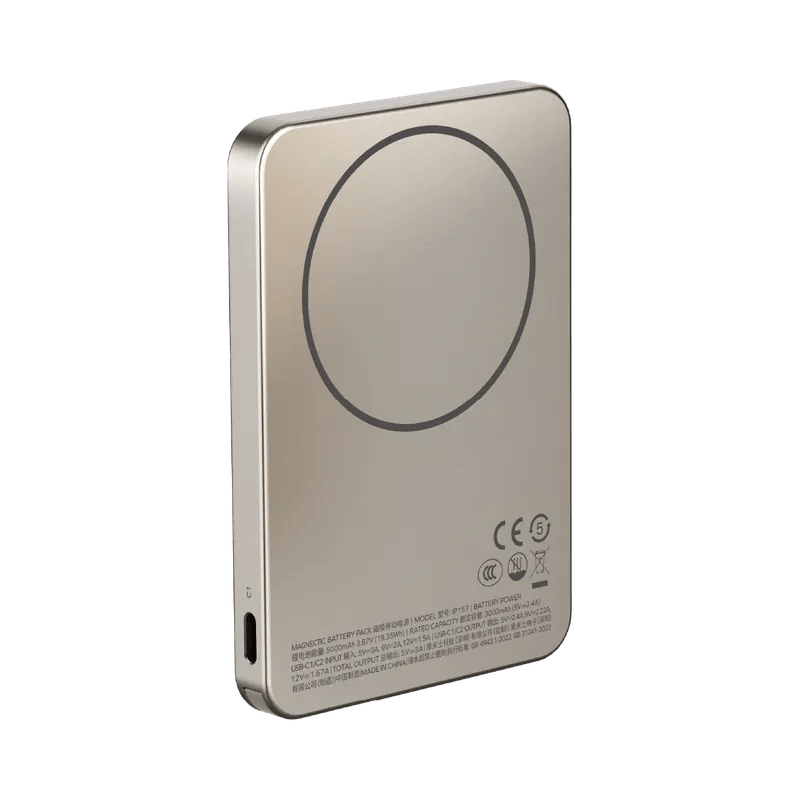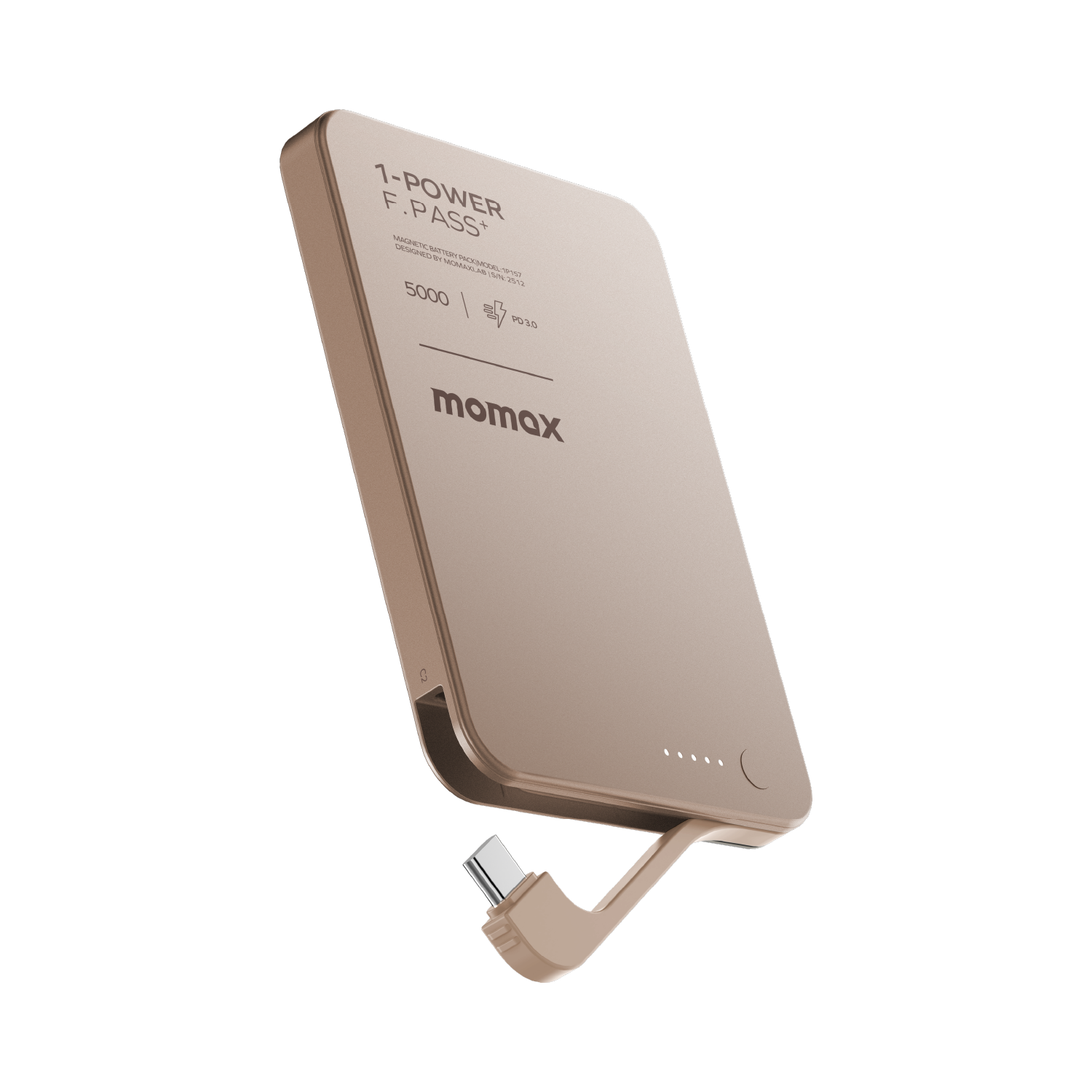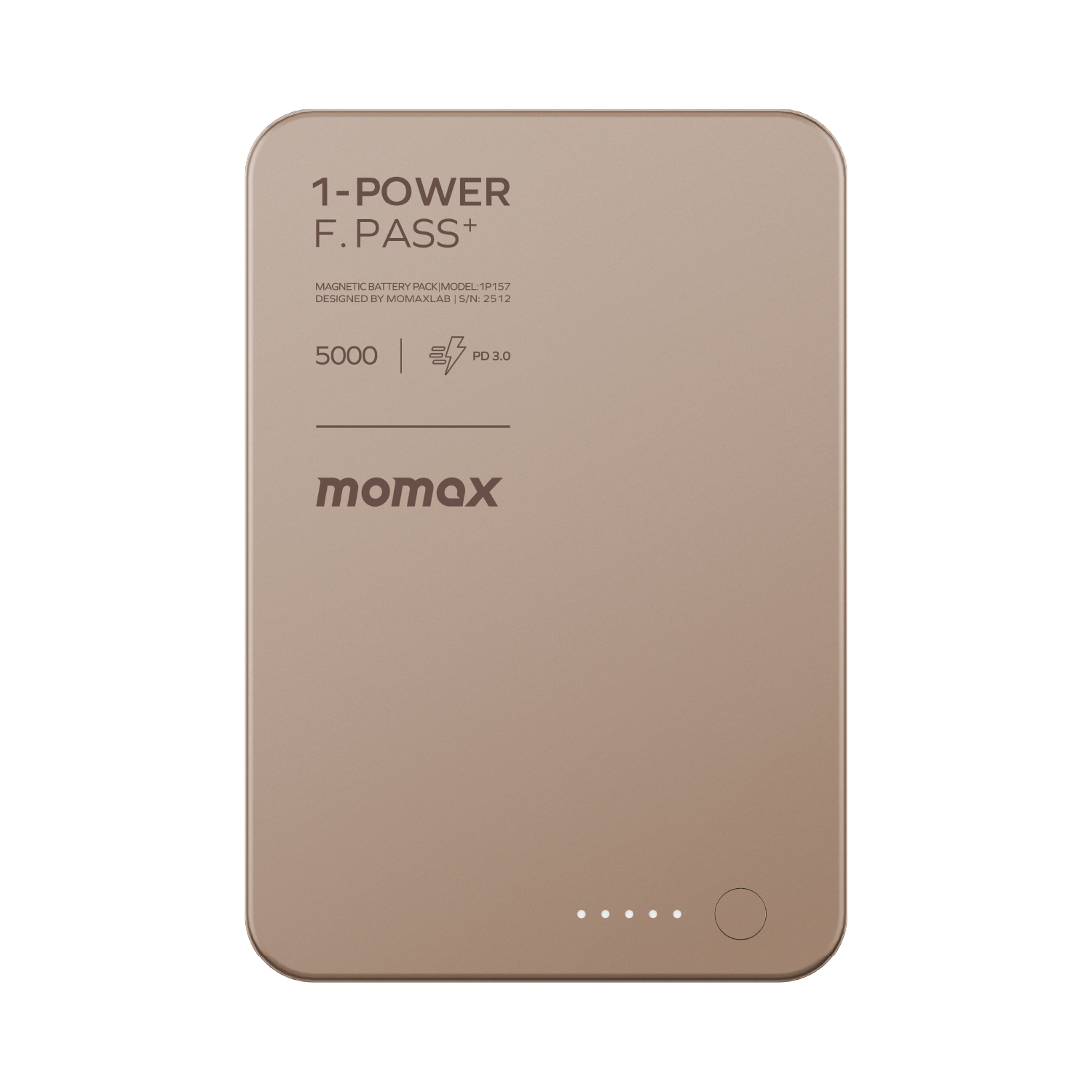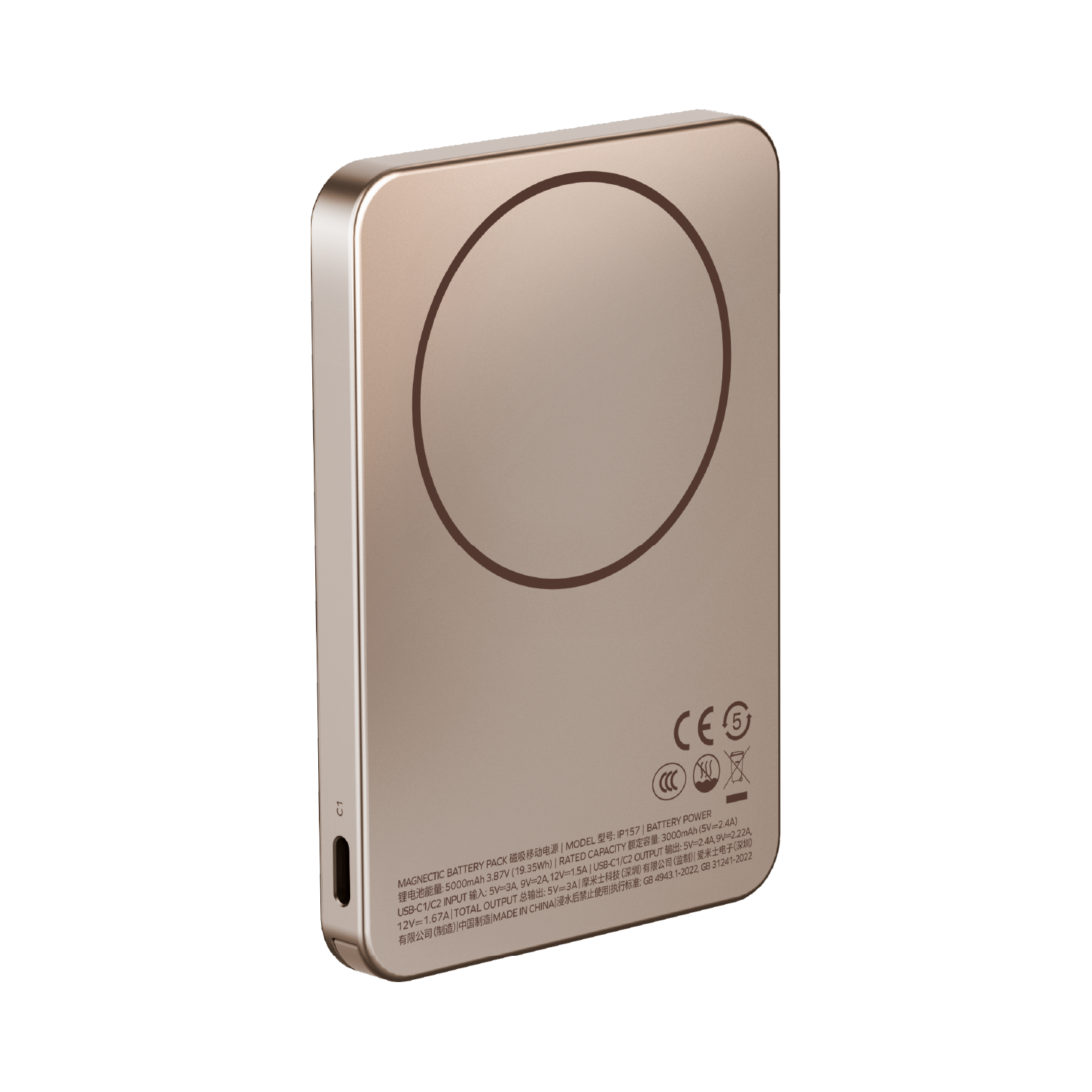

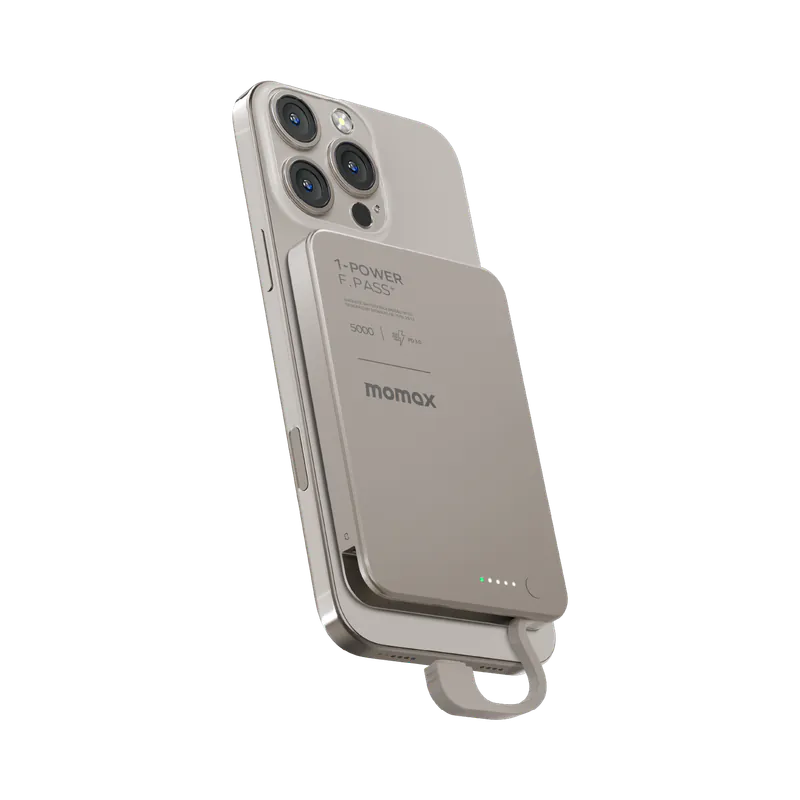
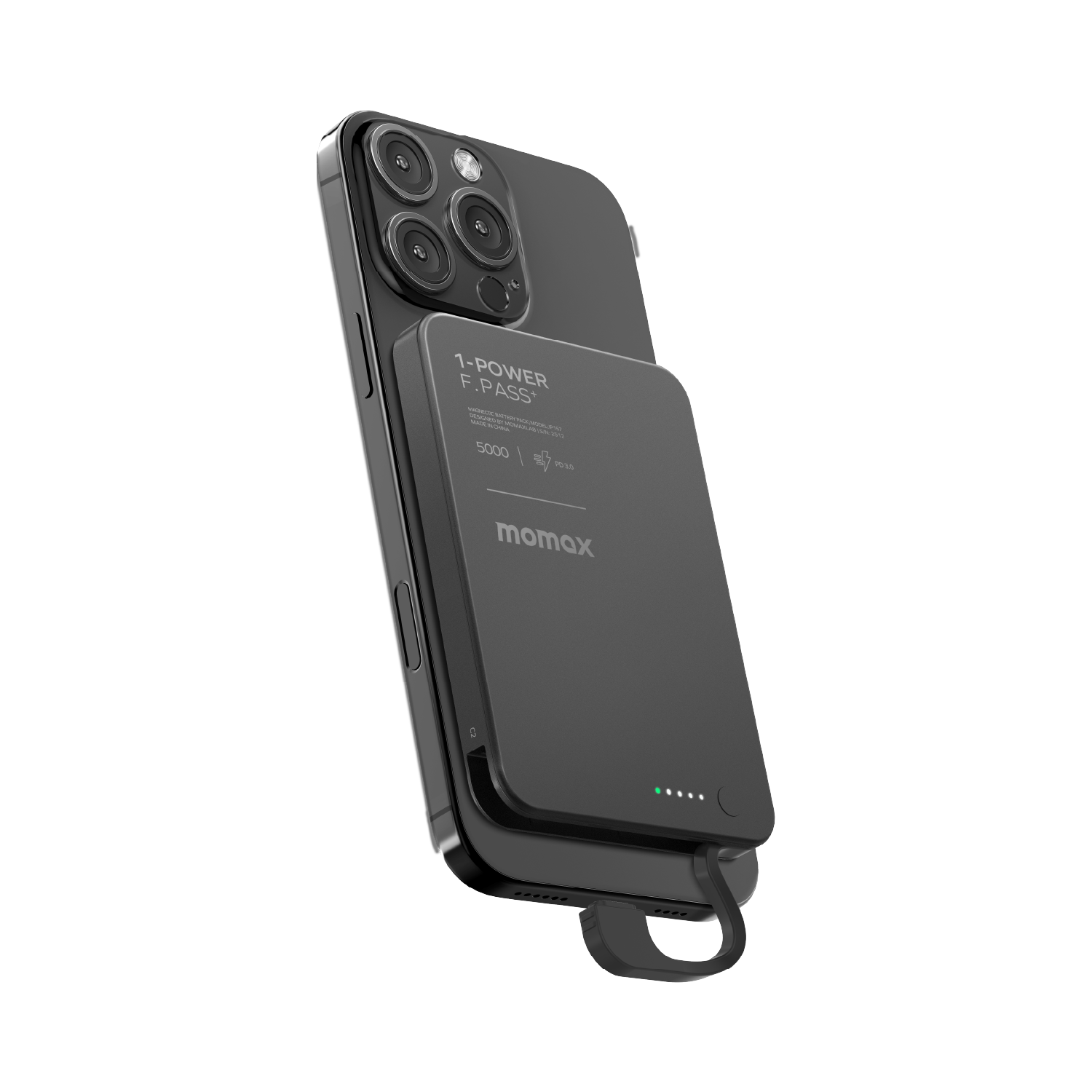
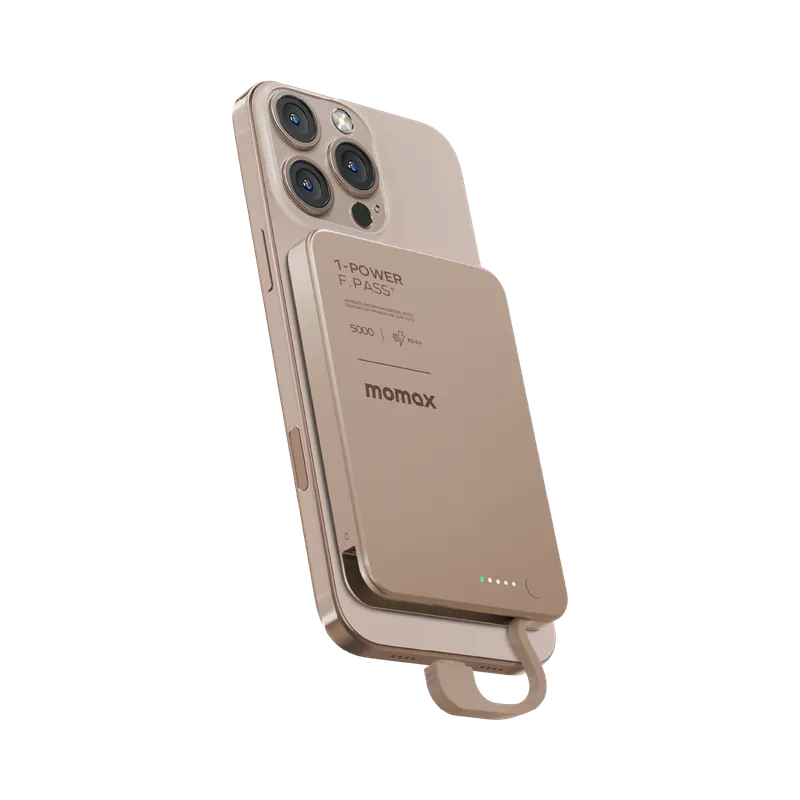

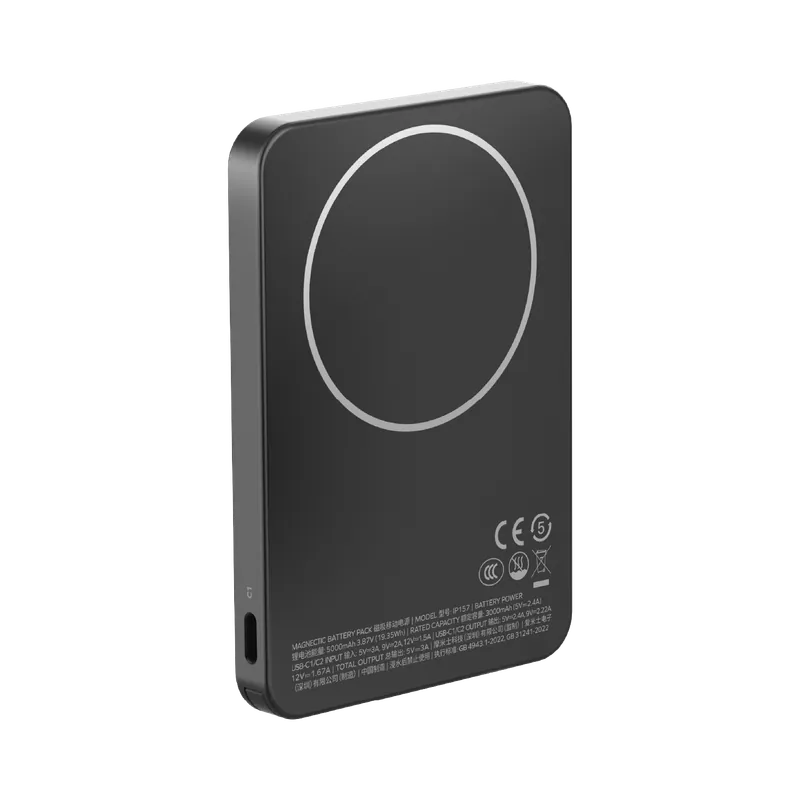
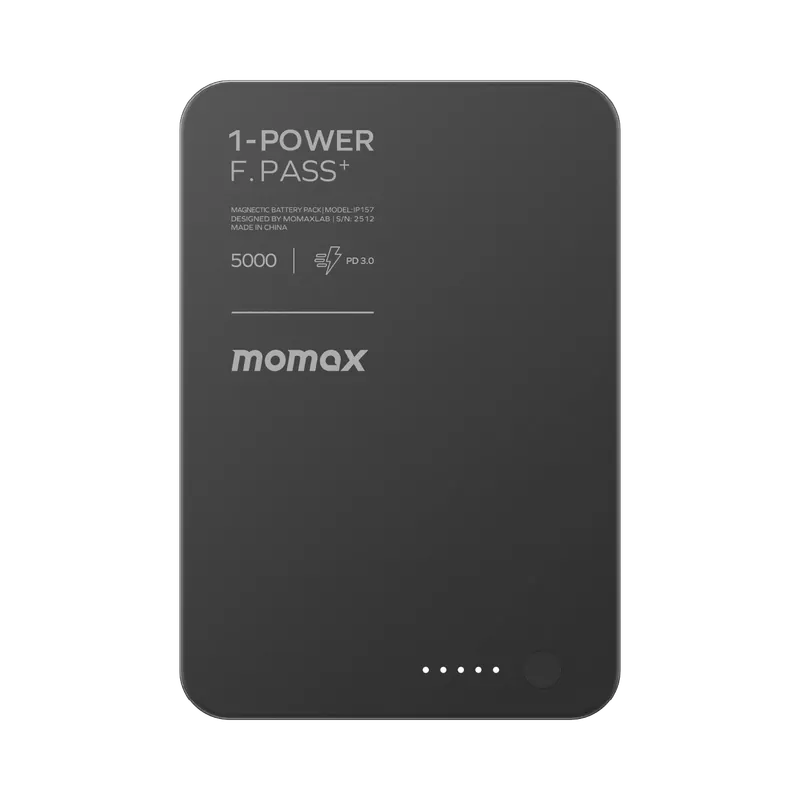
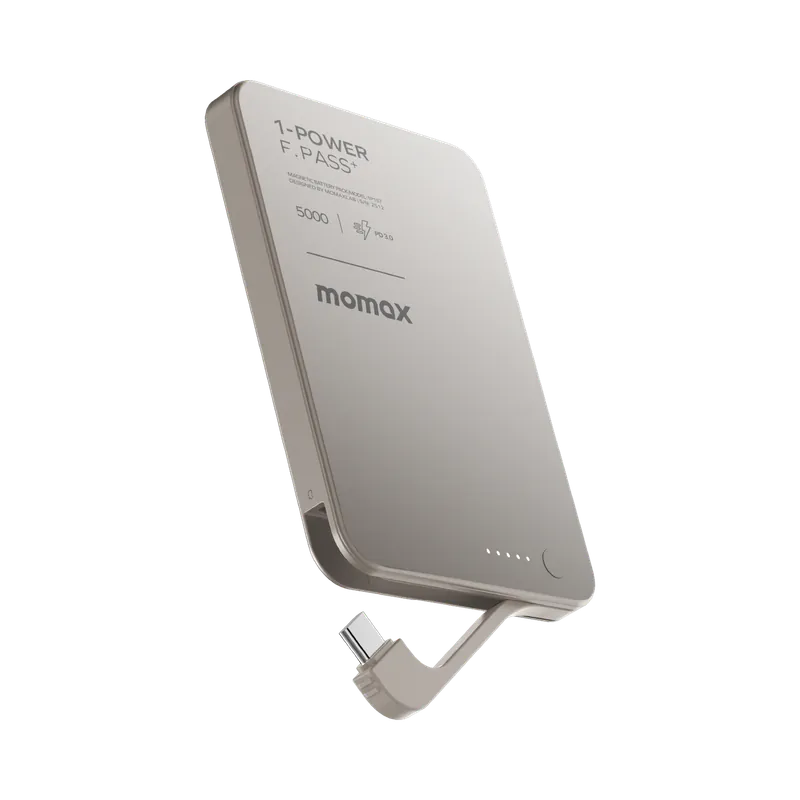
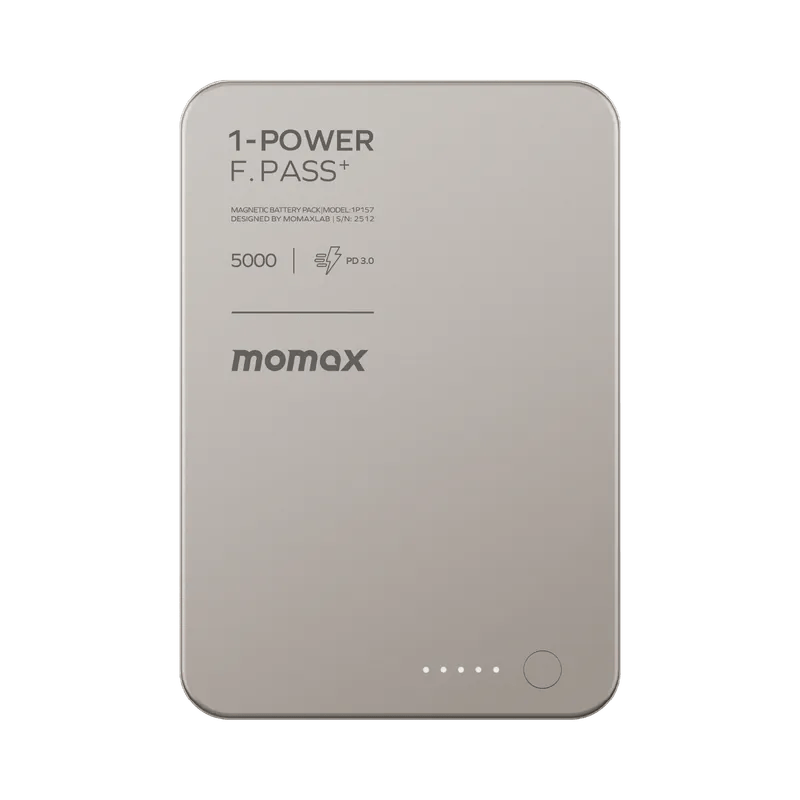
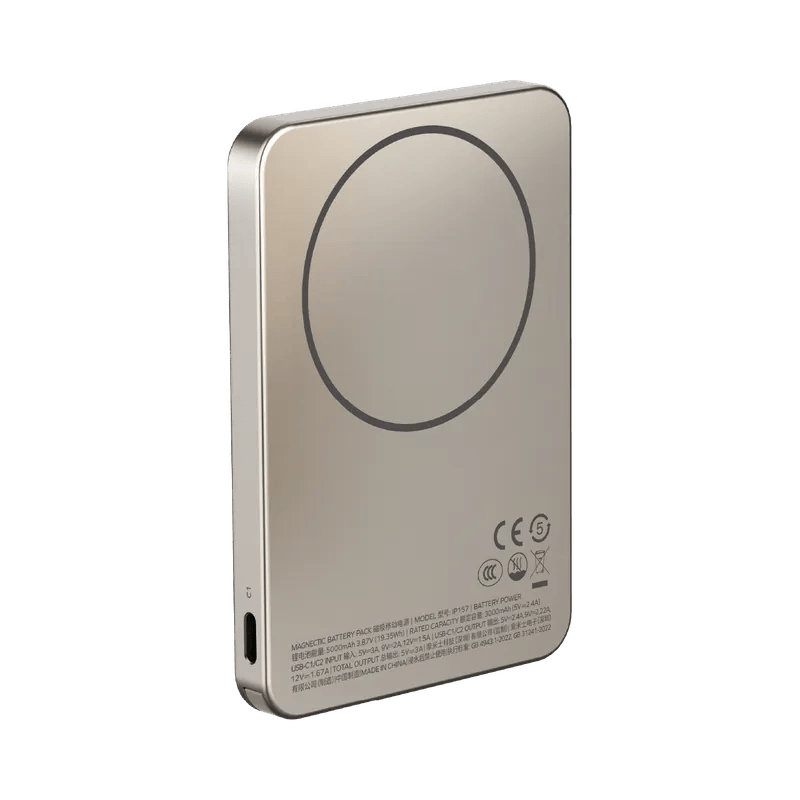
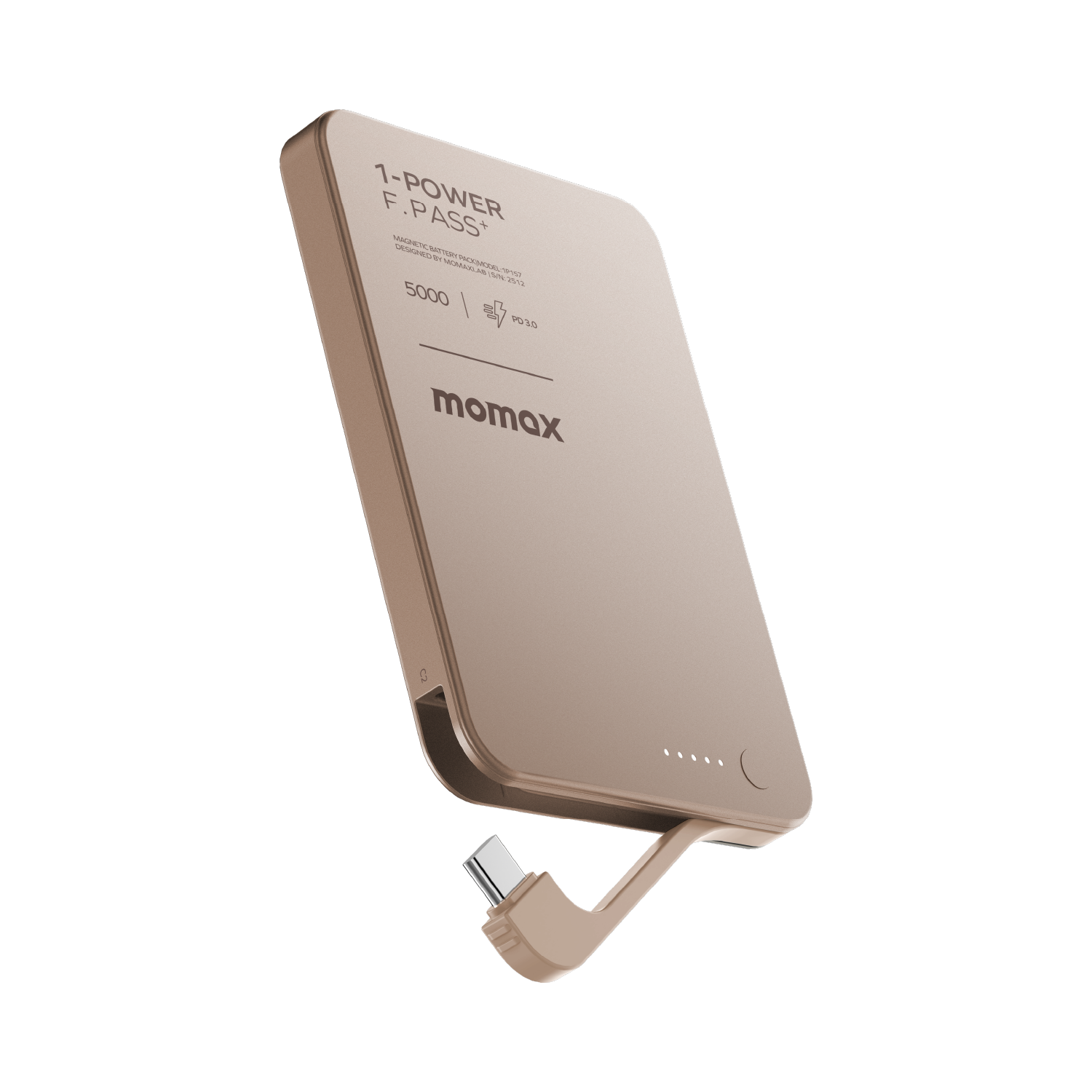
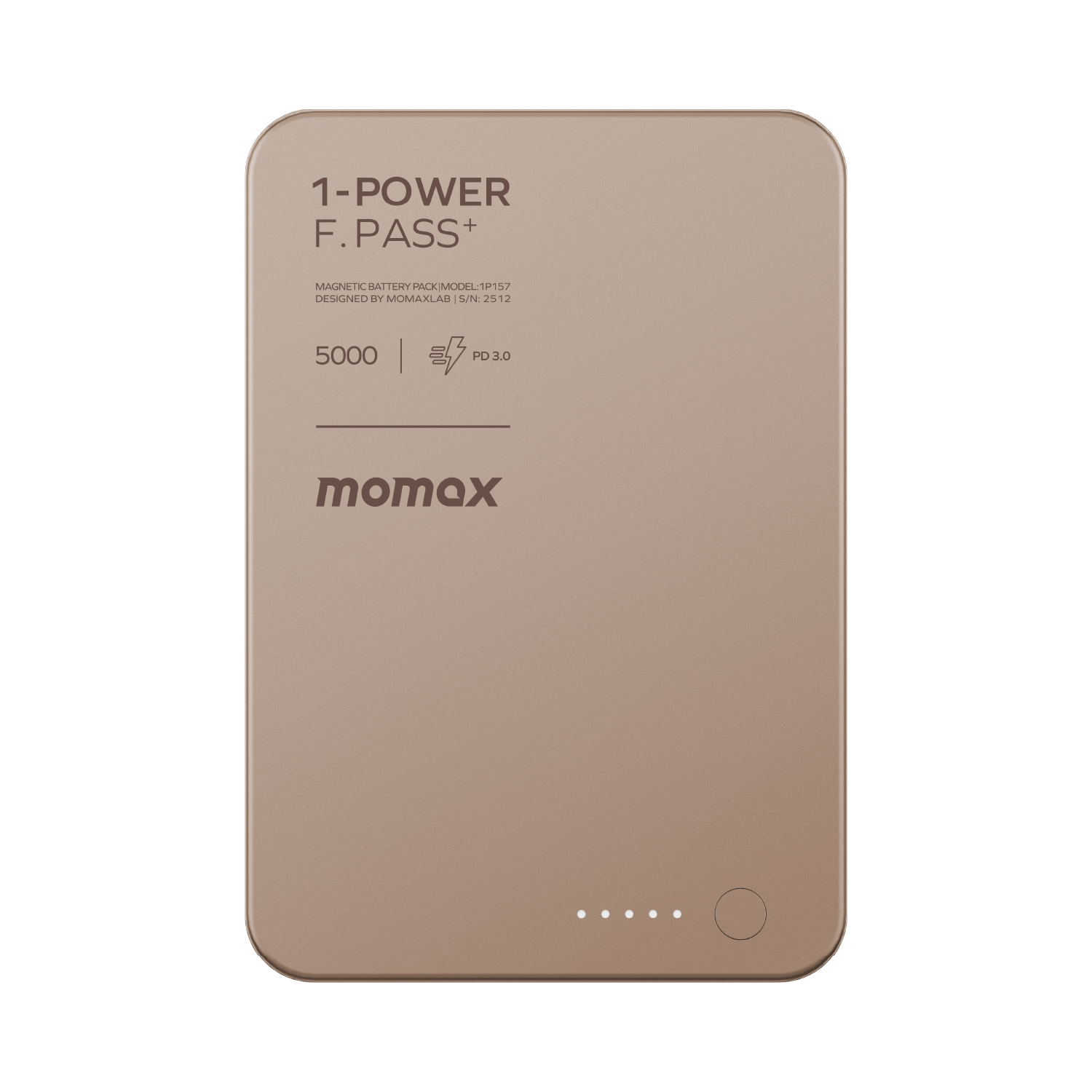
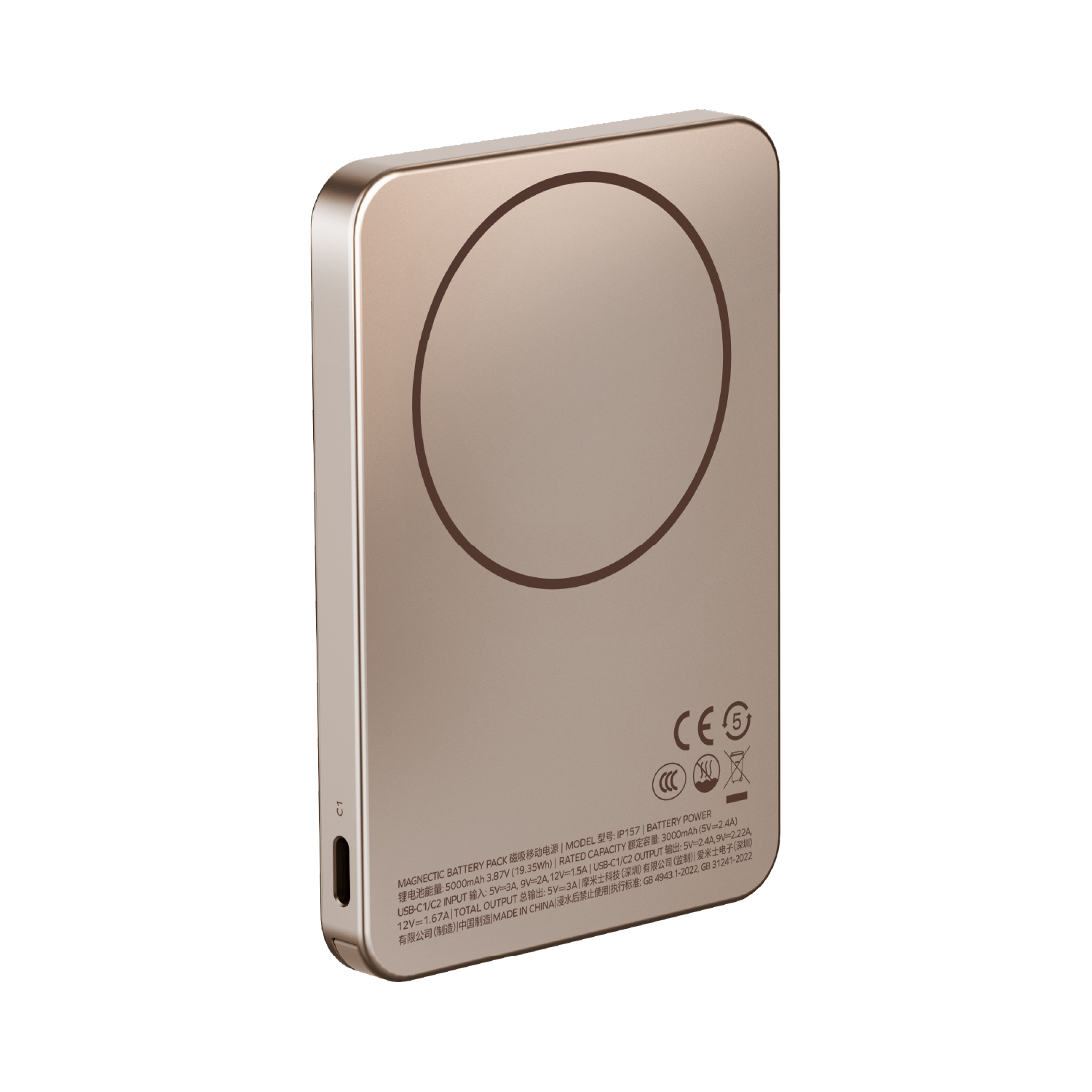
Momax 1-Power F.Pass+ 5000mAh 磁力帶線流動電源 (CCC 認證) IP157 [香港行貨]
庫存: 現貨 (預計一個工作天發貨)
送貨及運費 (HK$500 免運費)
International Shipping
Free-shipping thresholds · Power Bank surcharge
Hong KongFREE
SF Locker: Free for all orders · Door-to-door: Free over HK$500
Macau
Free shipping on orders HK$800+ (2-3個工作天)
Australia (6-12 business day depend on area or zone)
Free over AU$100 · Flat AU$9.99 below
United Kingdom 0-3kg (3 - 5 business day ); 3kg+ (5 - 8 business day )
Free over £40 · Flat £6.99 below
Singapore (5 - 8 business day )
Free over S$40 · Flat S$9.99 below
European Union (6 - 10 business day )
Free over €49 · Flat €9.99 below
Malaysia (6 - 10 business day )
Free over RM40 · Flat RM9.99 below
🇦🇺Australia — Power Bank
| Weight | Fee |
|---|---|
| 0 – 0.51 kg | AU$ 24.39 |
| 0.51 – 1.01 kg | AU$ 36.99 |
| 1.01 – 1.51 kg | AU$ 55.99 |
🇬🇧United Kingdom — Power Bank
| Weight | Fee |
|---|---|
| 0 – 0.51 kg | £ 9.99 |
| 0.51 – 1.1 kg | £ 15.99 |
| 1.1 – 1.51 kg | £ 22.99 |
🇸🇬🇲🇾SG / Malaysia — Power Bank
| Weight | Fee |
|---|---|
| 0 – 0.51 kg | SGD 18.99 |
| 0.51 – 1.01 kg | SGD 23.99 |
| 1.01 – 1.51 kg | SGD 27.99 |
🇮🇪Ireland — Power Bank
| Weight | Fee |
|---|---|
| 0 – 0.51 kg | € 26 |
| 0.51 – 1 kg | € 39 |
| 1 – 1.51 kg | € 51.99 |
🇨🇦Canada — Power Bank
| Weight | Fee |
|---|---|
| 0 – 0.51 kg | CA$ 37.05 |
| 0.51 – 1.01 kg | CA$ 58.33 |
| 1.01 – 1.51 kg | CA$ 82.41 |
⚡ Express Shipping — free option available, refer to checkout.
📦 Heavy / Oversized items (e.g. water dispenser) — contact customer service for a custom freight quote.
保養
保養條款 / Warranty Information
DIGIBAL Official Warranty Coverage
本產品為香港正貨行貨,享有原廠一年保養(除產品頁另行註明外)。客戶須妥善保留購買單據及產品上之香港代理保養貼紙(建議拍照存檔)。保養期內如產品出現故障,客戶須自行聯絡香港總代理安排檢測及維修。
🌏 Overseas (US / CA / UK / SG / AU)
All products are Hong Kong official versions supplied with a UK-style 3-pin plug. Travel adapters are not included. Warranty coverage ranges from 1 to 2 years, with all servicing performed in Hong Kong. Local return warehouses available in Australia, UK and USA.
Contact CS 提供相片/影片
Submit photos/videos
Local Return 運費先由客人支付
Customer pays upfront
Ship to HK 由公司安排保養
Warranty processed
Reimbursement 憑收據全數退回
Full refund of postage
海外客戶可於以下兩種方案中自由選擇 / Overseas customers may choose between:
其他國家請聯絡客服索取退貨地址 / Other countries: please contact customer service.
Momax 1-Power F.Pass+ 5000mAh 磁力帶線流動電源 (CCC 認證) IP157 [香港行貨]|MOMAX 香港行貨
5000mAh (19.25Wh)
產品簡介
Momax 1-Power F.Pass+ 5000mAh 磁力帶線流動電源 (CCC 認證) IP157 [香港行貨] 屬 流動電源 類產品。官方規格列示:Capacity 5000mAh (19.25Wh);Rated capacity 2800mAh (5V⎓2.4A)。
You May Also Need、CaseFORM Play iPhone 16 Case With MagSafe
選購流動電源時,除了容量,更應看同時可充幾件、以及有線還是無線;磁吸方便但效率較低,有線 PD 較快。
](https://img.myshopline.com/image/store/1759472791688/original-3-314a4d8e-9528-4f8f-a44b-663b901c7a07.png?w=1500&h=1500)
六大重點
Capacity
容量決定可以為装置充電幾多次;標示為電芯容量,實際輸出會因轉換損耗略低。
對實際使用嘅影響:5000mAh (19.25Wh)
- Rated capacity:2800mAh (5V⎓2.4A)
- Battery capacity:3.8V, 300mAh Li-Po battery
Rated capacity
容量決定可以為装置充電幾多次;標示為電芯容量,實際輸出會因轉換損耗略低。
對實際使用嘅影響:2800mAh (5V⎓2.4A)
- Capacity:5000mAh (19.25Wh)
- Battery capacity:3.8V, 300mAh Li-Po battery
Battery capacity
容量決定可以為装置充電幾多次;標示為電芯容量,實際輸出會因轉換損耗略低。
對實際使用嘅影響:3.8V, 300mAh Li-Po battery
- Capacity:5000mAh (19.25Wh)
- Rated capacity:2800mAh (5V⎓2.4A)
USB-C input
輸入規格決定回充速度;支援 PD 的充電器回充明顯較快。
對實際使用嘅影響:5V⎓2.4A, 9V⎓2A
- Capacity:5000mAh (19.25Wh)
- Rated capacity:2800mAh (5V⎓2.4A)
USB-C output
輸出規格決定可以為邊種装置快充;協議要對得上才會進入快充。
對實際使用嘅影響:PD20W max (5V⎓2.4A, 9V⎓2.22A, 12V⎓1.67)
- Capacity:5000mAh (19.25Wh)
- Rated capacity:2800mAh (5V⎓2.4A)
Wireless output
輸出規格決定可以為邊種装置快充;協議要對得上才會進入快充。
對實際使用嘅影響:5W, 7.5W, 10W, 15W (compatible iPhone devices up to 7.5W)
- Capacity:5000mAh (19.25Wh)
- Rated capacity:2800mAh (5V⎓2.4A)
開箱清單
以下為香港行貨包裝內容,實際配件以到貨批次為準;如有疑問可於下單前向我們確認。
- 包裝內容以到貨批次為準;如需確認個別配件,下單前可向我們查詢。
- 香港行貨,保養以本商品頁及代理條款為準。
適用場景
Momax 1-Power F.Pass+ 5000mAh 磁力帶線流動電源 (CCC 認證) IP157 [香港行貨] 適合以下情況:
- You May Also Need
- CaseFORM Play iPhone 16 Case With MagSafe
點解要揀呢個型號
- Capacity:5000mAh (19.25Wh)
- Rated capacity:2800mAh (5V⎓2.4A)
- Battery capacity:3.8V, 300mAh Li-Po battery
- USB-C input:5V⎓2.4A, 9V⎓2A
- USB-C output:PD20W max (5V⎓2.4A, 9V⎓2.22A, 12V⎓1.67)
- Wireless output:5W, 7.5W, 10W, 15W (compatible iPhone devic
完整規格
同系列比較
下表為本型號嘅實際規格,選購時可對照你手邊裝置嘅要求。
| 項目 | Momax 1-Power F.Pass |
| Capacity | 5000mAh (19.25Wh) |
| Rated capacity | 2800mAh (5V⎓2.4A) |
| Battery capacity | 3.8V, 300mAh Li-Po battery |
| USB-C input | 5V⎓2.4A, 9V⎓2A |
| USB-C output | PD20W max (5V⎓2.4A, 9V⎓2.22A, 12V⎓1 |
| Wireless output | 5W, 7.5W, 10W, 15W (compatible iPhone |
| Dual-port output | 5V⎓2.4A |
| Safety certification | CE, FCC, CCC, RoHs |
Q:買之前,點知道自己個手機殼用唔用到磁吸?
A:先睇個殼:MagSafe 磁吸殼,或者殼背有磁圈,先可以一貼即吸實;一般皮殼同普通硬殼冇磁圈,磁鐵隔住殼面只會輕輕吸住,容易滑開。買前考慮清楚自己用緊咩殼。
Q:個殼冇磁圈,仲有冇得叉電?
A:有。用 USB-C 線駁住外置電源同手機就照叉到電(部分型號更內置 USB-C 短線,以包裝清單為準),唔靠磁吸;磁吸只係「一貼即充」嘅方便位,唔係唯一充電方法。
Q:想吸得實,加磁圈定換殼好?
A:兩個方向都得:加磁圈最平最快,貼嘅時候對準手機充電圈中心;換 MagSafe 磁吸殼最穩陣,磁力直接鎖上手機。買前考慮下想唔想保留依家個殼。
Q:點解個外置電源貼咗上去好容易甩?
A:多數係個殼冇磁圈——貼上嗰下已經偏鬆,之後掣一掣或者擺入袋就滑開,呢個係物理現象唔係故障;加磁圈或者換磁吸殼就解決到。另注意:呢個系列容量愈大機身愈重(10000/20000mAh 屬最重一批),配厚身皮殼時磁吸會更吃力——配薄身殼更穩陣,或者直接用內置線充電。另注意:呢個系列容量愈大機身愈重(10000/20000mAh 屬最重一批),配厚身皮殼時磁吸會更吃力——配薄身殼更穩陣,或者直接用內置線充電。
Q: Before buying, how do I know if my phone case works with magnetic charging?
A: Check your case first: a MagSafe case, or one with a magnet ring on the back, snaps on and locks firmly. Plain leather or hard cases without a ring let the magnets grip only weakly through the shell, so the pack slides off easily. Consider your case before buying.
Q: My case has no magnet ring - can I still charge?
A: Yes. Connect the power bank and your phone with a USB-C cable (some models include a built-in short USB-C cable - see the package list); magnetic attachment is just the snap-on convenience, not the only way to charge.
Q: To get a stronger hold, should I add a ring or change the case?
A: Both work: a magnetic ring is the quickest fix - centre it on the back of your phone; a MagSafe case is the most secure, locking directly onto the phone. Consider whether you want to keep your current case.
Q: Why does the power bank slide off so easily?
Most likely your case has no magnet ring - the connection sits loose from the moment it attaches and slides off at a touch or in a bag. That is physics, not a fault; a ring or a MagSafe case solves it. Note: in this series, higher capacity means a heavier body (the 10,000/20,000mAh models are the heaviest) - on a thick case the magnetic hold works harder; a slimmer case helps, or just charge with the built-in cable.
Q:新機開箱充唔到電/撳極冇反應?
A:新機出廠一般有備用電,但長途運輸可能進入運輸保護狀態:先長按開關鍵約 5 秒喚醒;仍然冇反應,用合格充電器幫外置電源本身叉電 10–15 分鐘解鎖,見 LED 亮起先幫裝置充電。
Q:幫耳機/手錶等細裝置充電,一陣就自動停?
A:外置電源偵測唔到細電流會自動熄機慳電。雙擊開關鍵開啟涓流(低電流)模式先幫耳機/手錶充,充完再雙擊返正常模式。
Q:充下停一下,或者機身有少少熱?
A:多數係過熱保護:大熱天、陽光下或者邊充邊用會觸發,放陰涼處等佢凍一凍再用;亦可能係線材接觸不良,換條合格線試。過熱保護係安全設計唔係故障。
Q:點解幫手機充到 80% 就停?
A:係手機自己嘅電池保護(充電優化),唔係外置電源問題;手機會視乎用電習慣暫停喺 80%,拎起先用或者關返充電優化就繼續。
Q:磁吸/無線位放上機冇反應?
A:放上手機後先等 2–3 秒感應溝通先會開始充;再對準手機充電圈中心;個殼太厚或者金屬殼會擋感應,取走殼測試最準。
Q:外置電源自己叉電好慢/叉唔滿?
A:用夠瓦數嘅充電器+合格線(例如 20W 以上 PD)先叉得快;亦要確認用緊標示為輸入嘅口位,個別口位只係輸出。
Q: The brand-new unit will not charge anything / the button does nothing?
A: New units ship with reserve charge but may enter shipping-protection mode after long transit: press and hold the power button for about 5 seconds to wake it; if still unresponsive, charge the power bank itself with a proper charger for 10-15 minutes to unlock - once the LED lights up, charge your device.
Q: Charging earbuds or a watch stops after a moment?
A: The bank auto-shuts when it detects a tiny current. Double-press the power button to switch to trickle (low-current) mode for earbuds and watches, then double-press back to normal mode afterwards.
Q: Charging starts and stops, or the body gets a little warm?
A: Usually the over-heat protection: hot weather, direct sun, or charging while using the device can trigger it - move to a cool spot and let it cool; it can also be a loose cable, try a certified cable. Over-heat protection is a safety feature, not a fault.
Q: Why does my phone stop at 80% when charging from the bank?
A: That is the phone's own battery optimisation, not the power bank - the phone pauses at 80% based on usage habits; take it off charge to continue, or turn off optimised charging.
Q: The magnetic / wireless pad shows no response with my phone on it?
A: Wait 2-3 seconds after placing the phone - sensing takes a moment; centre it on the charging coil; a very thick or metal case blocks sensing - test without the case.
Q: The power bank itself charges slowly or never reaches full?
A: Use a sufficiently powerful charger and a certified cable (e.g. 20W+ PD); also check you are using the port marked as input - some ports are output only.
常見問題
Q:買之前,點知道自己個手機殼用唔用到磁吸?
A:先睇個殼:MagSafe 磁吸殼,或者殼背有磁圈,先可以一貼即吸實;一般皮殼同普通硬殼冇磁圈,磁鐵隔住殼面只會輕輕吸住,容易滑開。買前考慮清楚自己用緊咩殼。
Q:個殼冇磁圈,仲有冇得叉電?
A:有。用 USB-C 線駁住外置電源同手機就照叉到電(部分型號更內置 USB-C 短線,以包裝清單為準),唔靠磁吸;磁吸只係「一貼即充」嘅方便位,唔係唯一充電方法。
Q:想吸得實,加磁圈定換殼好?
A:兩個方向都得:加磁圈最平最快,貼嘅時候對準手機充電圈中心;換 MagSafe 磁吸殼最穩陣,磁力直接鎖上手機。買前考慮下想唔想保留依家個殼。
Q:點解個外置電源貼咗上去好容易甩?
A:多數係個殼冇磁圈——貼上嗰下已經偏鬆,之後掣一掣或者擺入袋就滑開,呢個係物理現象唔係故障;加磁圈或者換磁吸殼就解決到。另注意:呢個系列容量愈大機身愈重(10000/20000mAh 屬最重一批),配厚身皮殼時磁吸會更吃力——配薄身殼更穩陣,或者直接用內置線充電。另注意:呢個系列容量愈大機身愈重(10000/20000mAh 屬最重一批),配厚身皮殼時磁吸會更吃力——配薄身殼更穩陣,或者直接用內置線充電。
Momax 1-Power F.Pass+ 5000mAh 磁力帶線流動電源 (CCC 認證) IP157 [香港行貨]:按你的裝置選擇
講出你會充嘅裝置與同時使用數量,我們幫你確認這個型號夠唔夠用。
MOMAX|本地支援