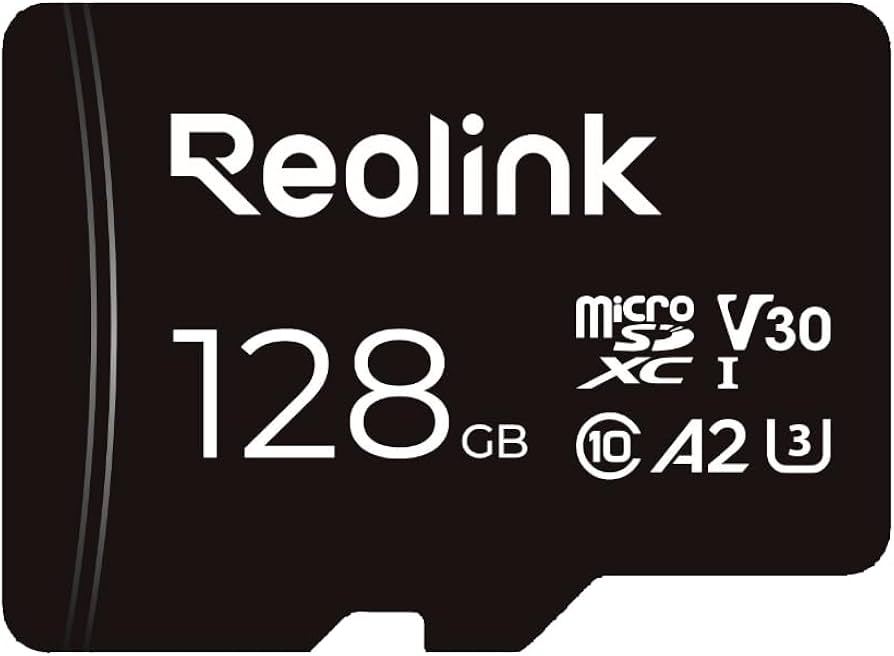


Reolink RLA-SD3/SD128GB Accessory [Hong Kong Official Product]
Inventory: In stock (estimated to ship within one business day)
Delivery and shipping fees (Free shipping on orders over HK$500)
International Shipping
Free-shipping thresholds · Power Bank surcharge
Hong KongFREE
SF Locker: Free for all orders · Door-to-door: Free over HK$500
Macau
Free shipping on orders HK$800+ (2-3 business days)
Australia (6-12 business days depending on area or zone)
Free over AU$100 · Flat AU$9.99 below
United Kingdom 0-3kg (3 - 5 business days); 3kg+ (5 - 8 business days)
Free over £40 · Flat £6.99 below
Singapore (5 - 8 business days)
Free over S$40 · Flat S$9.99 below
European Union (6 - 10 business days)
Free over €49 · Flat €9.99 below
Malaysia (6 - 10 business days)
Free over RM40 · Flat RM9.99 below
🇦🇺Australia — Power Bank
| Weight | Fee |
|---|---|
| 0 – 0.51 kg | AU$ 24.39 |
| 0.51 – 1.01 kg | AU$ 36.99 |
| 1.01 – 1.51 kg | AU$ 55.99 |
🇬🇧United Kingdom — Power Bank
| Weight | Fee |
|---|---|
| 0 – 0.51 kg | £ 9.99 |
| 0.51 – 1.1 kg | £ 15.99 |
| 1.1 – 1.51 kg | £ 22.99 |
🇸🇬🇲🇾SG / Malaysia — Power Bank
| Weight | Fee |
|---|---|
| 0 – 0.51 kg | SGD 18.99 |
| 0.51 – 1.01 kg | SGD 23.99 |
| 1.01 – 1.51 kg | SGD 27.99 |
🇮🇪Ireland — Power Bank
| Weight | Fee |
|---|---|
| 0 – 0.51 kg | € 26 |
| 0.51 – 1 kg | € 39 |
| 1 – 1.51 kg | € 51.99 |
🇨🇦Canada — Power Bank
| Weight | Fee |
|---|---|
| 0 – 0.51 kg | CA$ 37.05 |
| 0.51 – 1.01 kg | CA$ 58.33 |
| 1.01 – 1.51 kg | CA$ 82.41 |
⚡ Express Shipping — free option available, refer to checkout.
📦 Heavy / Oversized items (e.g. water dispenser) — contact customer service for a custom freight quote.
Warranty
Maintenance Terms and Conditions / Warranty Information
DIGIBAL Official Warranty Coverage
This product is Authentic Hong Kong goods, enjoy Original factory one-year warranty (Unless otherwise specified on the product page). Customers must keep this information safe. Purchase receipts and products Hong Kong distributor of skin care stickers (It is recommended to take photos for record-keeping). If the product malfunctions during the warranty period, the customer must...Contact the Hong Kong general agent directly. Arrange for testing and repair.
🌏 Overseas (US / CA / UK / SG / AU)
All products are Hong Kong official versions supplied with a UK-style 3-pin plug. Travel adapters are not included. Warranty coverage ranges from 1 to 2 years, with all servicing performed in Hong Kong. Local return warehouses available in Australia, UK and USA.
Contact CSProvide photos/videos
Submit photos/videos
Local ReturnShipping costs are paid by the customer first.
Customer pays upfront
Ship to HK Maintenance arranged by the company
Warranty processed
Reimbursement Full refund upon presentation of receipt
Full refund of postage
Overseas customers may choose between the following two options:
For other countries, please contact customer service for a return address.
Reolink RLA-SD3 128GB microSDXC Memory Card (ACCSD03) | U3, A2, V30
128GB | 100MB/s | U3, A2, V30 | 4K UHD | Compatible with the entire Reolink range
Product Overview
The RLA-SD3 (ACCSD03) is Reolink’s original 128GB microSDXC memory card, rated at up to 100MB/s and featuring U3, A2, V30, Class 10 and FAT32. It is compatible with the entire range of Reolink cameras, as well as PoE, WiFi and battery-powered doorbells.
The specifications on this page are based on the **official product summary provided by the distributor**: 128GB microSDXC, up to 100MB/s, 4K UHD, U3, A2, V30, Class 10 and FAT32 format. The official summary does not specify write speed, high-endurance specifications or warranty period, so we do not make assumptions.
Why use an original memory card: Security cameras are devices that write continuously, and standard memory cards may fail within a few months due to write wear. The value of an original card lies in its compatibility verification — Reolink devices have specific requirements for card partitioning and formatting. Using an incompatible card commonly results in “Unable to format” errors or the card failing after recording for just a few days.
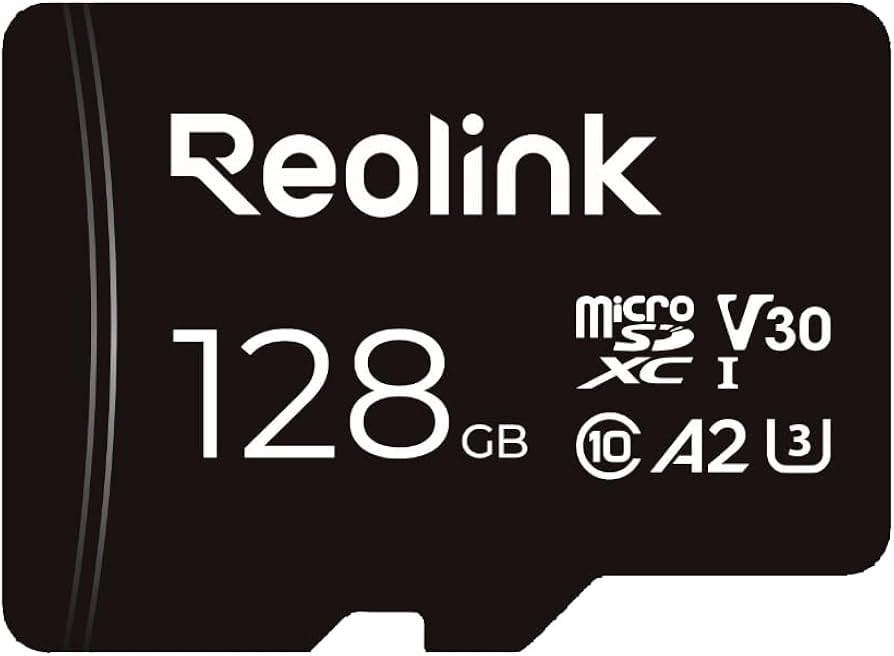
Six Key Highlights
Why Security Cameras Need a Dedicated Memory Card
A camera is a device that writes continuously 24 hours a day, generating far more data than taking photos on a phone. Standard cards may develop write errors or file corruption within a few months, and may even become completely unreadable.
The value of an original card is not just its speed, but also its compatibility: Reolink devices require a specific format (FAT32) and partitioning method. Cards that do not meet the specifications may be unable to be formatted in the device.
- High 24-hour continuous-write workload
- Standard cards are prone to failure within months
- Requires FAT32 format and compatible partitioning
How Long Can 128GB Record
Recording time depends on the resolution, bitrate and recording mode (continuous recording or event recording). The write volume for continuous 4K recording is much higher than for 2K event recording, so the number of usable days on the same card can vary severalfold depending on the settings.
The official summary does not provide a specific recording duration, so we do not make assumptions. In practice, 128GB is a reasonable starting point for event recording in a typical home. For commercial use or high-resolution continuous recording, a 256GB card or an NVR is recommended.
- Recording time depends on resolution and recording mode
- 4K continuous recording has the highest write volume
- For commercial use, consider larger capacity or an NVR
What Do U3, A2 and V30 Mean
Both U3 and V30 are speed-class ratings, indicating a minimum sustained write speed of 30MB/s, which is sufficient for 4K video recording. A2 is an application performance class that indicates faster random read and write performance — for security cameras, this affects the writing response after an event is triggered.
Class 10 is an older standard requiring a minimum speed of 10MB/s. The U3/V30 markings indicate that the card significantly exceeds the basic requirements of Class 10.
- U3/V30 guarantees a minimum write speed of 30MB/s
- A2 improves random read and write performance
- Sufficient for 4K recording
Formatting and Compatibility
The official summary specifies FAT32 format. If you replace the card yourself, be sure to format it in the device rather than on a computer, so that the device can create the correct directory structure. Cards formatted on a computer are often not recognized by the device.
If the device indicates that formatting is not possible, the card capacity may exceed the maximum supported by that model (the limit varies by model, commonly 256GB or 512GB), or the card may not meet the required specifications.
- Always format the card in the device
- Cards formatted on a computer are often not recognized
- Check the maximum capacity supported by your camera model
When to Replace the Card
Memory cards are consumables. Common signs of failure include skipped frames or unplayable recordings, repeated formatting prompts from the device, and abnormal heat from the card. If any of these occur, back up your data and replace the card immediately. Do not continue using it —— a failing card may also affect recording functionality.
We recommend replacing it every 1-2 years, or contacting us if any issues occur during the warranty period.
- Replace the card immediately if recordings skip frames or cannot be played
- A failing card can affect recording functionality
- Recommended replacement every 1-2 years
Recording Settings and Storage Planning
How long the same card can be used depends largely on the settings. Several practical adjustments include switching from continuous recording to "event recording," lowering the bitrate during non-essential periods, and shortening the pre-recording and post-recording durations.
If you need long-term playback, a local memory card is not the best option —— the storage capacity and loop recording management of an NVR or Home Hub are more suitable. The memory card is intended for "quick playback of recent events" and "buffering during network interruptions."
Check regularly: Open the App every one or two months to check the storage status and confirm that recordings are working properly, preventing an unnoticed card failure.
- Switching to event recording can significantly extend the card's lifespan
- Choose an NVR/Home Hub for long-term playback
- Check the storage status every two to three months
In-the-Box Contents
The following is the packaging content for Hong Kong authorized stock. Actual accessories are subject to the shipment batch received; if you have any questions, please confirm with us before placing your order.
- The specifications on this page are based on the official product summary provided by the distributor (write speed, write endurance specifications, and warranty period are not listed). Please format the card in the device, and note the maximum capacity supported by each model.
- Packaging contents are subject to Reolink's official shipping configuration. The official product page does not provide an itemized packing list, so our store does not speculate on the quantity of accessories. If you need to confirm a specific accessory before placing an order (such as the bracket, screw pack, or whether a power adapter is included), please contact us first.
- Hong Kong authorized stock, 2-year manufacturer's warranty, and local support.
Suitable Scenarios
Suitable for Reolink users who need local recording storage or whose existing memory card is nearing the end of its write life.
- Standalone recording without an NVR
- Local doorbell storage
- Event recording on battery-powered cameras
- Replacing a failed old card
- Backup preparation before traveling
Why Choose This Model
- 128GB Capacity
- 100MB/s, U3, A2, V30
- FAT32 — No Additional Formatting Required
- Compatible with the full range of Reolink products
- Factory Compatibility Verification
Full Specifications
Comparison Within the Same Series
The same series also includes 64GB and 256GB; the table below provides the official summary, with the 128GB model you are viewing highlighted.
| Item | SD64GB(ACCSD02) | SD128GB(ACCSD03) | SD256GB(SD256) |
| Capacity | 64GB | 128GB | 256GB |
| Maximum Read Speed | 100MB/s | 100MB/s | 100MB/s |
| Specifications | U3、A2、V30、Class 10 | U3、A2、V30、Class 10 | U3、A2、V30、Class 10 |
| Format | FAT32 | FAT32 | FAT32 |
| 4K UHD | Supported | Supported | Supported |
Frequently Asked Questions
Not sure whether to buy 128GB or 256GB?
Tell us your device model and recording settings (resolution, continuous or event recording), and we will help estimate the available recording time and recommend a suitable capacity.
Official Hong Kong Stock|2-Year Manufacturer’s Warranty|Local Support