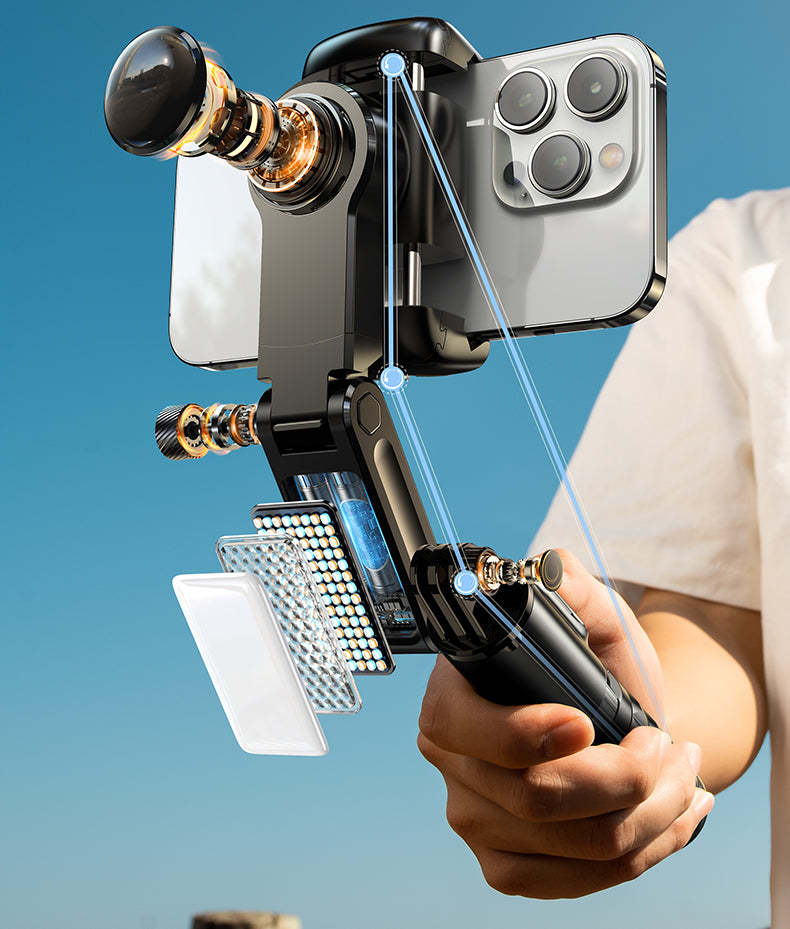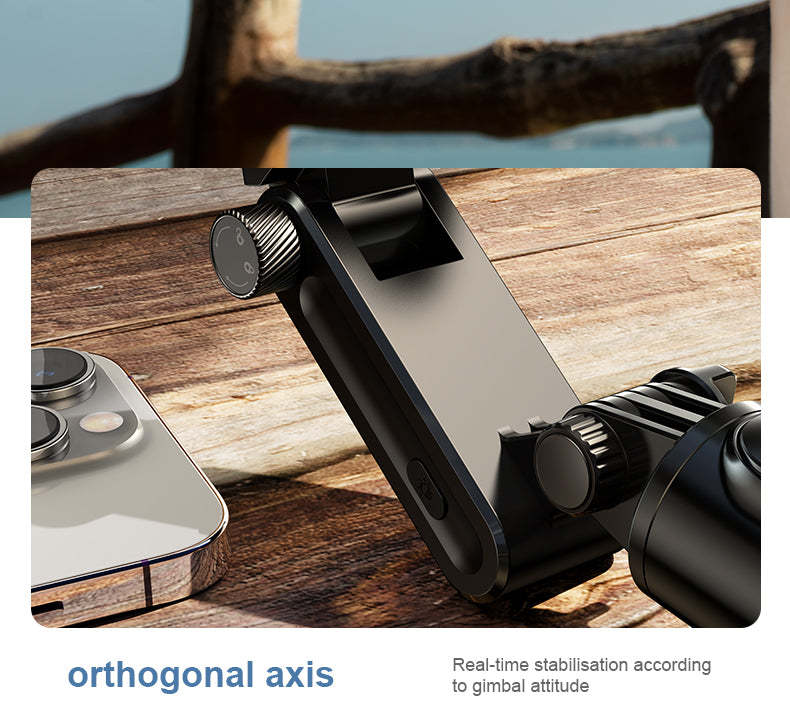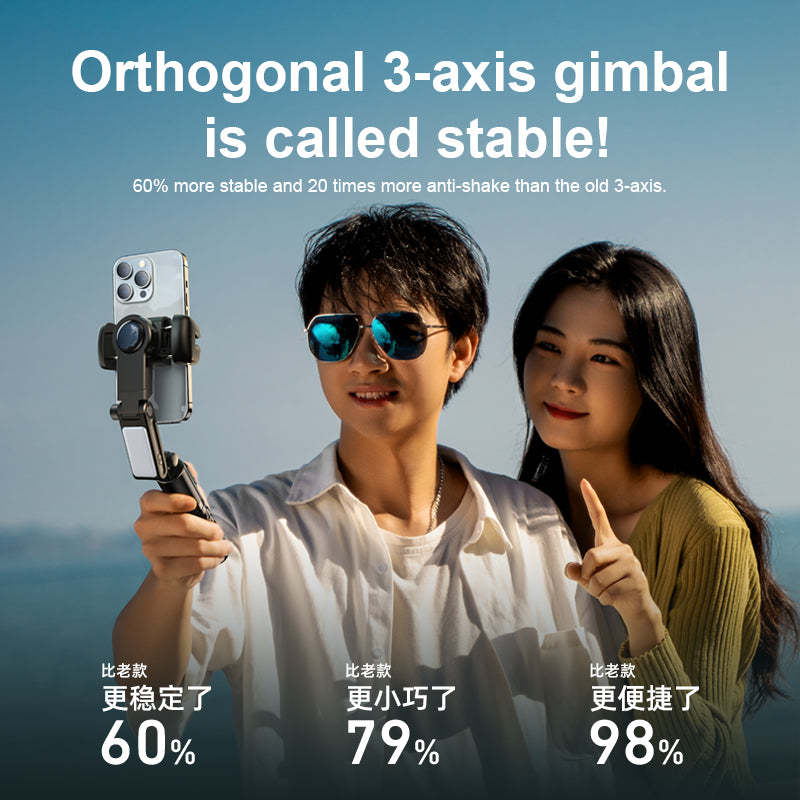



RTAKO Q18 2nd generation professional anti-vibration face tracking folding 3-axis gimbal [Hong Kong licensed]
Inventory: In stock (estimated to ship within one business day)
Delivery and shipping fees (Free shipping on orders over HK$500)
International Shipping
Free-shipping thresholds · Power Bank surcharge
Hong KongFREE
SF Locker: Free for all orders · Door-to-door: Free over HK$500
Macau
Free shipping on orders HK$800+ (2-3 business days)
Australia (6-12 business days depending on area or zone)
Free over AU$100 · Flat AU$9.99 below
United Kingdom 0-3kg (3 - 5 business days); 3kg+ (5 - 8 business days)
Free over £40 · Flat £6.99 below
Singapore (5 - 8 business days)
Free over S$40 · Flat S$9.99 below
European Union (6 - 10 business days)
Free over €49 · Flat €9.99 below
Malaysia (6 - 10 business days)
Free over RM40 · Flat RM9.99 below
🇦🇺Australia — Power Bank
| Weight | Fee |
|---|---|
| 0 – 0.51 kg | AU$ 24.39 |
| 0.51 – 1.01 kg | AU$ 36.99 |
| 1.01 – 1.51 kg | AU$ 55.99 |
🇬🇧United Kingdom — Power Bank
| Weight | Fee |
|---|---|
| 0 – 0.51 kg | £ 9.99 |
| 0.51 – 1.1 kg | £ 15.99 |
| 1.1 – 1.51 kg | £ 22.99 |
🇸🇬🇲🇾SG / Malaysia — Power Bank
| Weight | Fee |
|---|---|
| 0 – 0.51 kg | SGD 18.99 |
| 0.51 – 1.01 kg | SGD 23.99 |
| 1.01 – 1.51 kg | SGD 27.99 |
🇮🇪Ireland — Power Bank
| Weight | Fee |
|---|---|
| 0 – 0.51 kg | € 26 |
| 0.51 – 1 kg | € 39 |
| 1 – 1.51 kg | € 51.99 |
🇨🇦Canada — Power Bank
| Weight | Fee |
|---|---|
| 0 – 0.51 kg | CA$ 37.05 |
| 0.51 – 1.01 kg | CA$ 58.33 |
| 1.01 – 1.51 kg | CA$ 82.41 |
⚡ Express Shipping — free option available, refer to checkout.
📦 Heavy / Oversized items (e.g. water dispenser) — contact customer service for a custom freight quote.
Warranty
Maintenance Terms and Conditions / Warranty Information
DIGIBAL Official Warranty Coverage
This product is Authentic Hong Kong goods, enjoy Original factory one-year warranty (Unless otherwise specified on the product page). Customers must keep this information safe. Purchase receipts and products Hong Kong distributor of skin care stickers (It is recommended to take photos for record-keeping). If the product malfunctions during the warranty period, the customer must...Contact the Hong Kong general agent directly. Arrange for testing and repair.
🌏 Overseas (US / CA / UK / SG / AU)
All products are Hong Kong official versions supplied with a UK-style 3-pin plug. Travel adapters are not included. Warranty coverage ranges from 1 to 2 years, with all servicing performed in Hong Kong. Local return warehouses available in Australia, UK and USA.
Contact CSProvide photos/videos
Submit photos/videos
Local ReturnShipping costs are paid by the customer first.
Customer pays upfront
Ship to HK Maintenance arranged by the company
Warranty processed
Reimbursement Full refund upon presentation of receipt
Full refund of postage
Overseas customers may choose between the following two options:
For other countries, please contact customer service for a return address.
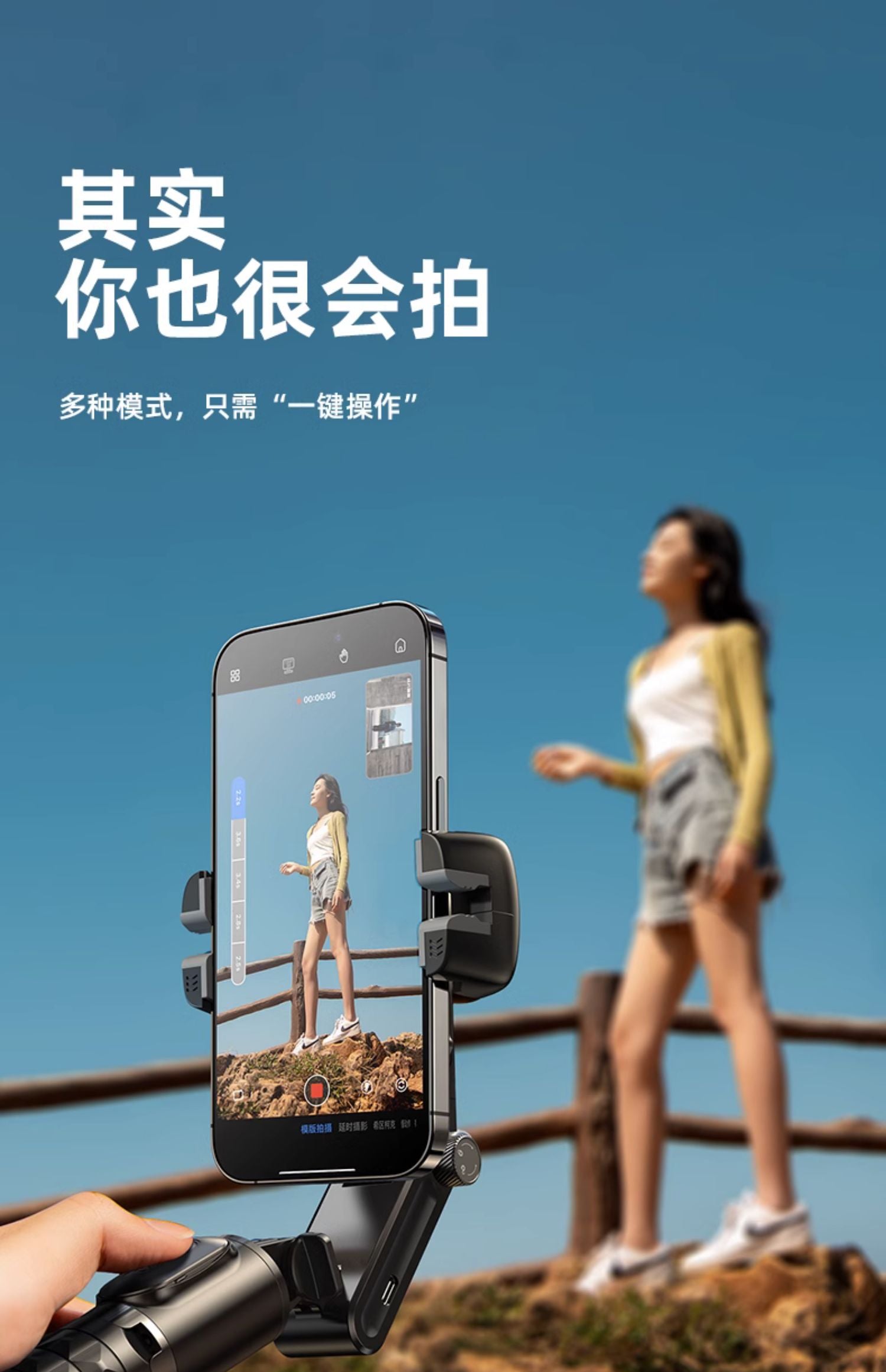
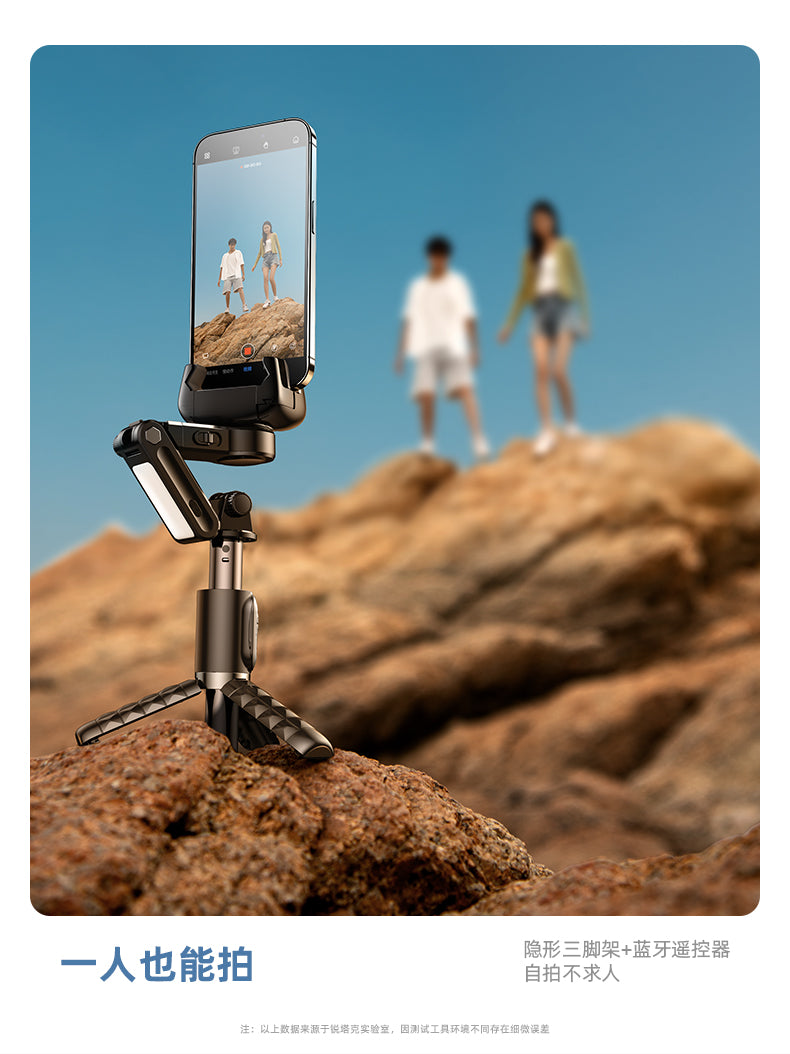
💕Stabilizer Mode (with Remote Control)
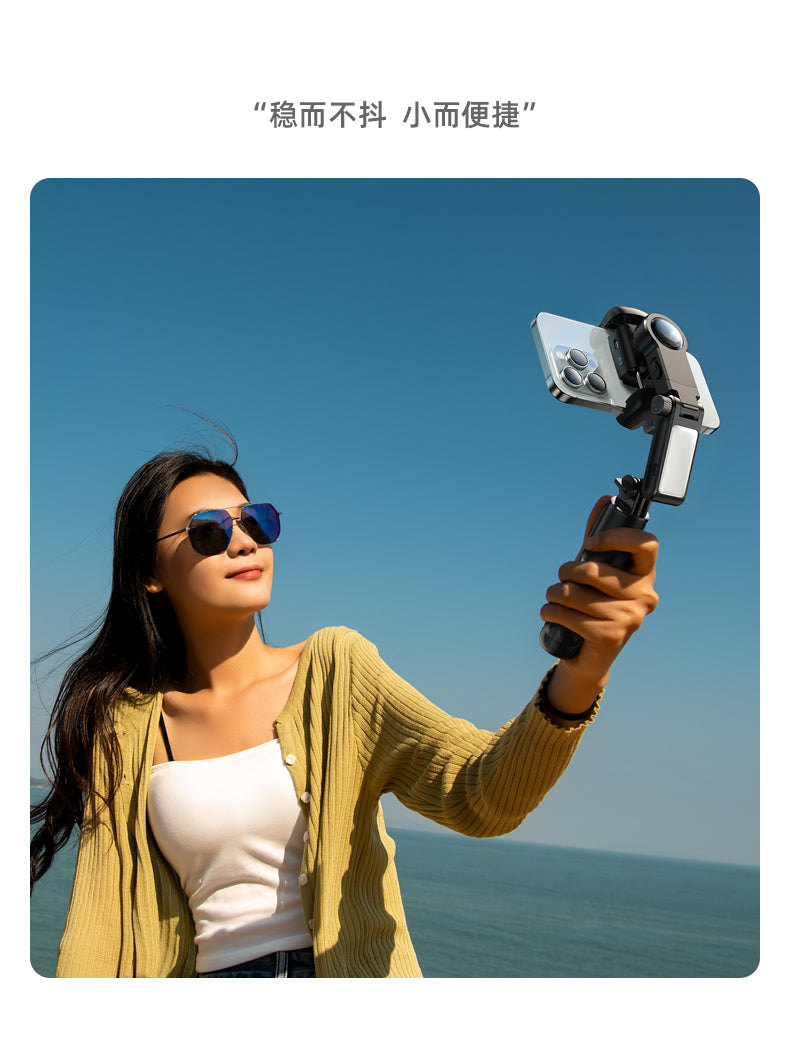
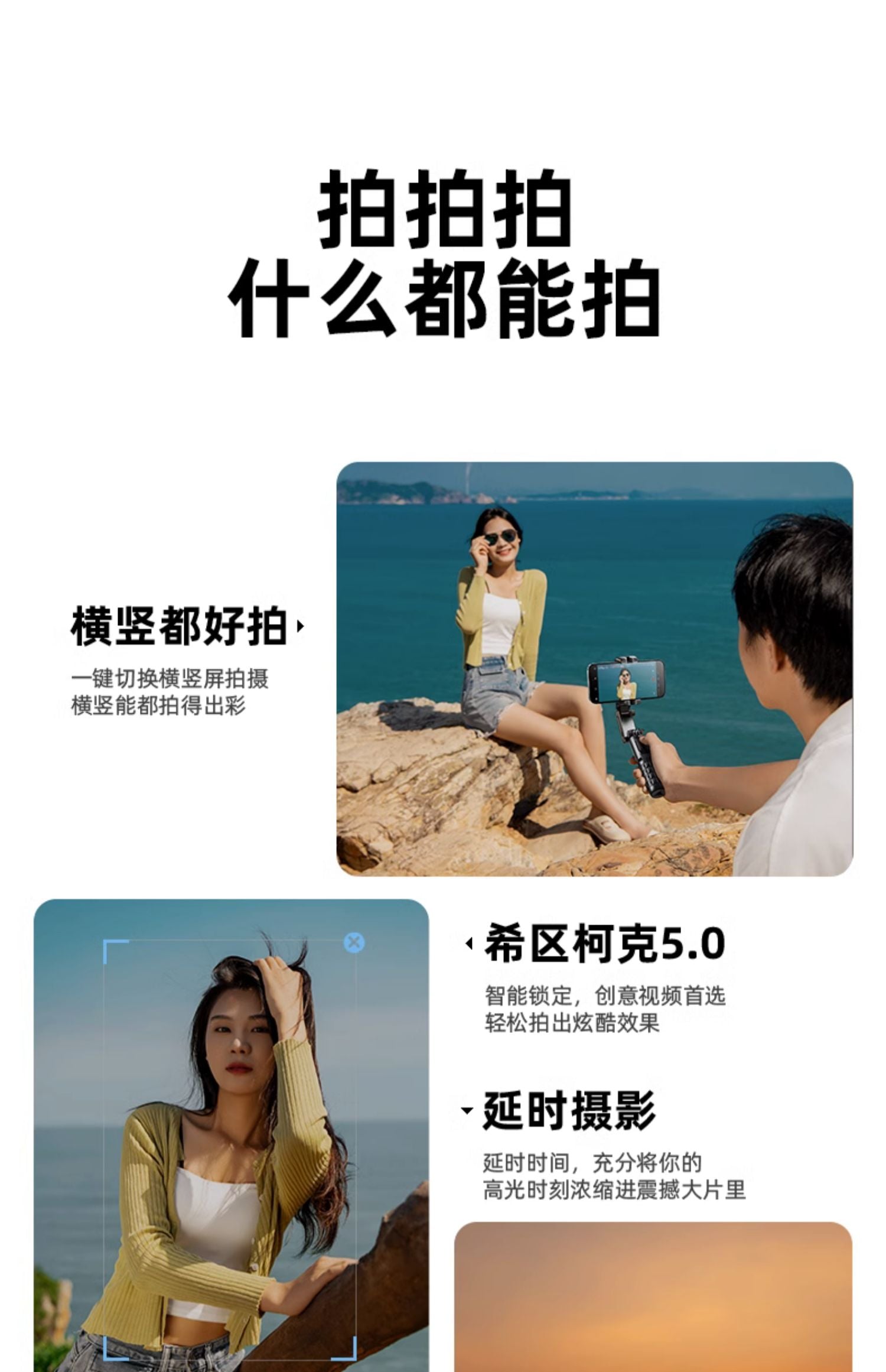
👍Switch Between Landscape and Portrait Modes: Easily switch between landscape and portrait shooting modes.
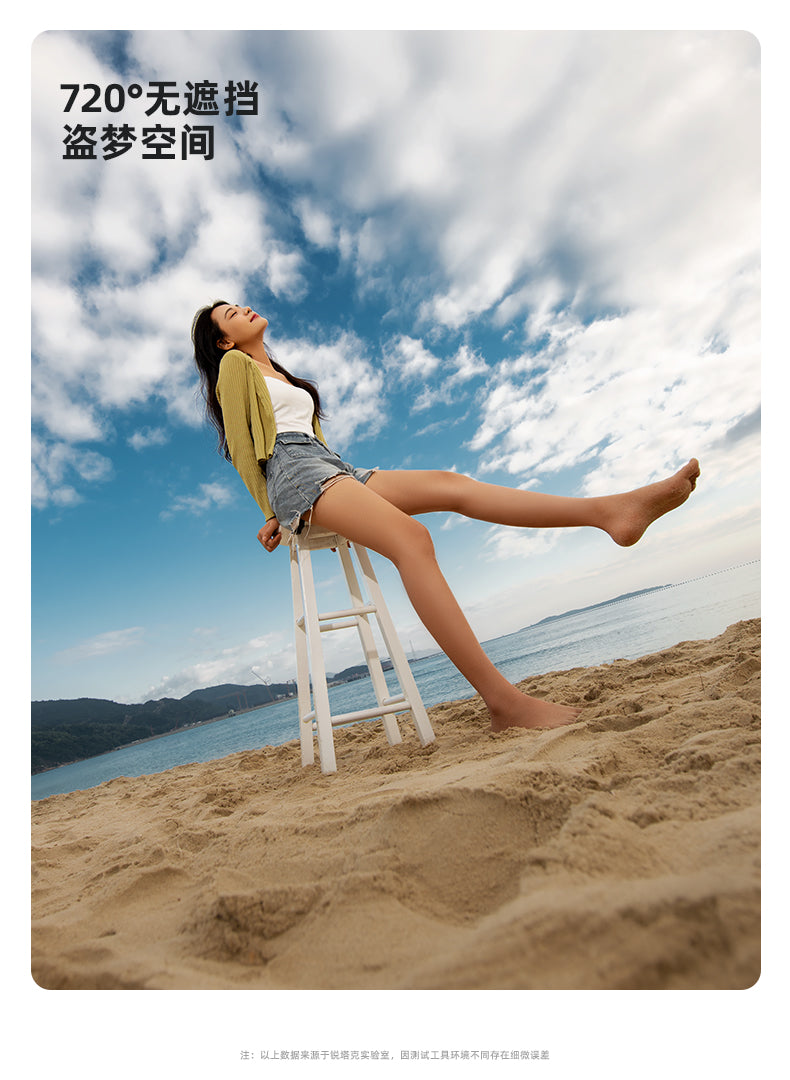
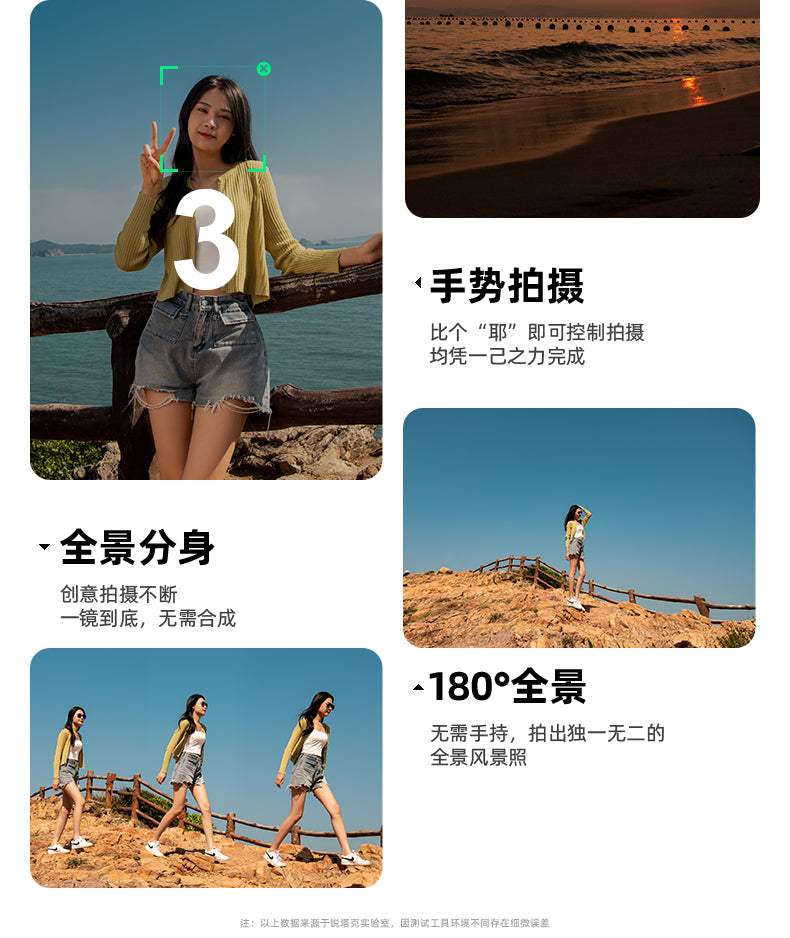
👍Jumping Inception Mode: Achieve a jumping Inception effect and expand the shooting perspective.
👍POV Mode: Strongly convey a personal perspective or capture action scenes, creating a unique and engaging visual effect while increasing audience involvement.
👍Hitchcock Effect: Also known as the dolly zoom, this effect creates a visual effect through different focal lengths. The stabilizer enables smooth zooming to create captivating visual changes in videos. For example, zoom out from a distant subject and then suddenly zoom in to enhance the dramatic effect.
👍Time-Lapse Photography: A technique that involves continuously capturing a series of photos and combining them into a video.
👍Clockwise/Counterclockwise Rotation: Rotate the image in real time. Counterclockwise rotation can be used to highlight specific movements and enhance drama and visual appeal.
💕Dedicated App (with Remote Control):
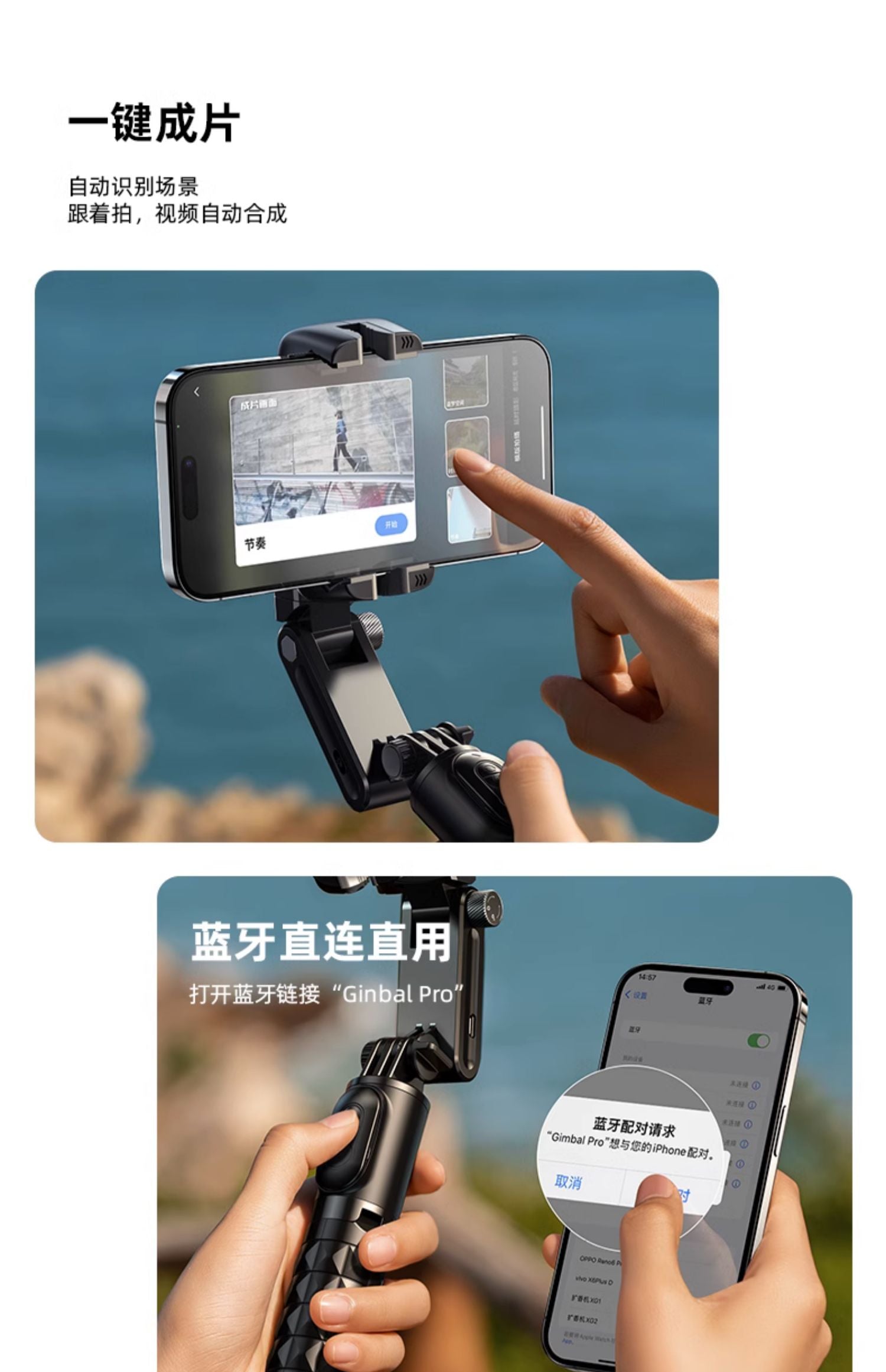
👍Remote Control: Through the app, you can remotely control the camera, including starting and stopping recording, taking photos, adjusting the focal length, and more. This is suitable for difficult or special shooting situations.
👍Real-Time Preview: The app usually provides a real-time preview function, allowing you to view your photos or videos. This enables you to adjust settings and ensure the desired results.
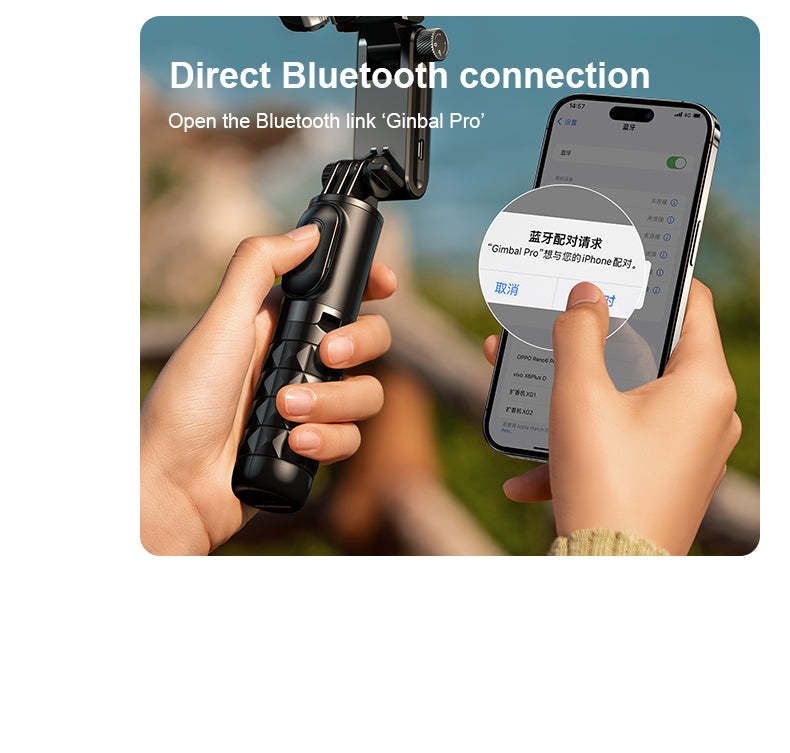
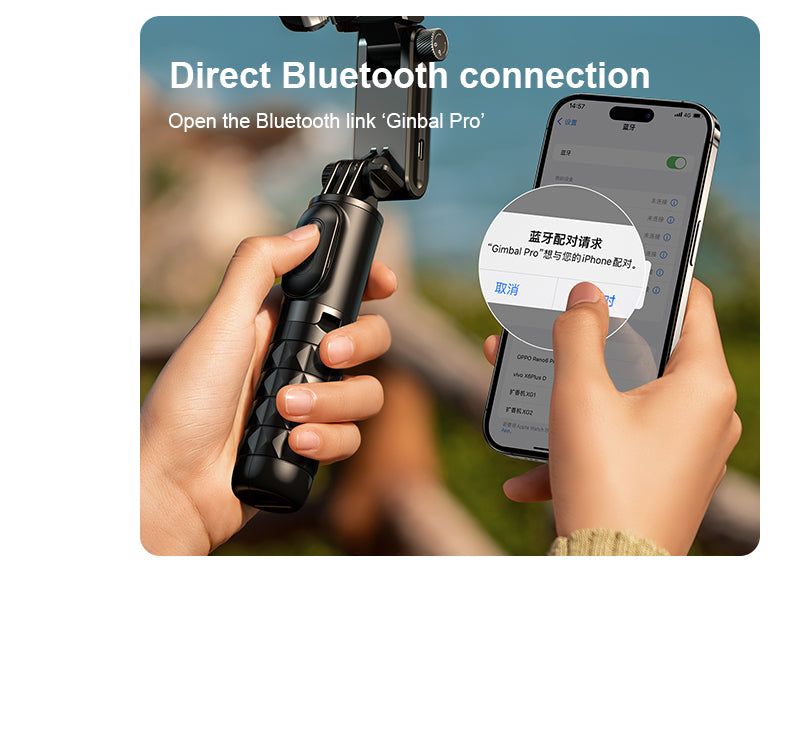
👍Instant Sharing and Storage: When used with Bluetooth and the app, you can instantly share your photos and videos to social media or cloud storage. This makes it very easy to share your work with others.
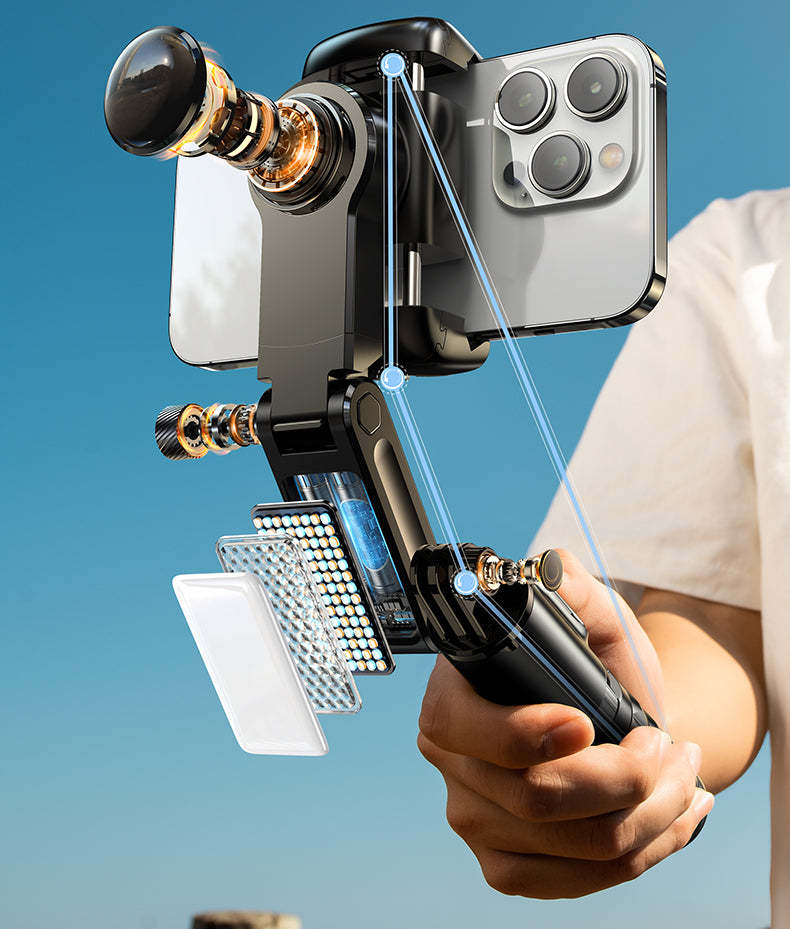
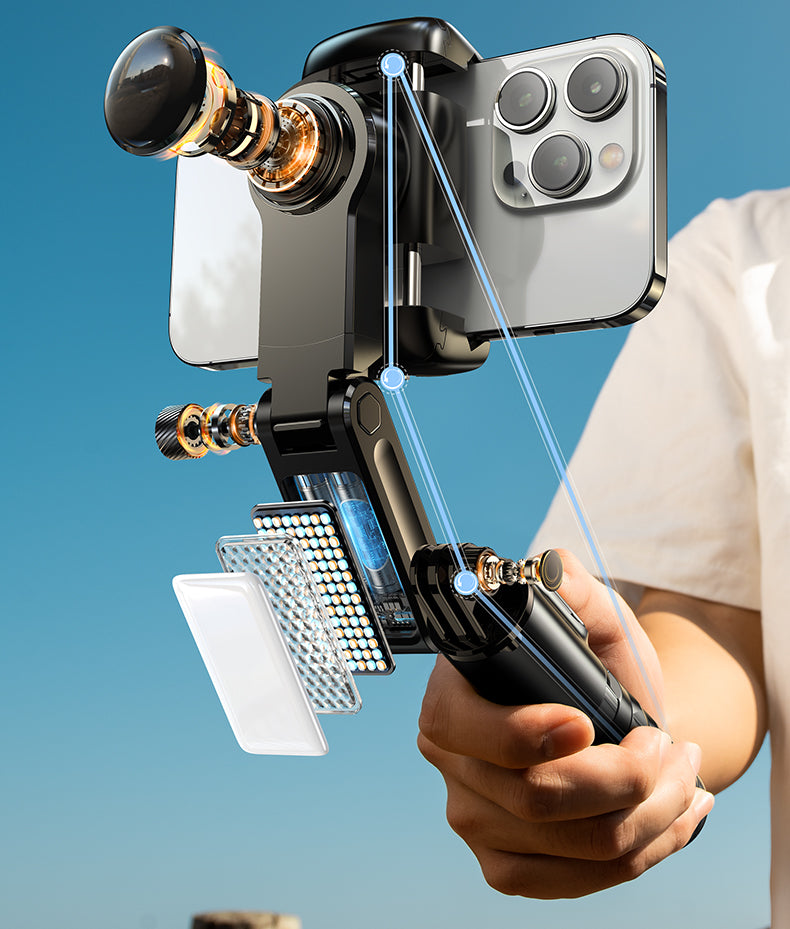
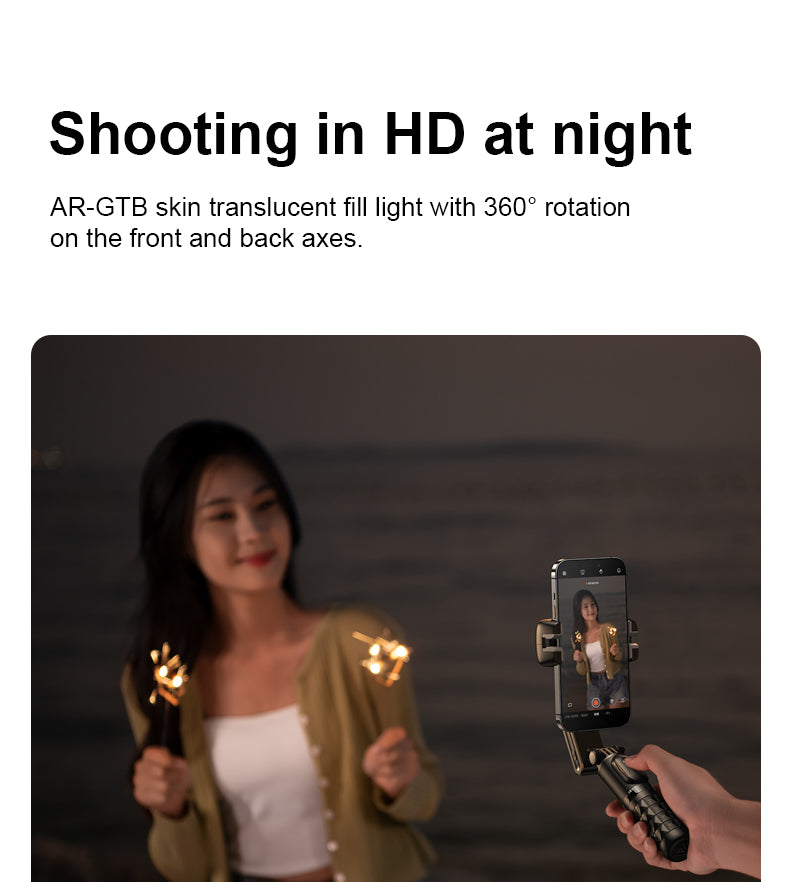
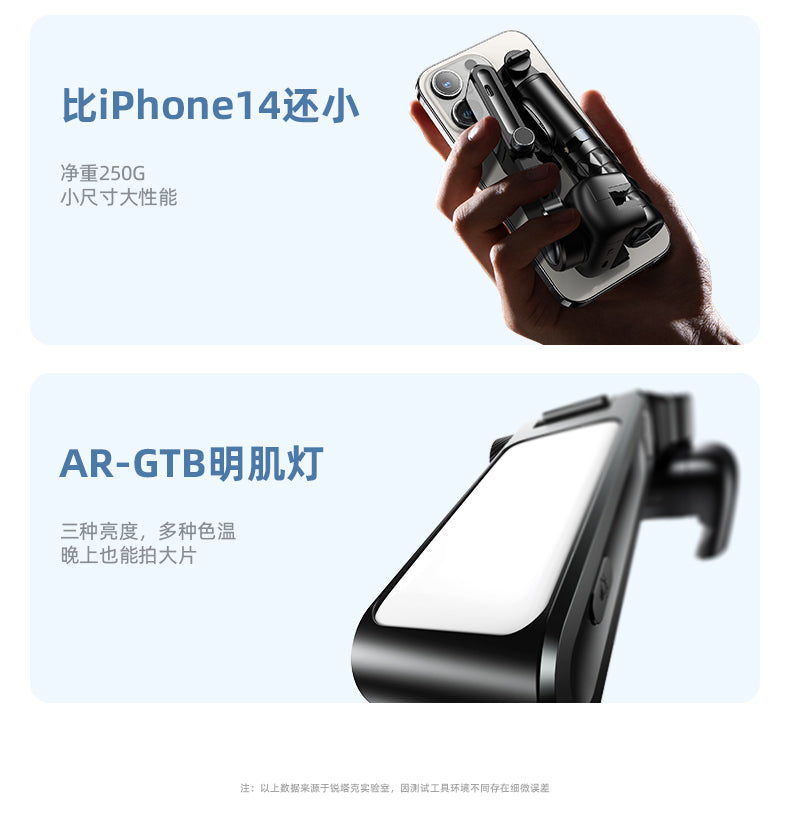
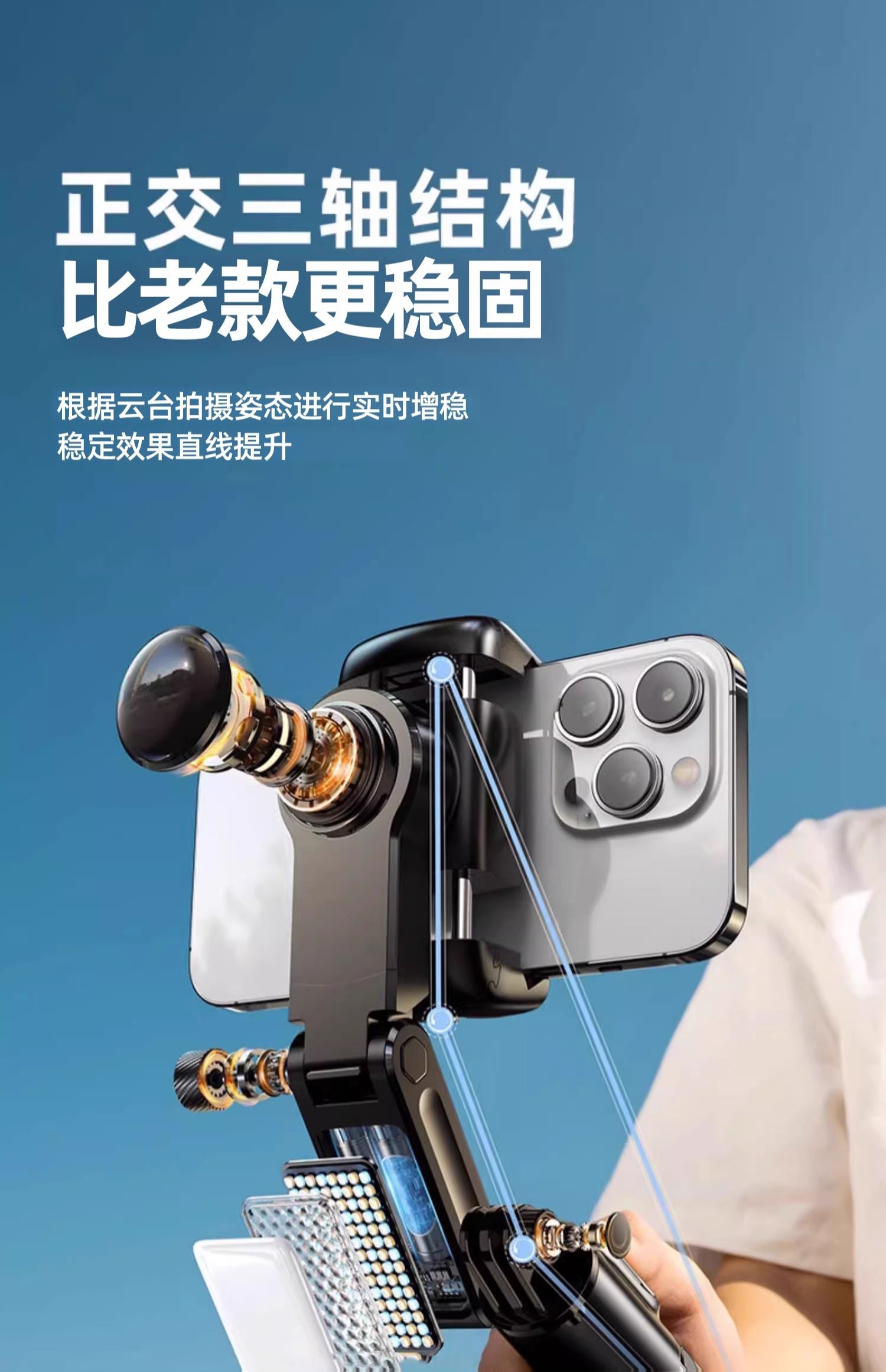
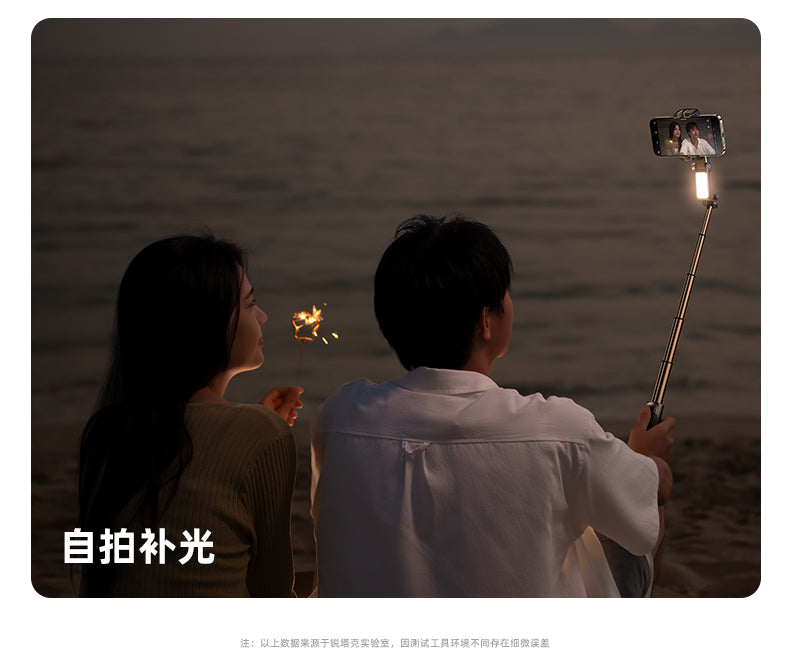
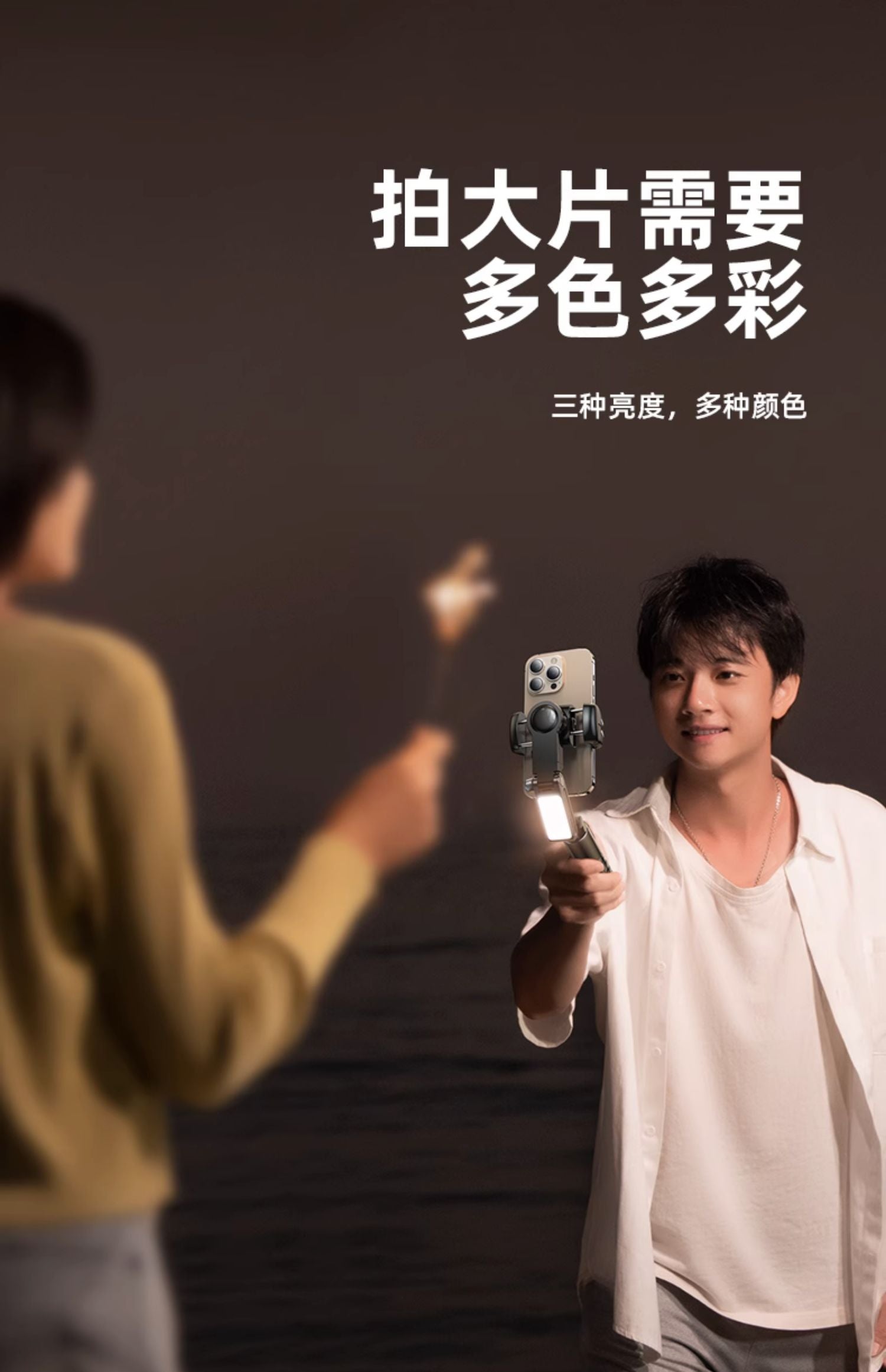
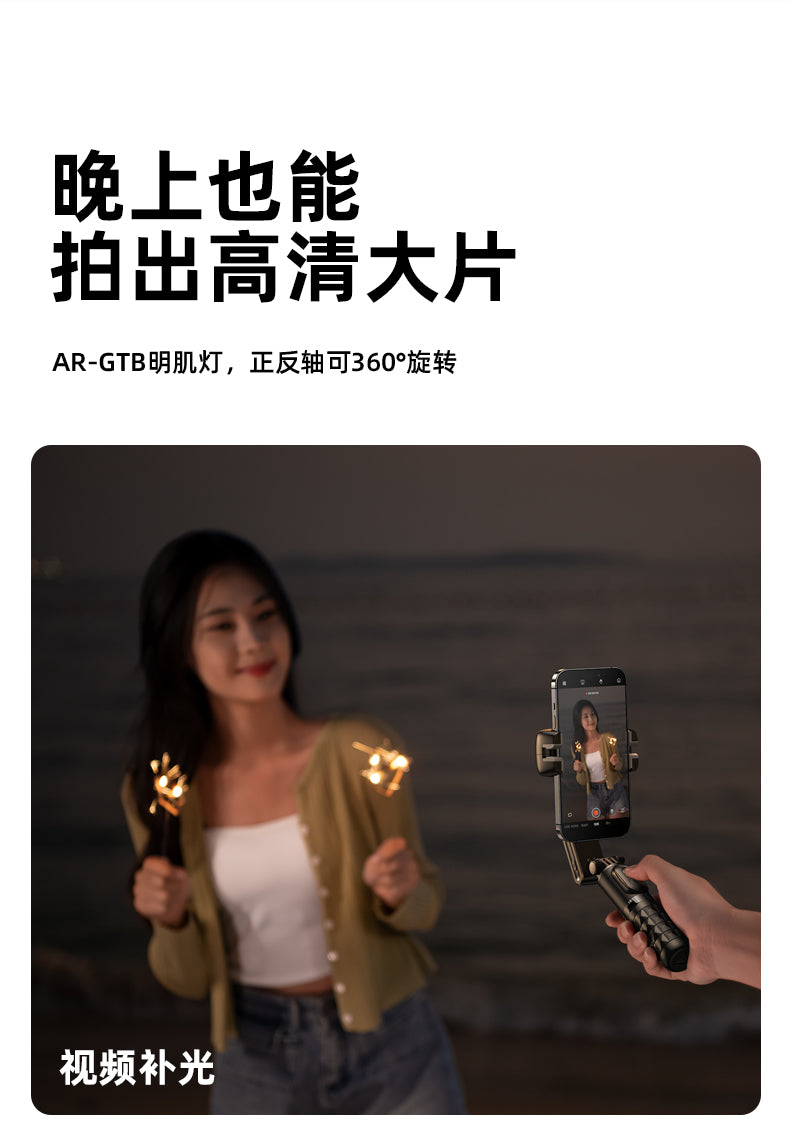
💕Multifunctional Fill Light: Can be used for fill-light photography, selfie lighting, and live-stream lighting.
📌Rotating Phone Holder for Front and Rear Light Sources
👍Overall Shooting Effect: Adds visual appeal to videos and photos, such as through contour lighting or backlighting effects.
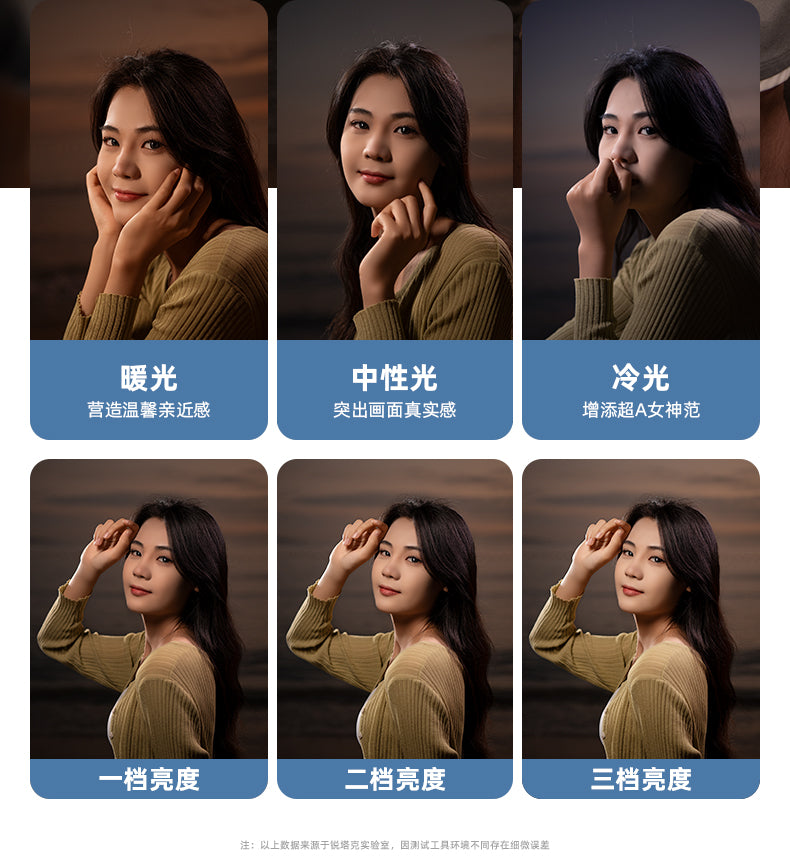
👍Portrait Photography: Front and rear light sources can help soften facial features, making the skin look smoother and reducing the visibility of wrinkles and blemishes.
👍3 Colors and 9 Levels: Adjustable warm, cool, and neutral light, with three intensity levels for each mode. Whether you want warm ambient lighting or cool-toned dramatic effects, the variety of color temperatures allows you to adapt to different scenes and shooting needs, creating a range of moods and effects.
📌Strobe Mode:
👍Speed and Frequency Control: Faster flashing creates a surprising atmosphere, while slower flashing creates a dramatic atmosphere.
👍Create Special Effects: Simulate lightning, fireworks, or neon light effects to enhance visual appeal.
👍Highlights and Shadows Contrast: The alternating light and dark effects of strobe mode can highlight the subject and create attractive contrasts between highlights and shadows, making photos or videos more captivating.
📌Fill Light Instructions:
1. Long press to power on/off; single click to adjust brightness; double click for strobe mode
2. Light Modes: White light/Warm light/White + warm light x Soft/Medium/Strong light
📌Remote Control Instructions:
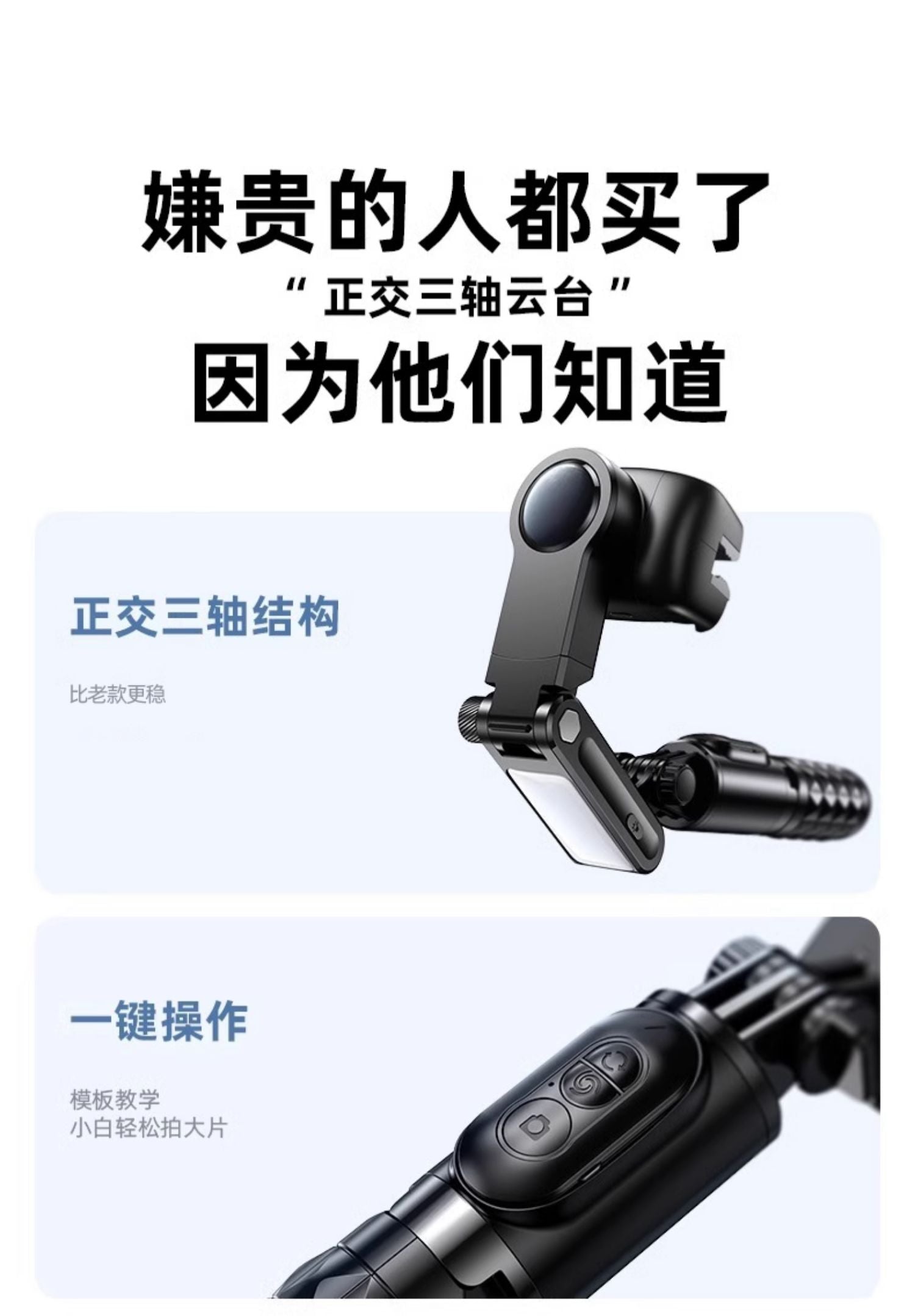
1. Rotation Button: Single click - switch between landscape and portrait; double click - jumping Inception mode; long press - clockwise Inception mode
2. Swirl Button: Single click - POV half-follow mode; double click - 260-degree Inception mode; long press - counterclockwise Inception mode
3. Camera Button: Long press - power on/off; single click - take photos or start/stop recording
📌Desktop Gimbal Instructions:
1. Rotation Button: Single click - rotate slightly to the left; double click - automatically activate gimbal face tracking; long press - continuously rotate to the left
2. Swirl Button: Single click - rotate slightly to the right; double click - cancel face tracking; long press - continuously rotate to the right
3. Camera Button: Long press - power on/off; single click - take photos or start/stop recording
☛Product Specifications
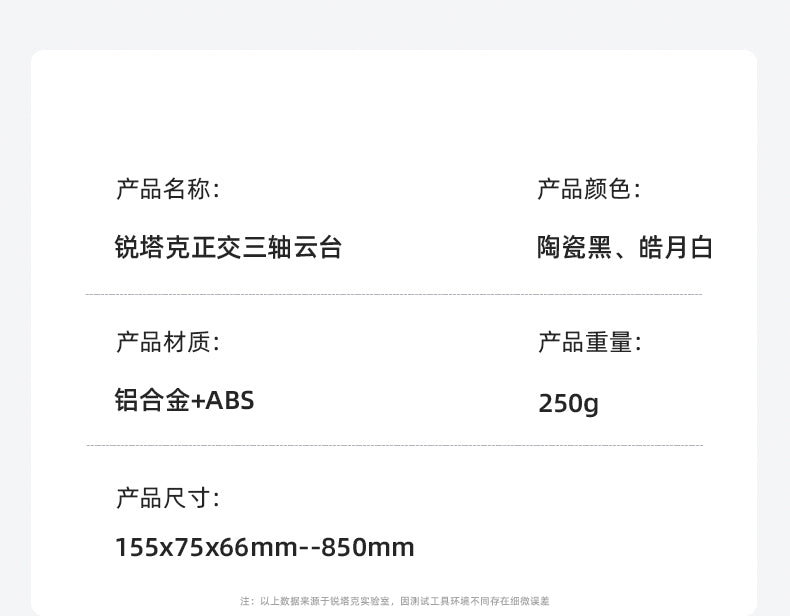
🔰Product Material: ABS+Aluminum Alloy
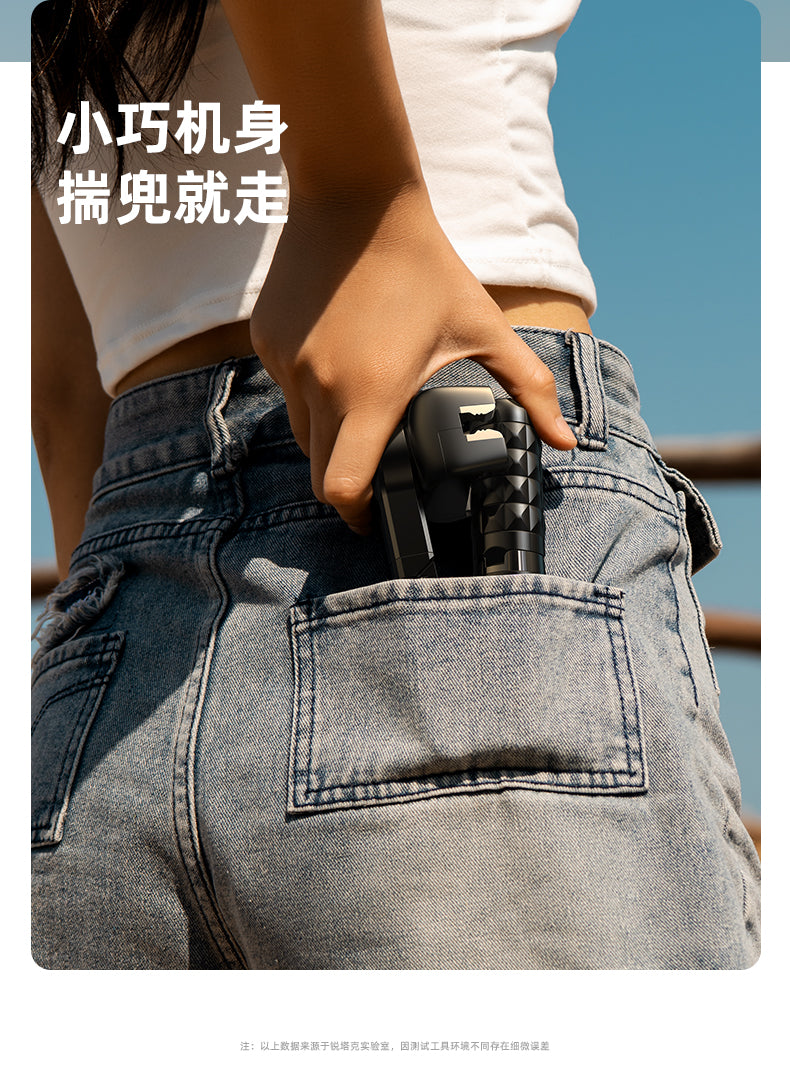
🔰Product Dimensions: 155x75x66 mm
🔰Net Weight: 260g
🔰Gimbal Battery Life: 2-3hr
🔰Gimbal Battery: 500mAh
🔰Phone Size: 45-83mm (landscape), 7-14mm (portrait)
🔰Bluetooth Version: V4.2
🔰System Compatibility: Android4.4、iOS5.1
🔰Fill Light Battery: 400mAh
🔰Fill Light Usage Time: 1.5hr
🔰Fill Light Color Temperature: 3000k-6500k
🔰Fill Light Power: 1.2ww
Warranty: One-year Hong Kong warranty from the general agent


How to Use the Gimbal Stand:
1. Secure the phone and keep it naturally balanced. Long press the gimbal power button for 5 seconds to power on; long press for 3 seconds to power off.
2. When the green light flashes, it enters stabilization mode. Shake the handle left and right, and the gimbal will remain horizontal.
3. Pull the locking ring outward and slide it upward to lock the gimbal; slide it downward to unlock (the locking ring must be pressed flat to lock).
4..A flashing red light indicates low battery. While charging - the red light stays on; when fully charged, the red light turns off.
How to Use the Fill Light:
1. Long-press to turn on/off; then single-click to adjust the brightness
2. Light modes: Single-click the switch: White light - Soft, Medium, Strong
Warm light - Soft, Medium, Strong
Mixed light - Soft, Medium, Strong (Long-press the switch at any time to turn off the light and save the settings)
3. Double-click the switch to enter flash mode
How to Use the Multifunctional Remote Control:
1. Rotation button: Single-click - switch between landscape and portrait orientation; double-click - jump-style Inception mode; long-press - clockwise Inception mode
2. Vortex button: Single-click - POV semi-follow mode; double-click - 260-degree Inception mode; long-press - counterclockwise Inception mode
3. Camera button: Single-click - press and hold for 2 seconds to turn on/off; long-press - take photos or record videos (start/stop)
🎯Notes
1. The Bluetooth remote control is compatible with Android 4.4 and above and iOS 5.1 and above
(If you have changed the system "volume button function" in your phone's camera settings, be sure to change it back to the default setting,
or "Take Photo" to use it normally)
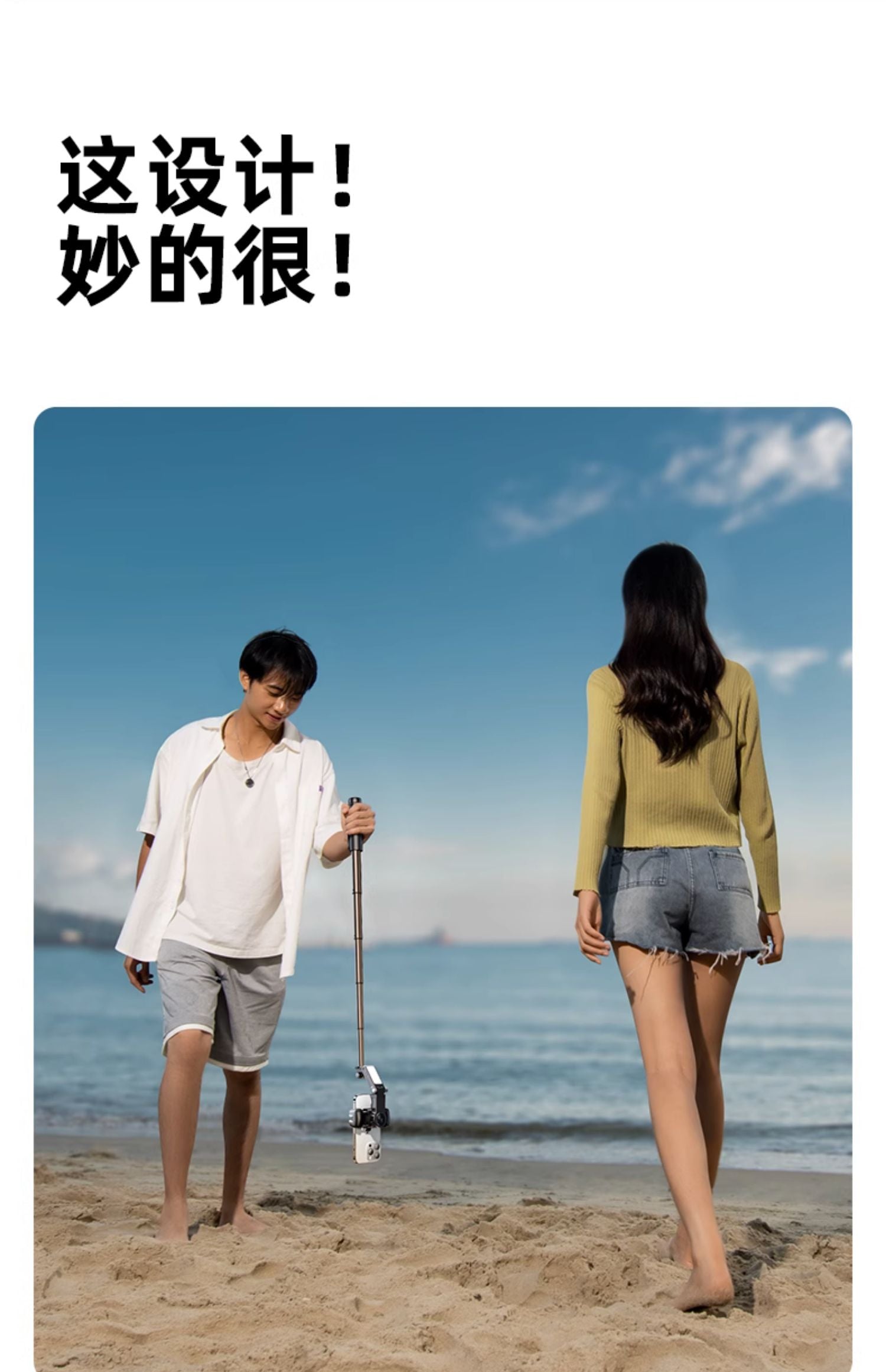
2. Stabilization mode: Best used with a 3-section telescopic pole (within approximately 50 cm)
3. Selfie mode: Recommended for use with a 5-section telescopic pole (within approximately 70 cm)
4. Do not expose the battery to sunlight, fire, or excessively hot environments
5. When the phone is clamped, make sure it is snugly secured in the clamp~
Warranty
1-year warranty
1-year warranty. Warranty period is subject to the statutory requirements of the local country.(The warranty period is based on the requirements of local laws.)