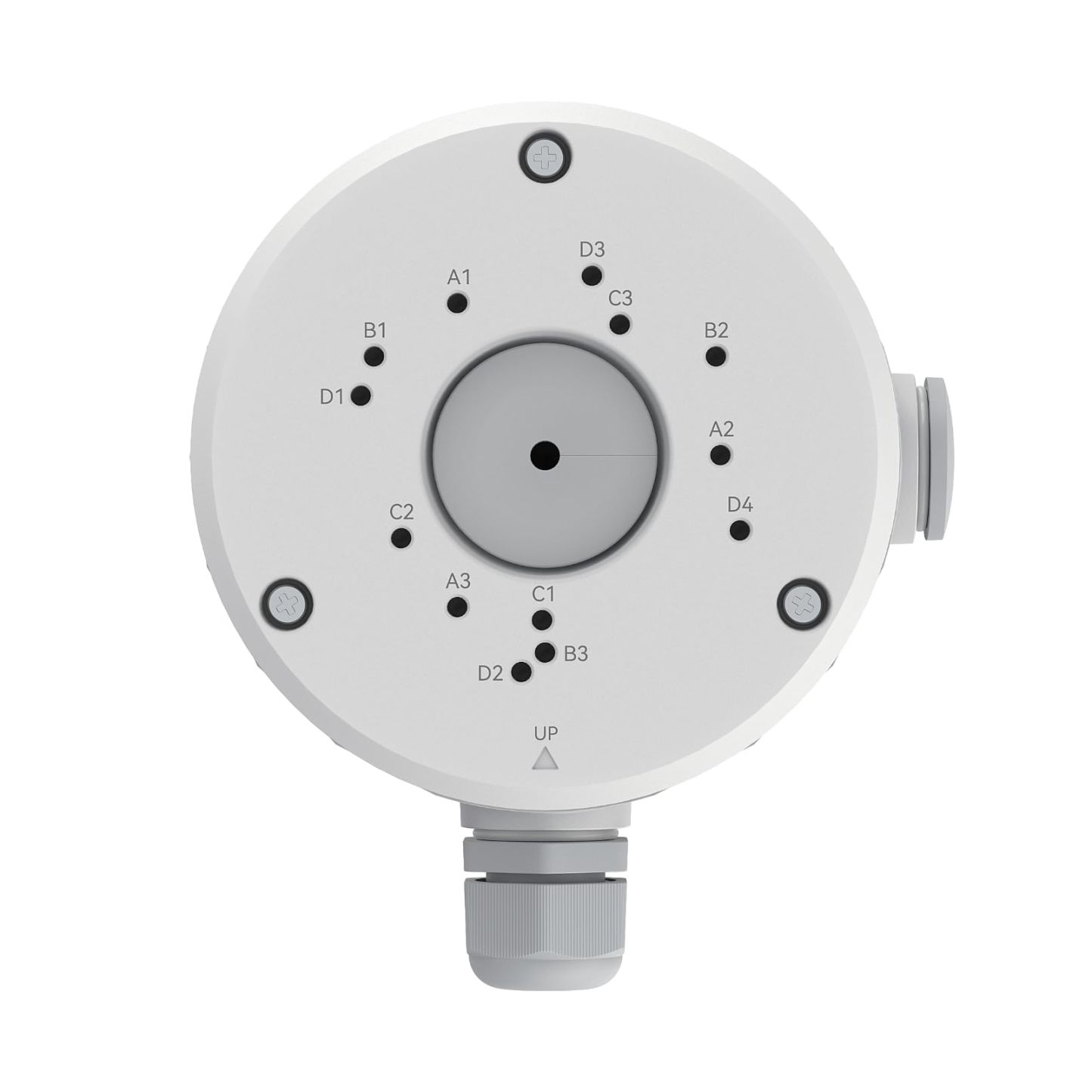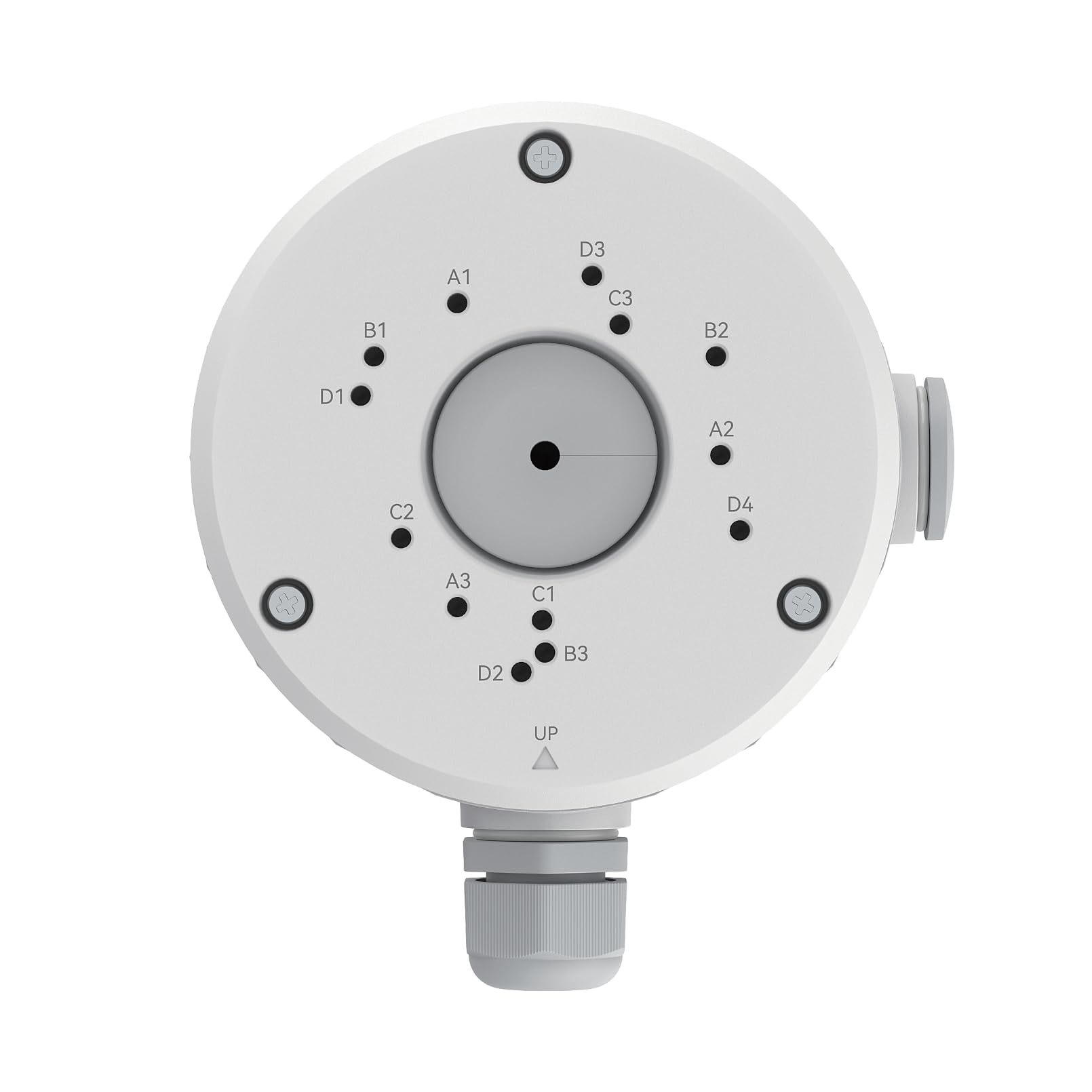


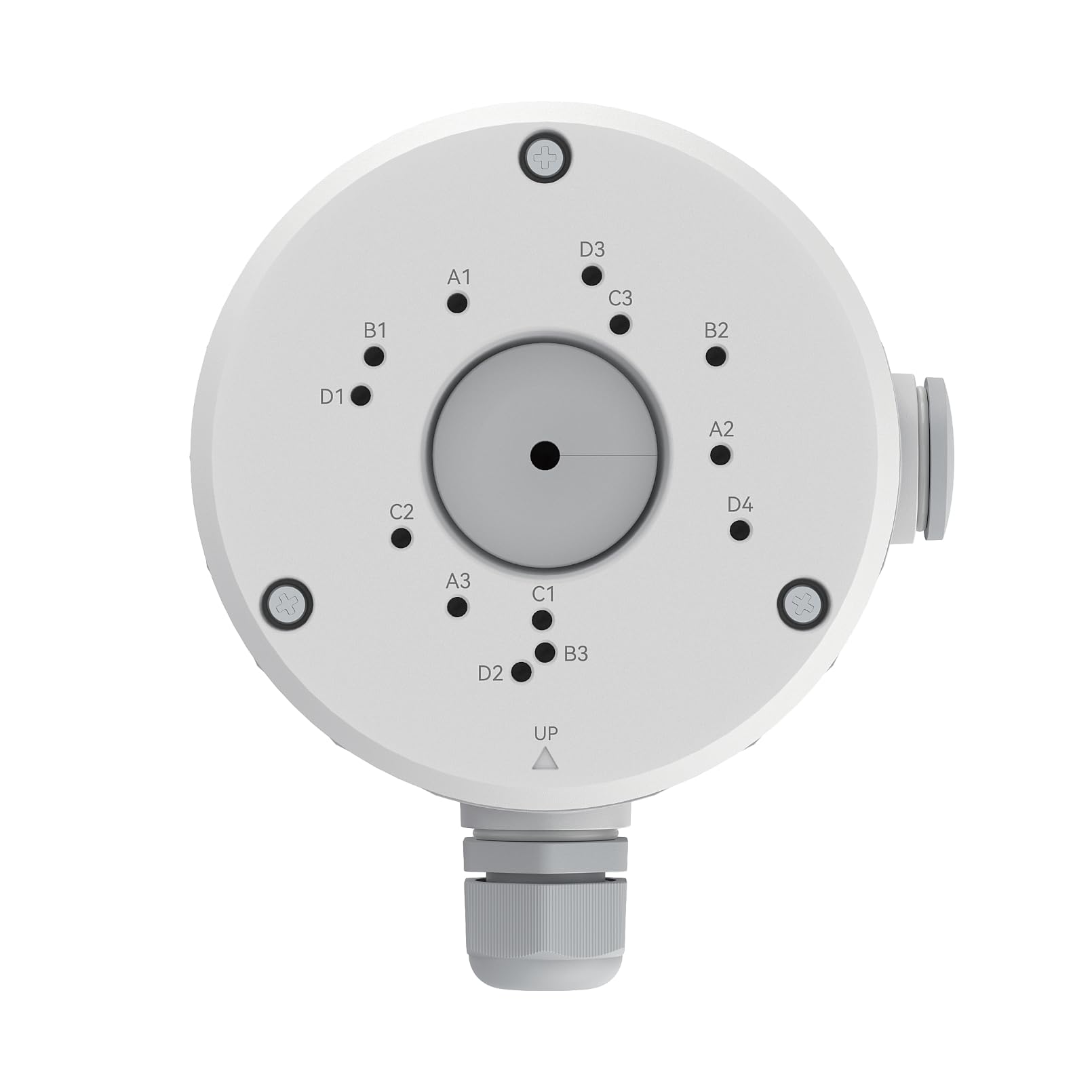
Reolink Junction Box B10 Accessory [Hong Kong Official Product]
Inventory: In stock (estimated to ship within one business day)
Delivery and shipping fees (Free shipping on orders over HK$500)
International Shipping
Free-shipping thresholds · Power Bank surcharge
Hong KongFREE
SF Locker: Free for all orders · Door-to-door: Free over HK$500
Macau
Free shipping on orders HK$800+ (2-3 business days)
Australia (6-12 business days depending on area or zone)
Free over AU$100 · Flat AU$9.99 below
United Kingdom 0-3kg (3 - 5 business days); 3kg+ (5 - 8 business days)
Free over £40 · Flat £6.99 below
Singapore (5 - 8 business days)
Free over S$40 · Flat S$9.99 below
European Union (6 - 10 business days)
Free over €49 · Flat €9.99 below
Malaysia (6 - 10 business days)
Free over RM40 · Flat RM9.99 below
🇦🇺Australia — Power Bank
| Weight | Fee |
|---|---|
| 0 – 0.51 kg | AU$ 24.39 |
| 0.51 – 1.01 kg | AU$ 36.99 |
| 1.01 – 1.51 kg | AU$ 55.99 |
🇬🇧United Kingdom — Power Bank
| Weight | Fee |
|---|---|
| 0 – 0.51 kg | £ 9.99 |
| 0.51 – 1.1 kg | £ 15.99 |
| 1.1 – 1.51 kg | £ 22.99 |
🇸🇬🇲🇾SG / Malaysia — Power Bank
| Weight | Fee |
|---|---|
| 0 – 0.51 kg | SGD 18.99 |
| 0.51 – 1.01 kg | SGD 23.99 |
| 1.01 – 1.51 kg | SGD 27.99 |
🇮🇪Ireland — Power Bank
| Weight | Fee |
|---|---|
| 0 – 0.51 kg | € 26 |
| 0.51 – 1 kg | € 39 |
| 1 – 1.51 kg | € 51.99 |
🇨🇦Canada — Power Bank
| Weight | Fee |
|---|---|
| 0 – 0.51 kg | CA$ 37.05 |
| 0.51 – 1.01 kg | CA$ 58.33 |
| 1.01 – 1.51 kg | CA$ 82.41 |
⚡ Express Shipping — free option available, refer to checkout.
📦 Heavy / Oversized items (e.g. water dispenser) — contact customer service for a custom freight quote.
Warranty
Maintenance Terms and Conditions / Warranty Information
DIGIBAL Official Warranty Coverage
This product is Authentic Hong Kong goods, enjoy Original factory one-year warranty (Unless otherwise specified on the product page). Customers must keep this information safe. Purchase receipts and products Hong Kong distributor of skin care stickers (It is recommended to take photos for record-keeping). If the product malfunctions during the warranty period, the customer must...Contact the Hong Kong general agent directly. Arrange for testing and repair.
🌏 Overseas (US / CA / UK / SG / AU)
All products are Hong Kong official versions supplied with a UK-style 3-pin plug. Travel adapters are not included. Warranty coverage ranges from 1 to 2 years, with all servicing performed in Hong Kong. Local return warehouses available in Australia, UK and USA.
Contact CSProvide photos/videos
Submit photos/videos
Local ReturnShipping costs are paid by the customer first.
Customer pays upfront
Ship to HK Maintenance arranged by the company
Warranty processed
Reimbursement Full refund upon presentation of receipt
Full refund of postage
Overseas customers may choose between the following two options:
For other countries, please contact customer service for a return address.
Reolink Junction Box B10 Junction Box (B10W) | For Bullet Cameras
For Bullet Cameras | Cable & Connector Concealment | Waterproof Storage | Original Accessories
Product Overview
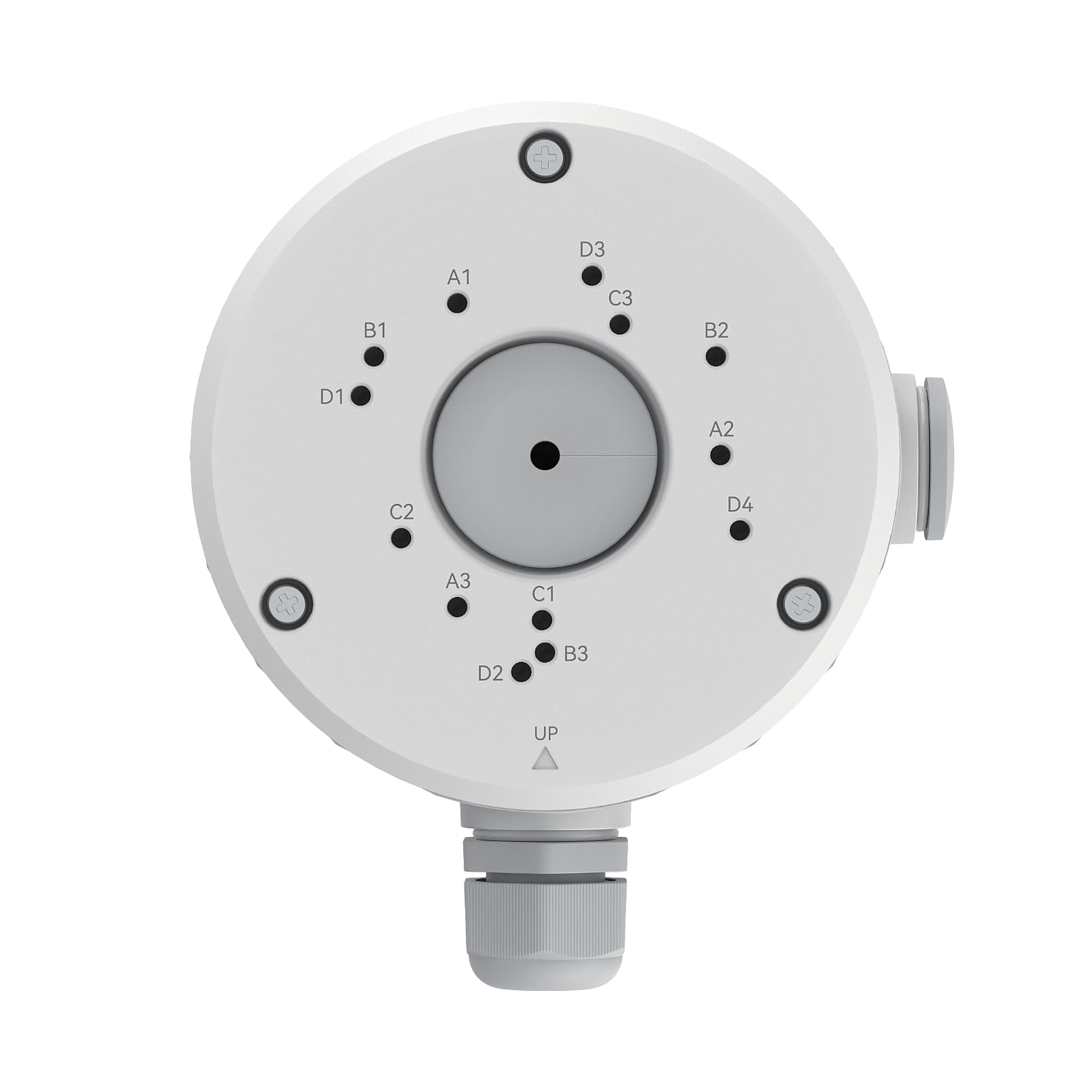
The Junction Box B10 (B10W) is a junction box designed by Reolink for bullet cameras. It stores the power and network connectors inside the box to prevent them from being directly exposed outdoors.
The original manufacturer does not provide a detailed specification page for this item. The information comes from the original product data supplied by our store's supplier: suitable for Reolink bullet cameras. The official information does not list the dimensions, material or waterproof rating, so we will not speculate.
Why you need it: The connectors on a camera's tail cable (the DC barrel connector and RJ45 connector) are not waterproof by design. Even when wrapped with waterproof tape, they may still allow water ingress after prolonged exposure to sun and rain — this is the most common reason an outdoor camera suddenly fails after two years of use. The junction box stores the connectors inside a covered box while also providing a neat mounting surface.
Six Key Highlights
What Problem Does the Junction Box Solve?
An outdoor camera's tail cable has two connectors: DC power and RJ45 network. These two connectors are not waterproof by design and rely on tape wrapping and downward cable routing during installation. Over time, the tape ages and moisture can seep in along the cable, causing poor contact, unstable PoE power delivery, or even corrosion of the circuit board.
The junction box stores the connectors inside the box, with the cover facing downward so that water cannot fall directly onto the connectors. It also provides a flat mounting surface, so the camera no longer needs to be mounted directly onto an uneven wall.
- The connectors themselves are not waterproof
- Aged tape is prone to water ingress
- The box provides a flat mounting surface
Suitable Mounting Locations
Especially suitable for exterior walls without eaves or other cover, poles, the tops of fences, and locations where rainwater runs down the wall. If your camera is installed deep under eaves and is fully sheltered from rain, the junction box is less essential, but it can still improve the appearance and help organise the cables.
Not suitable for locations requiring frequent removal and installation, or situations where multiple cables converge and more space is needed (choose the corresponding model instead).
- Suitable for Unobstructed Exterior Walls and Poles
- Less Essential Under Deep Eaves
- A Larger Box Is Needed for Multiple Cable Junctions
Installation Method
General method: First drill holes in the wall and secure the bottom of the box. Feed the tail cable into the box and connect it, then screw on the cover. Finally, secure the camera body to the surface of the box. Keep the drain hole facing downward to prevent water from accumulating inside the box.
When installing on a metal surface, add waterproof washers to the screws. When installing on an insulated layer or thin panel, add a wooden backing or use expansion screws to secure it to a solid structure.
- Drain Hole Facing Downward
- Add Waterproof Washers on Metal Surfaces
- Thin Panels Must Be Secured to a Solid Structure
Difference Between B10 and D20
B10 is designed for bullet-shaped camera bodies (long cylindrical shape), while D20 is designed for dome-shaped camera bodies. Their mounting surfaces and hole positions are different, so they are not interchangeable. Choosing the wrong one may prevent the camera body from being secured properly or may obstruct the lens.
Check Before Purchasing
Before placing your order, please confirm that your camera model is a bullet type (for example, bullet cameras in the RLC series, some models in the P series, or Go Plus). If you are using a dome or PTZ camera, choose D20 or another corresponding model. If you are unsure, you can send us a photo of the camera body.
Common Installation Mistakes
Mistake 1: Installing the drain hole facing upward. Water accumulating inside the box is the most common cause of failure, so always make sure the drain hole is at the lowest position during installation.
Mistake 2: The cable is coiled too tightly inside the box. Constant tension on the connectors may cause them to come loose, so leave a small amount of slack inside the box.
Mistake 3: Mounting only to insulation or a thin panel. In strong winds, the entire box may shake, causing the camera to shift and triggering false PIR alerts.
Mistake 4: The box cover screws are not fully tightened. Leaving out even one screw allows rainwater to seep through the gap.
- The drainage hole must face downward
- Leave a small amount of cable slack inside the box
- Secure to a solid structure
What's in the box
The contents listed below are for Hong Kong official-market packaging. Actual accessories may vary by shipment batch; please contact us for confirmation before placing an order if you have any questions.
- The manufacturer does not provide a detailed official specification page for this item. The information comes from the supplier's official product data and applies to bullet cameras. Official information does not specify the dimensions, material, or waterproof rating. For bullet camera bodies only; dome cameras should use D20.
- The package contents are based on Reolink's official shipping configuration. The official product page does not publish a detailed itemized packing list, and our store does not speculate on the quantity of accessories. If you need to confirm whether a specific accessory is included, such as a mount, screw pack, or power adapter, please contact us before placing your order.
- Hong Kong official-market stock, 2-year manufacturer's warranty, and local support.
Suitable applications
Suitable for installing bullet cameras on exterior walls or pillars without eaves, where the connectors need to be housed and the cables organized.
- Exterior walls without eaves
- Pillars and fence tops
- Locations where rainwater runs down the wall
- Residential properties requiring neat cable routing
- Exterior walls of warehouses and construction sites
Why choose this model
- Houses power and network connectors
- Helps reduce water ingress and poor contact
- Provides a flat mounting surface
- Drainage hole faces downward
- Designed for bullet cameras
Full specifications
Compare models in the same series
Our store also offers the D20 for dome cameras. The table below contains the supplier's official manufacturer data, with the B10 you are viewing highlighted.
| Item | Junction Box B10(B10W) | Junction Box D20(D20W) |
| Compatible camera body | Bullet | Dome |
| Purpose | Houses connectors and cables | Houses connectors and cables |
| Mounting surface | Wall / column | Ceiling / wall |
| Color | White | White |
| Interchangeable | Not interchangeable with D20 | Not interchangeable with B10 |
Frequently Asked Questions
Not sure whether to choose B10 or D20?
Send us a photo of the camera body, and we will help confirm whether it is a bullet or dome camera so you can select the corresponding junction box.
Hong Kong authorized stock | 2-year manufacturer's warranty | Local support